GUIDE 12 OF 42 · EDITOR
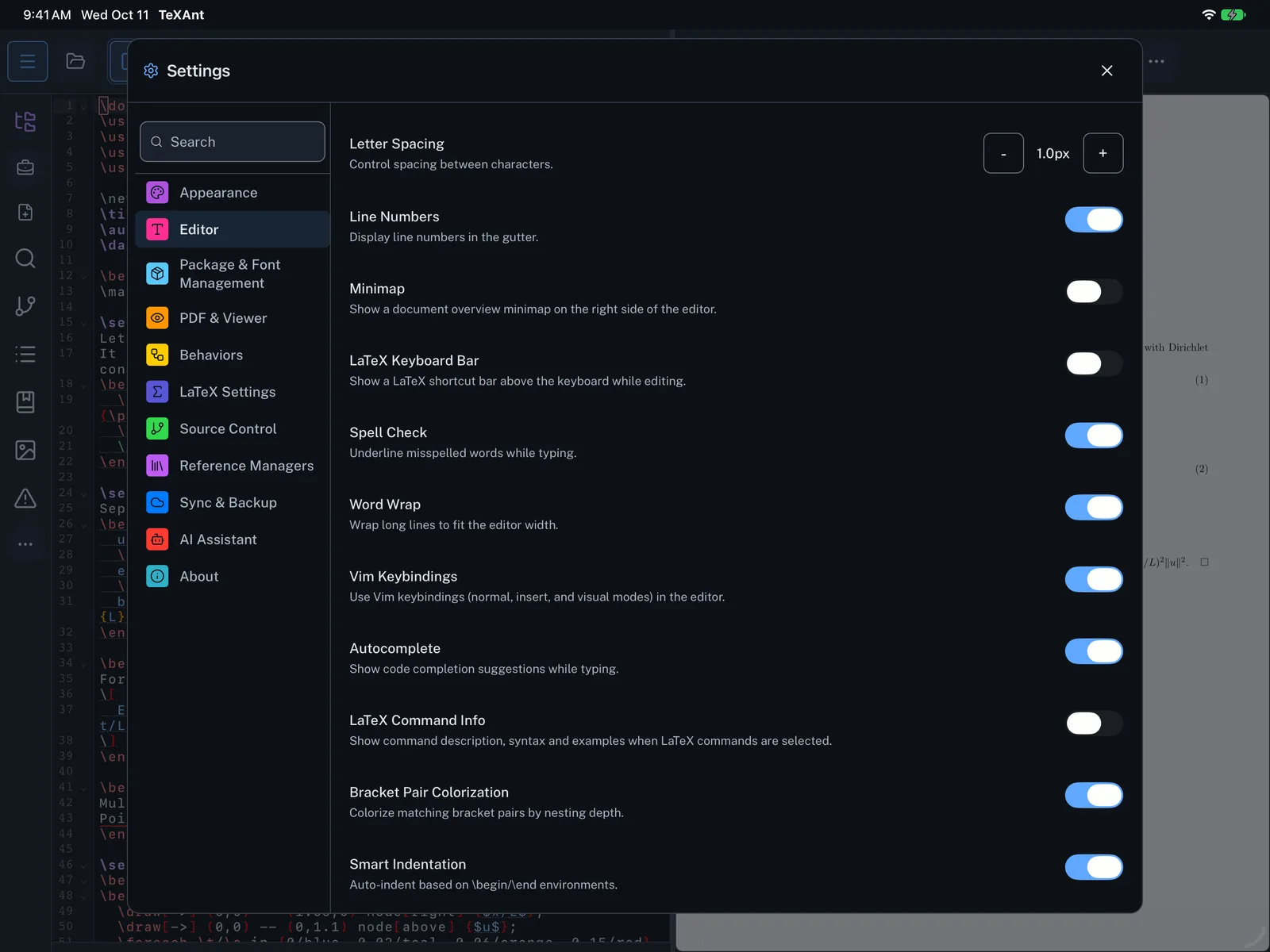
Turn on Vim keys
Edit with Vim’s normal, insert and visual modes.
- Open Settings (the gear, or ⌘ ,) and choose Editor.
- Switch on Vim Keybindings.
- Close Settings and tap into your document. You start in normal mode; press i to insert and Esc to go back.
- Vim keys are most useful with a hardware keyboard.