GUIDE 41 OF 42 · AI & MATH OCR
Fix a compile error with AI
Send a failed compile to your AI provider and review the proposed fix before you accept it.
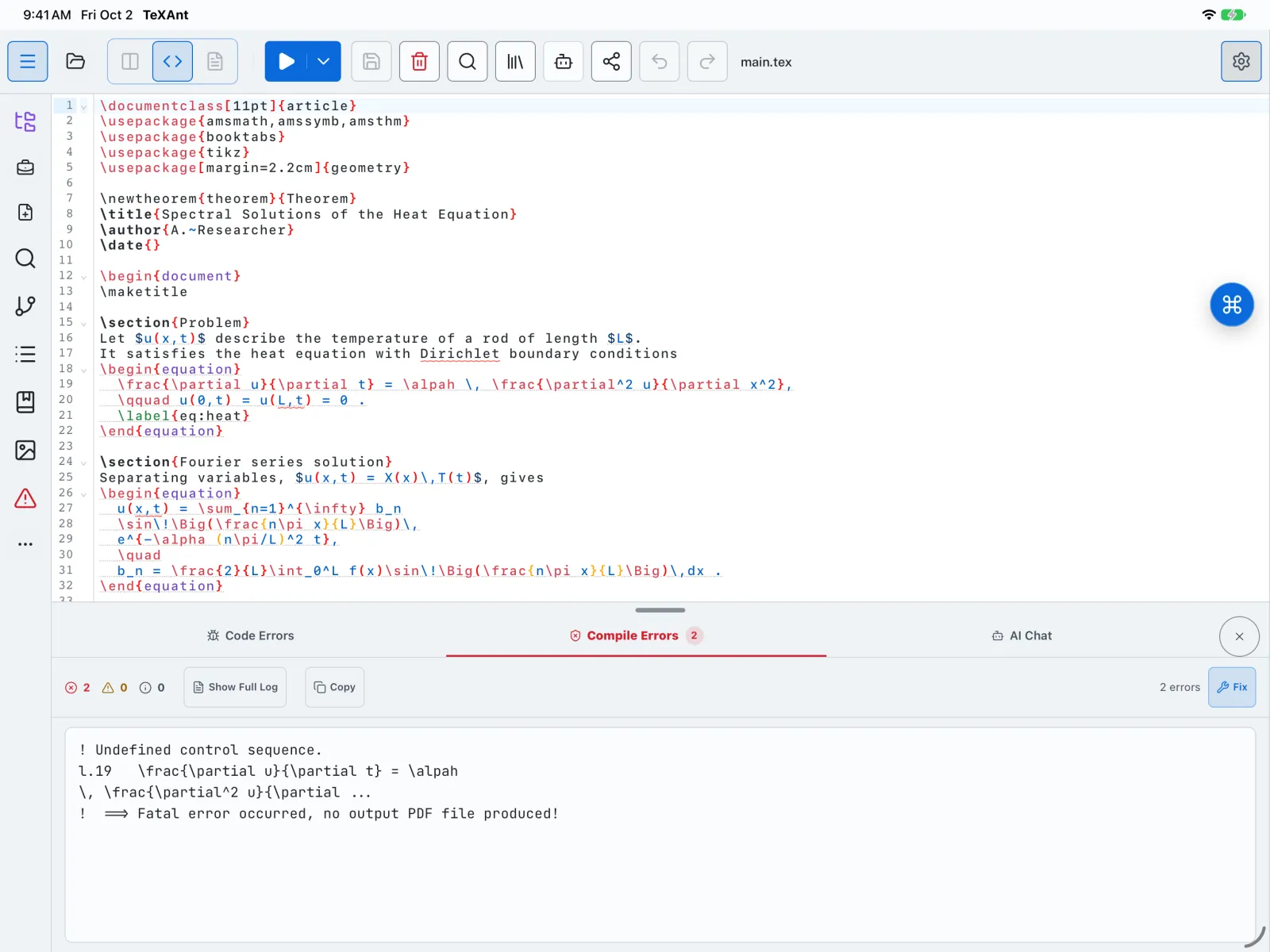
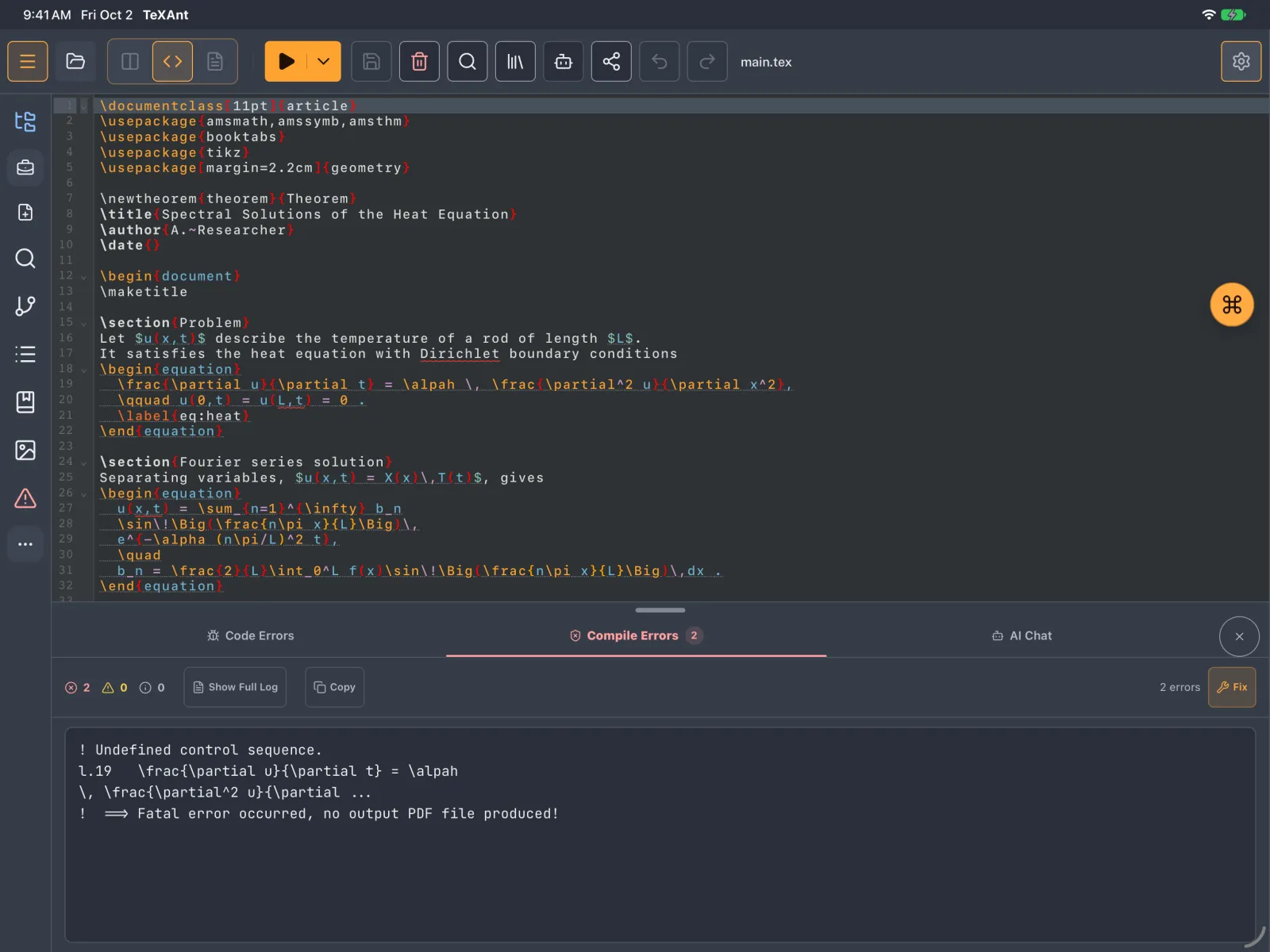
- Compile. When it fails, the panel at the bottom shows Compile Errors.
- Tap Fix. If no AI provider is set up yet, TeXAnt opens the AI settings first (see the previous guide).
- TeXAnt switches to AI Chat and sends the errors and the compile log in Debug mode.
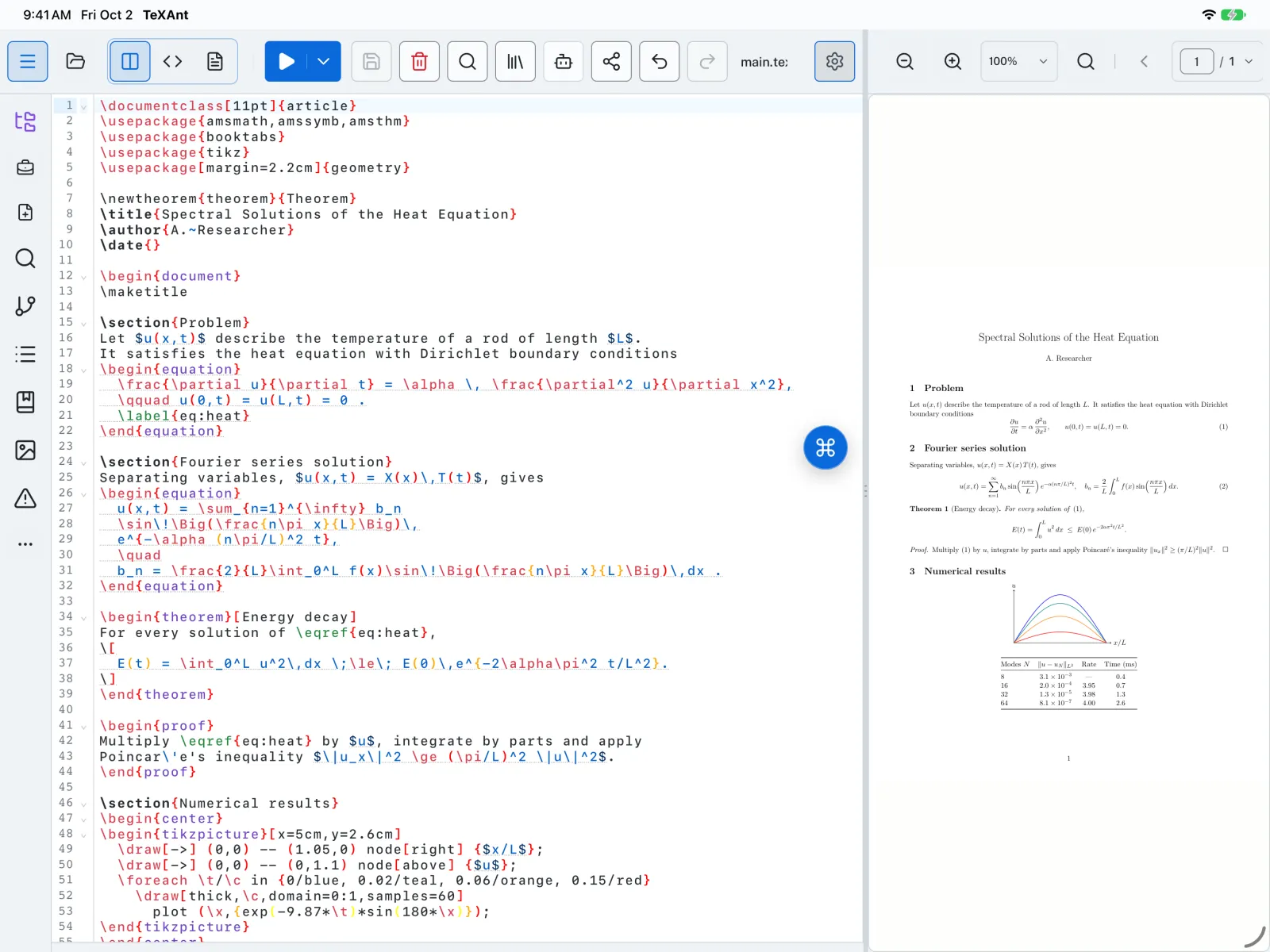
- The proposed fix appears in the editor as a change. Check it, then tap Accept or Reject.
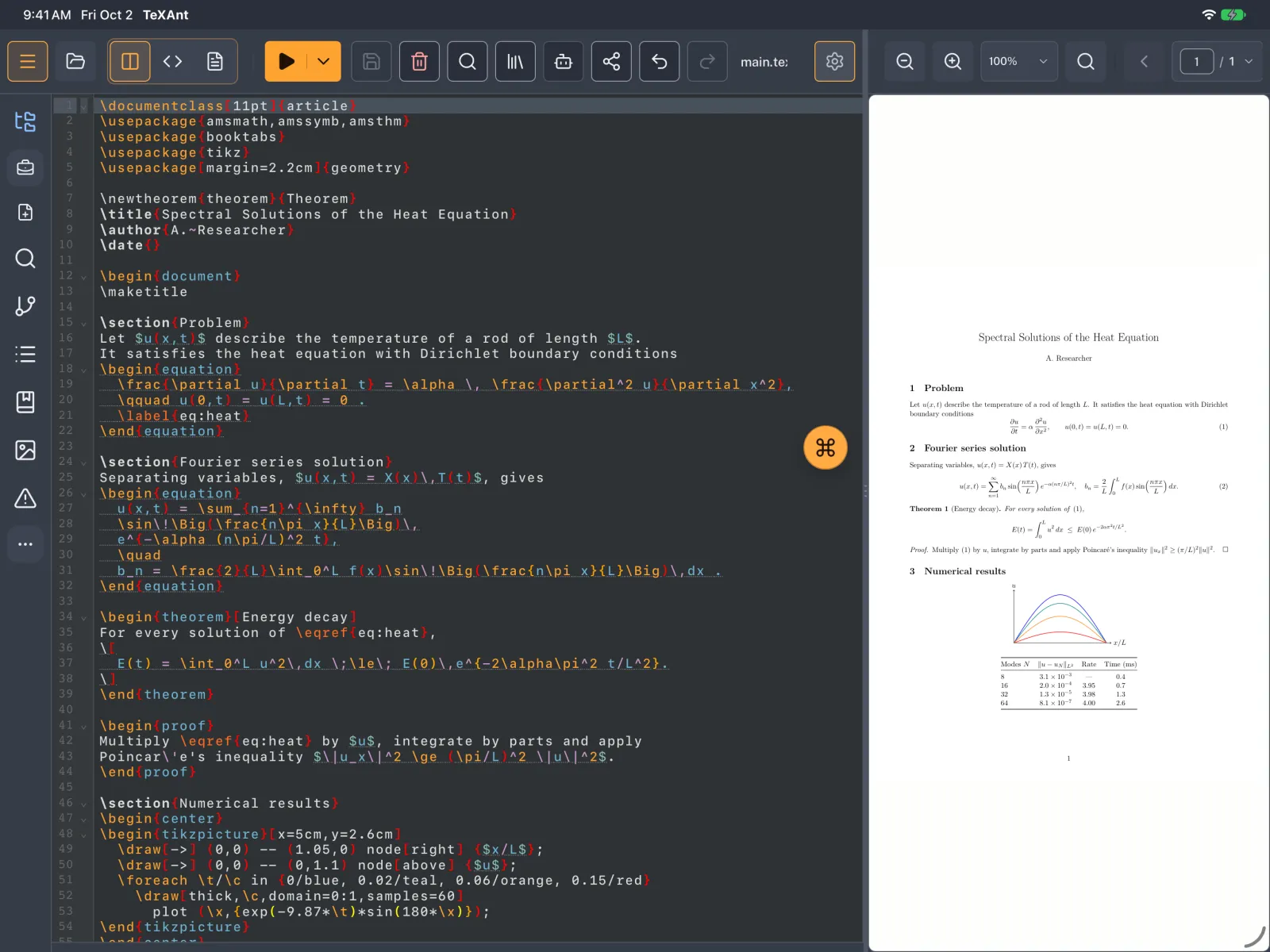
- Compile again with the play button or ⌘ Return.
- If the fix belongs in another file of the project, the chat tells you which one to open.