GUIDE 3 OF 42 · COMPILING & PACKAGES
Choose Full or Fast compile, and stop a compile
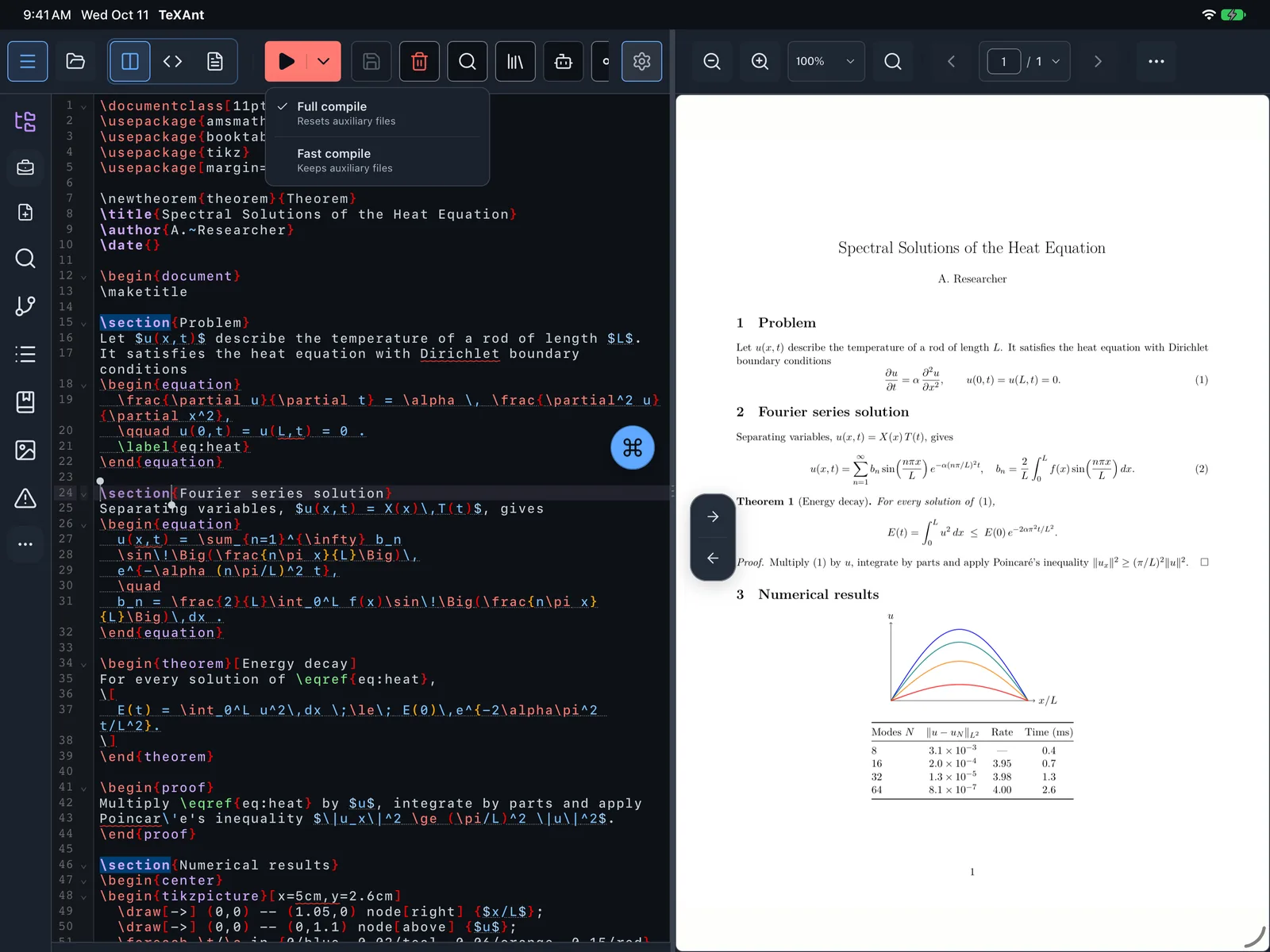
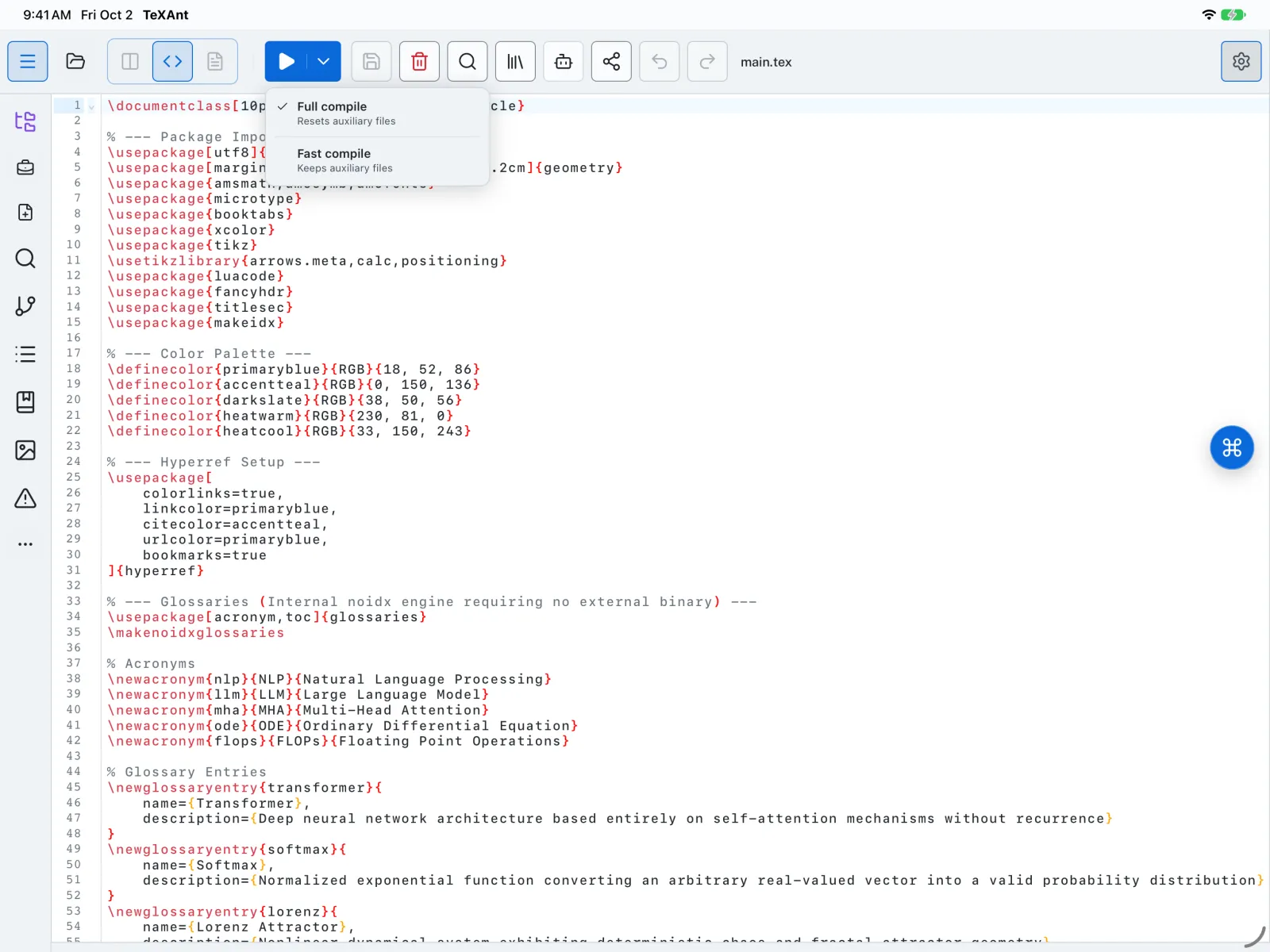
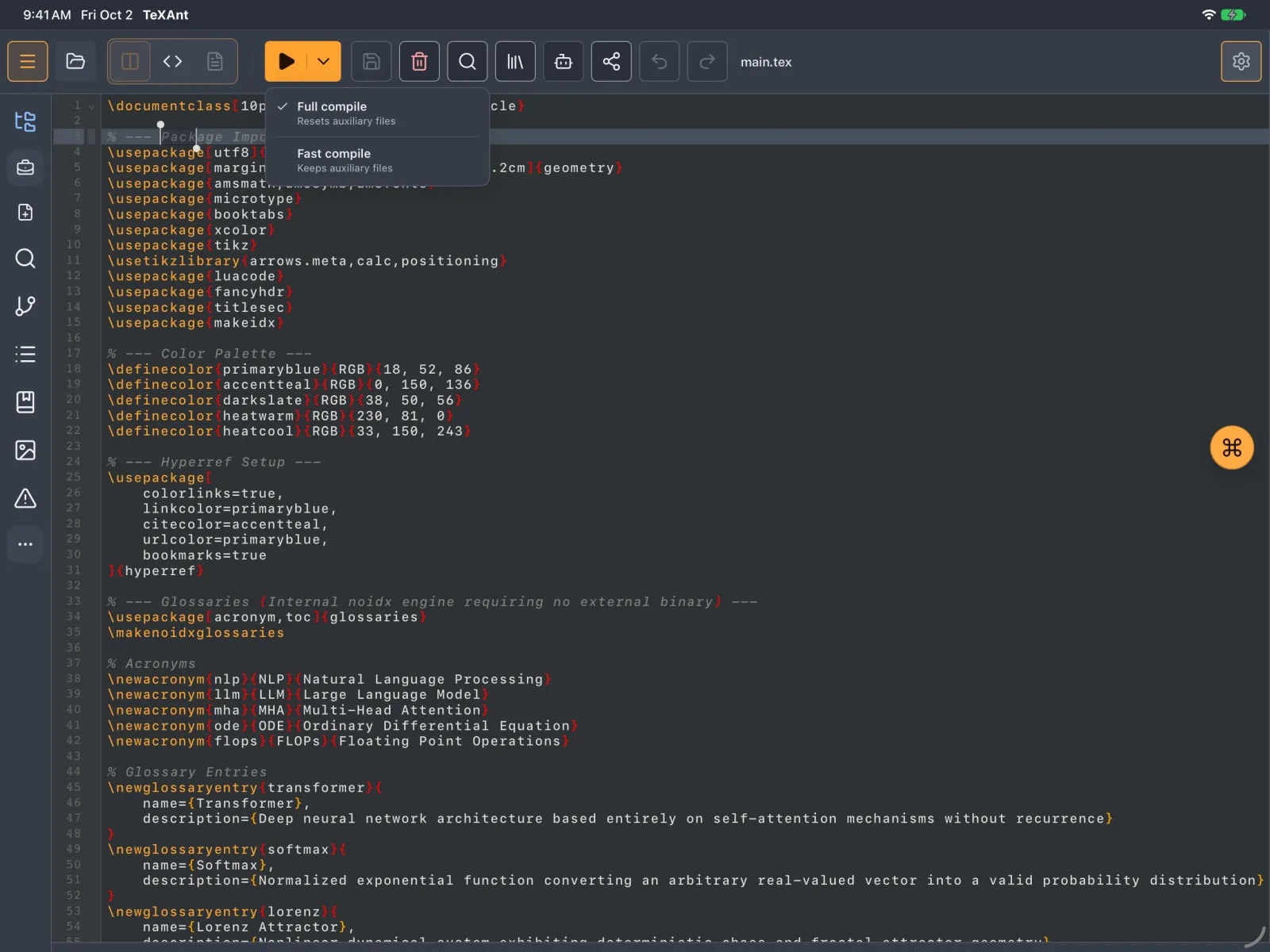
Full compile starts clean, Fast compile reuses the last run. Pick one per compile or set the default, and stop a compile at any time.
- Tap the play button in the editor toolbar, or press ⌘ Return. It runs the default mode.
- For a different mode this time, tap the arrow next to the play button (Compile options) and choose Full compile (resets auxiliary files) or Fast compile (keeps auxiliary files).
- Use Full compile after big changes or when references look wrong. Use Fast compile while you make small edits.
- To change what the play button does, open Settings → LaTeX Settings → Compile button default. Full compile is the default.
- While a compile runs, the play button turns into a square. Tap it, or press ⌘ ., to stop. You see Compilation stopped.