GUIDE 4 OF 42 · COMPILING & PACKAGES
Set the main document of a multi-file project
Tell TeXAnt which file to compile, so pressing Compile in any chapter builds the whole document.
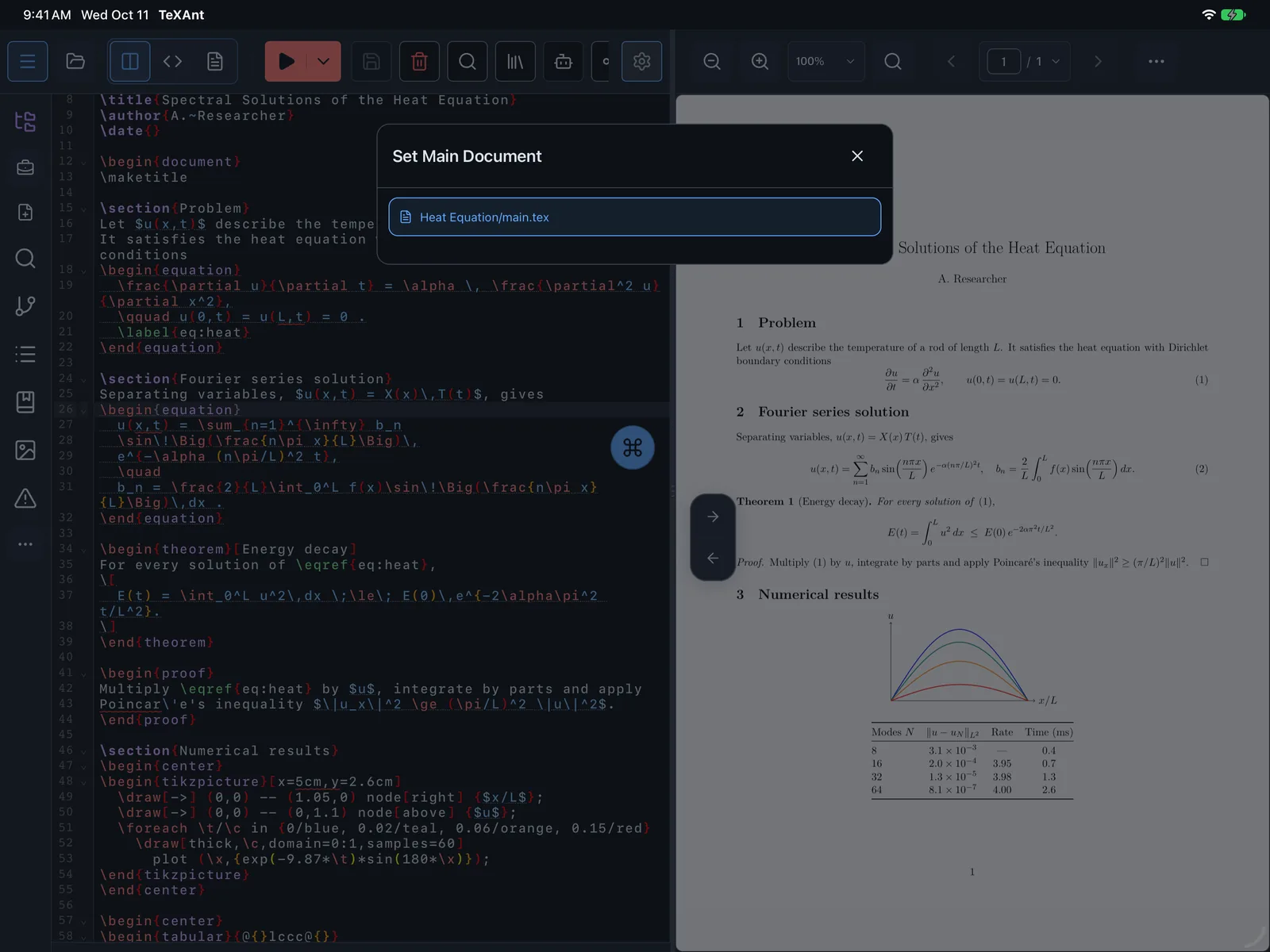
- Tap Project actions menu on the left rail, open LaTeX and choose Set Main Document. On iPad you can also use Build → Set Main Document… in the menu bar.
- Pick the main
.texfile from the list. TeXAnt shows Main document selected. - Open a chapter and compile. TeXAnt compiles the main document and shows its PDF.
- You can also name the main document inside a chapter file. Put this line near the top:
% !TEX root = ../main.tex. Many desktop LaTeX editors read the same line.
- The line in a chapter file wins over the project setting. Without either, TeXAnt uses
main.texin the project folder.