GUIDE 34 OF 42 · REFERENCES
Import references from Mendeley
Sign in to Mendeley and bring folders into your project’s .bib file.
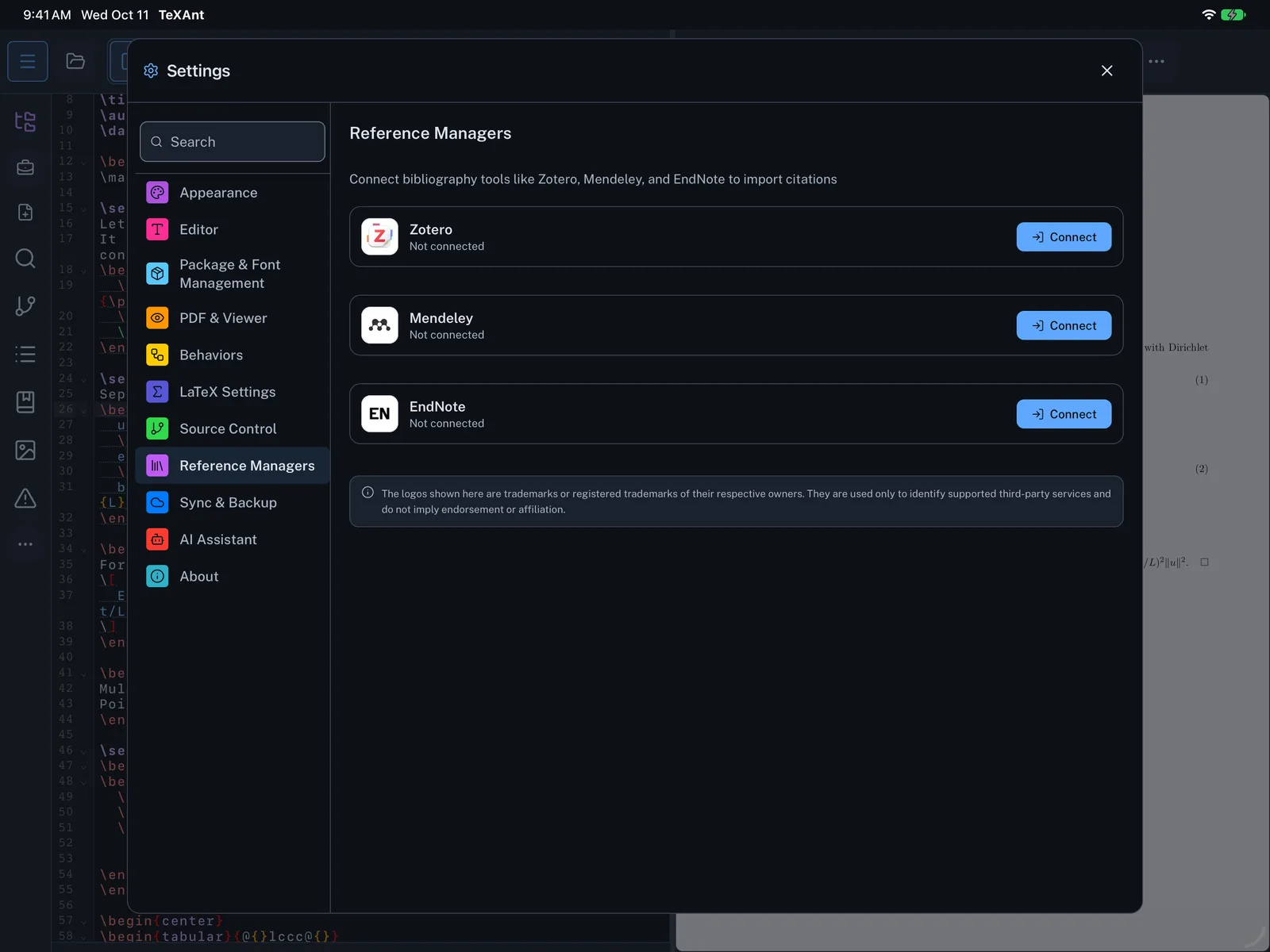
- Open Settings → Reference Managers and tap Connect on Mendeley.
- Sign in on the Mendeley page that opens. When you return, TeXAnt shows Mendeley connected successfully.
- Open the Bibliography Manager (the … button on the left rail) and go to the Import tab.
- Tap Import Library under Mendeley, choose folders under Mendeley Folders or the whole library, and tap Import Library again.
- Pick the references you want and tap Import Selected.
- References are added to your project’s
.bibfile, as described in the Zotero guide.