GUIDE 1 OF 42 · COMPILING & PACKAGES
Install a missing package
When a compile stops because a package or font is not installed, install it in one tap.
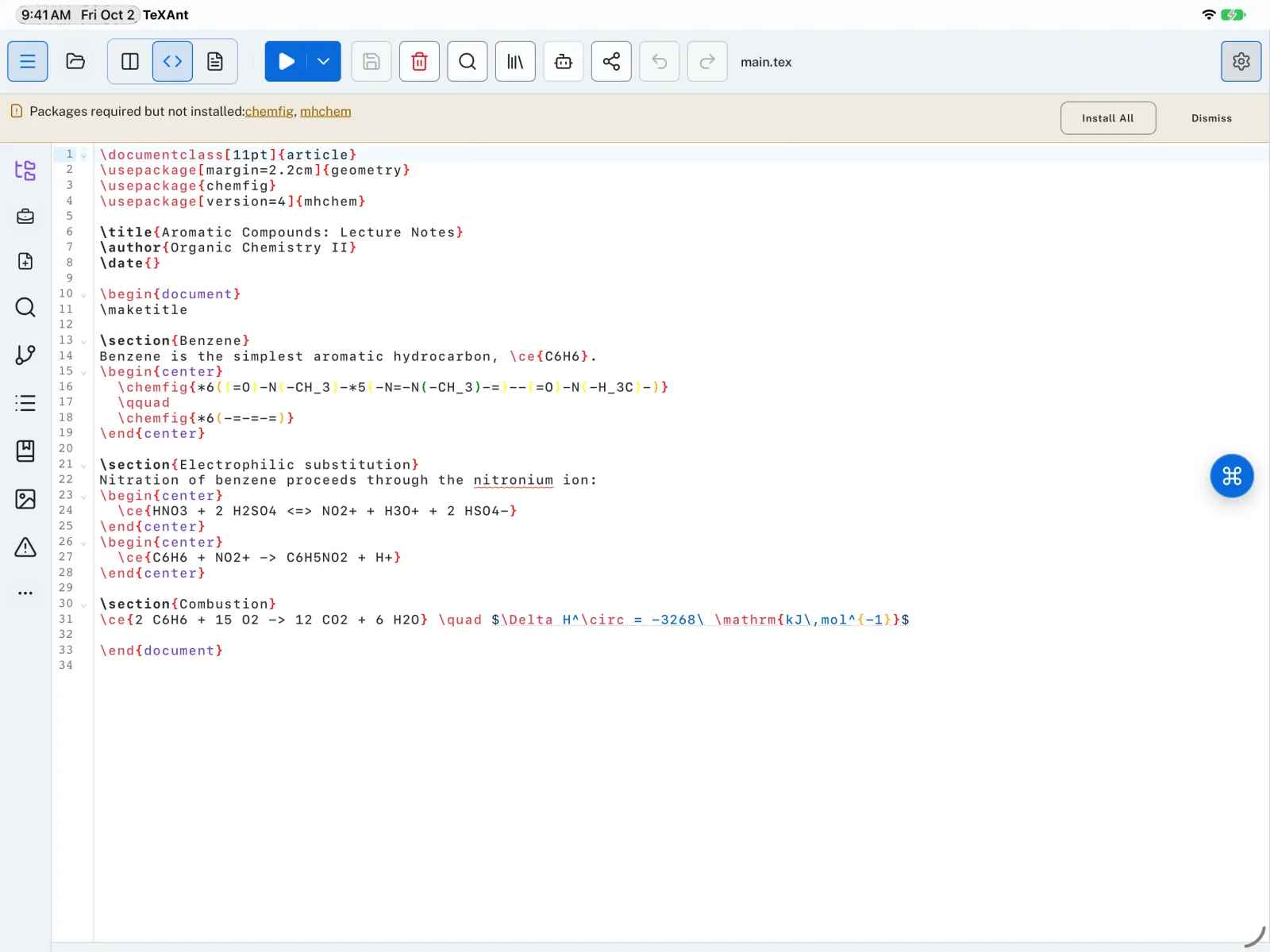
- Compile your document. If it loads a package you do not have yet, the compile stops.
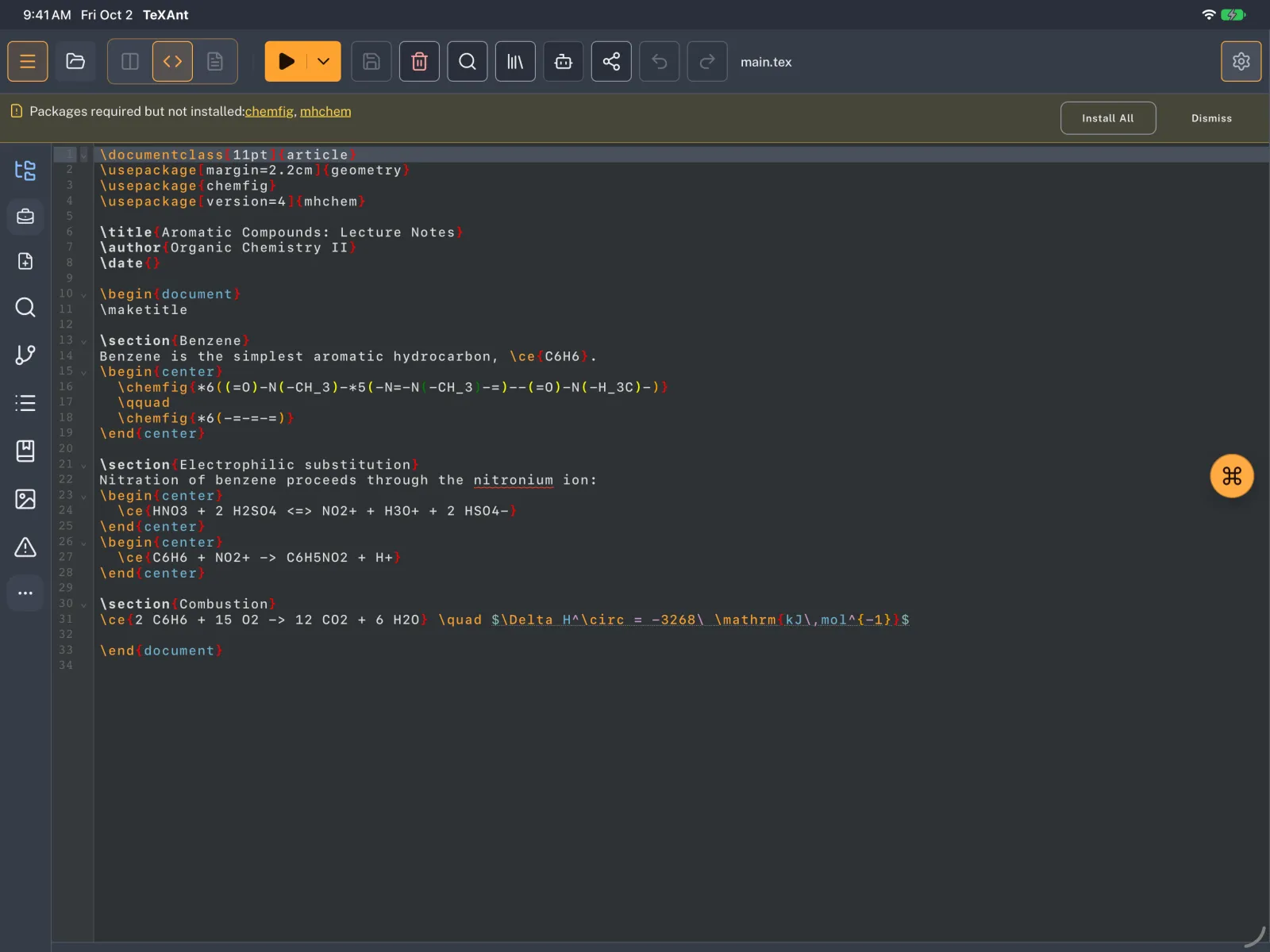
- A banner appears above the editor: Packages required but not installed: followed by the package names. Missing fonts are listed under Fonts required but not installed:.
- Tap Install, or Install All when several are listed. To install just one, tap its name.
- The Confirm Installation window lists the packages, any Additional Dependencies they need, and the Total Download Size. Tap Install to go ahead.
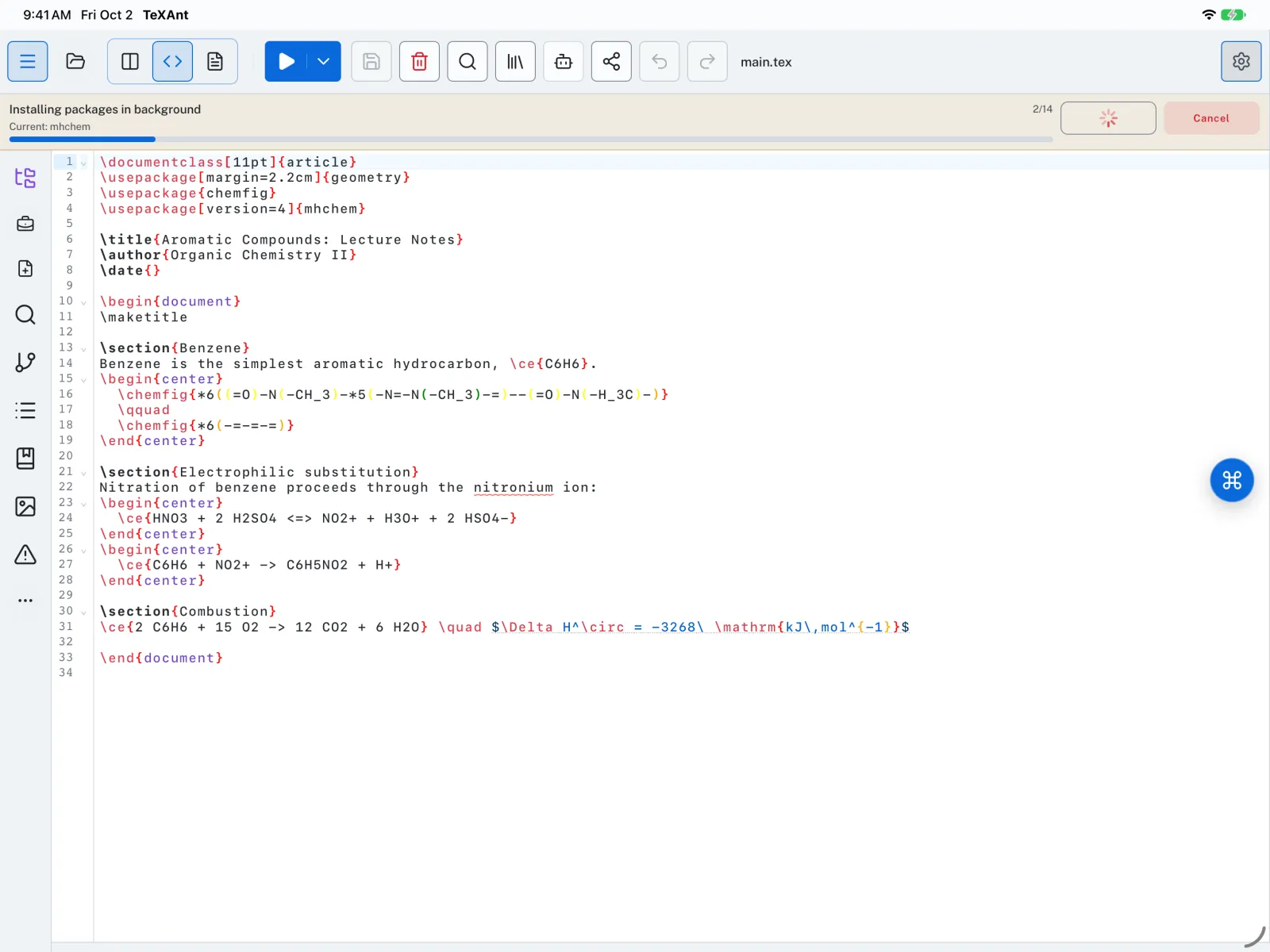
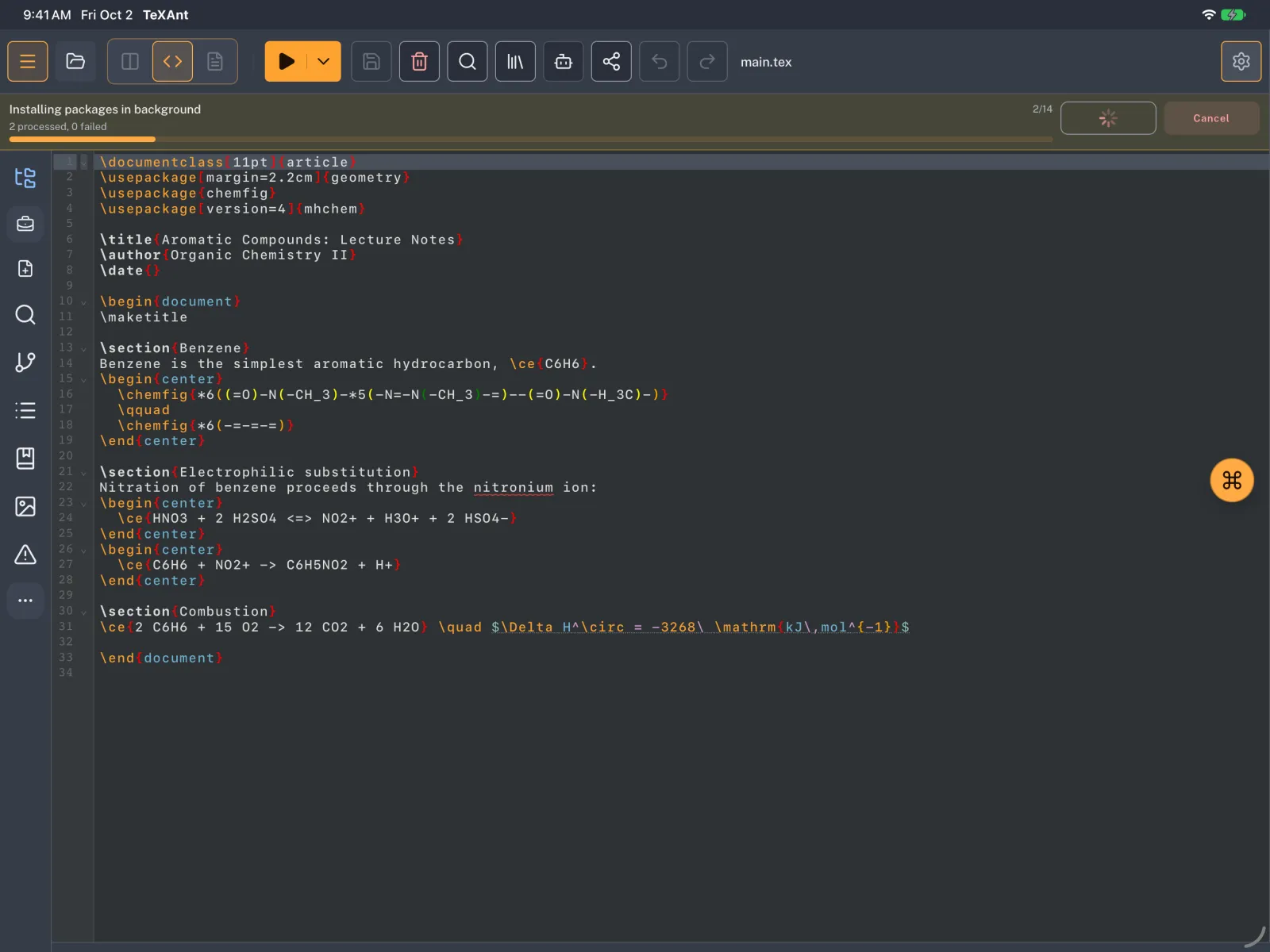
- The install runs in the background. The banner shows Installing packages in background and the package it is working on, so you can keep writing. Cancel stops it.
- When it finishes, compile again.
- Installing needs an internet connection. Once installed, the package works offline.
- You can also search CTAN yourself: Settings → Package & Font Management → Install → Install from CTAN.
- If a package is not on CTAN, for example a university style, install it from its archive with Install from Archive on the same page.