GUIDE 22 OF 42 · PROJECTS & FILES
Import a ZIP or tar archive as a project
Open a project someone sent you as an archive. TeXAnt unpacks it into a new project.
- In the Project Hub, tap Import Archive Project.
- Pick the archive in the Files window. ZIP, tar, tar.gz, tgz, tar.xz and txz files work.
- TeXAnt shows Opening archive while it unpacks the files.
- The project opens by itself. It is named after the archive file and saved in your projects folder.
- If a project with that name already exists, choose Use Different Name to keep both, or Overwrite to replace the old one.
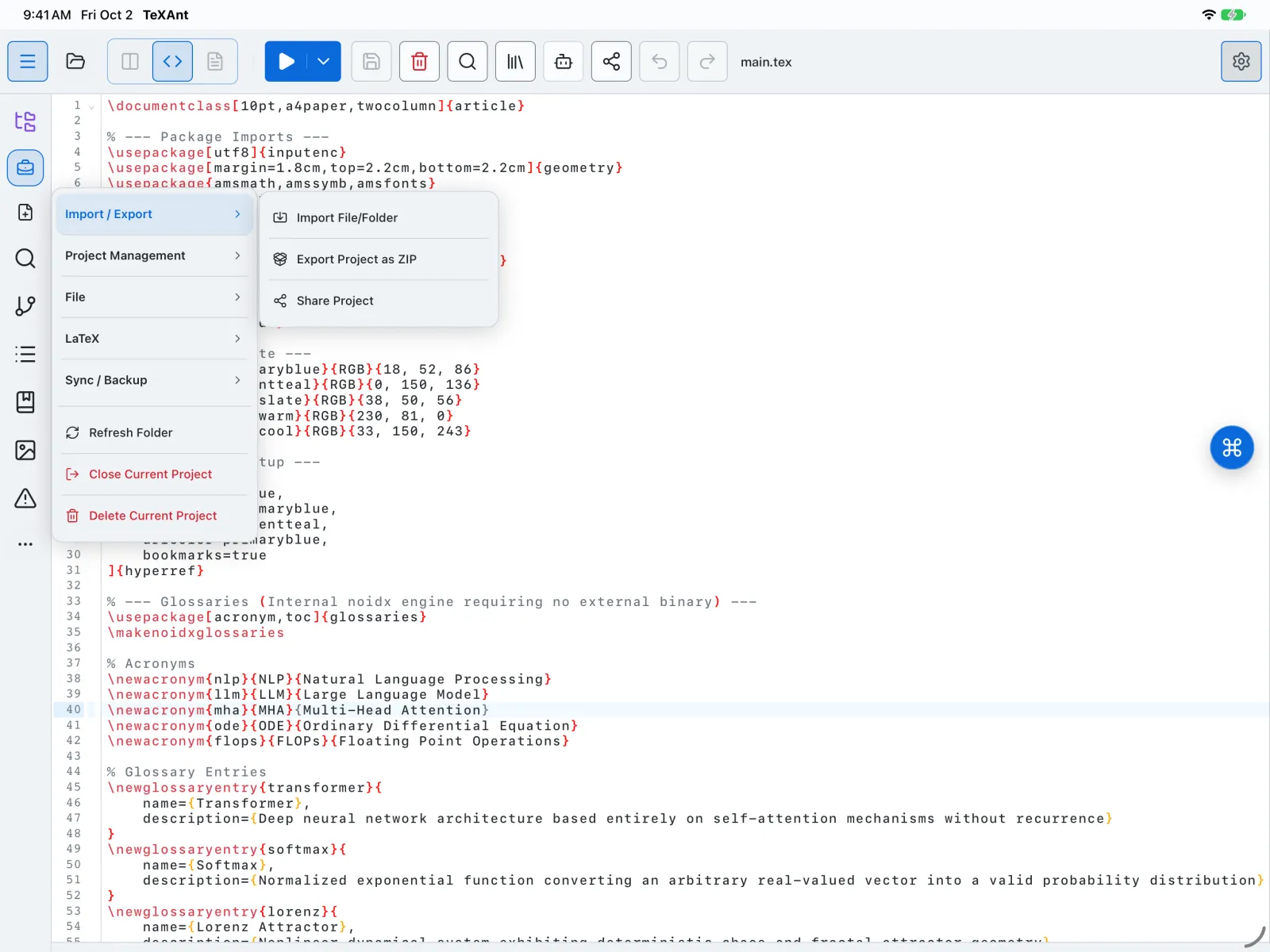
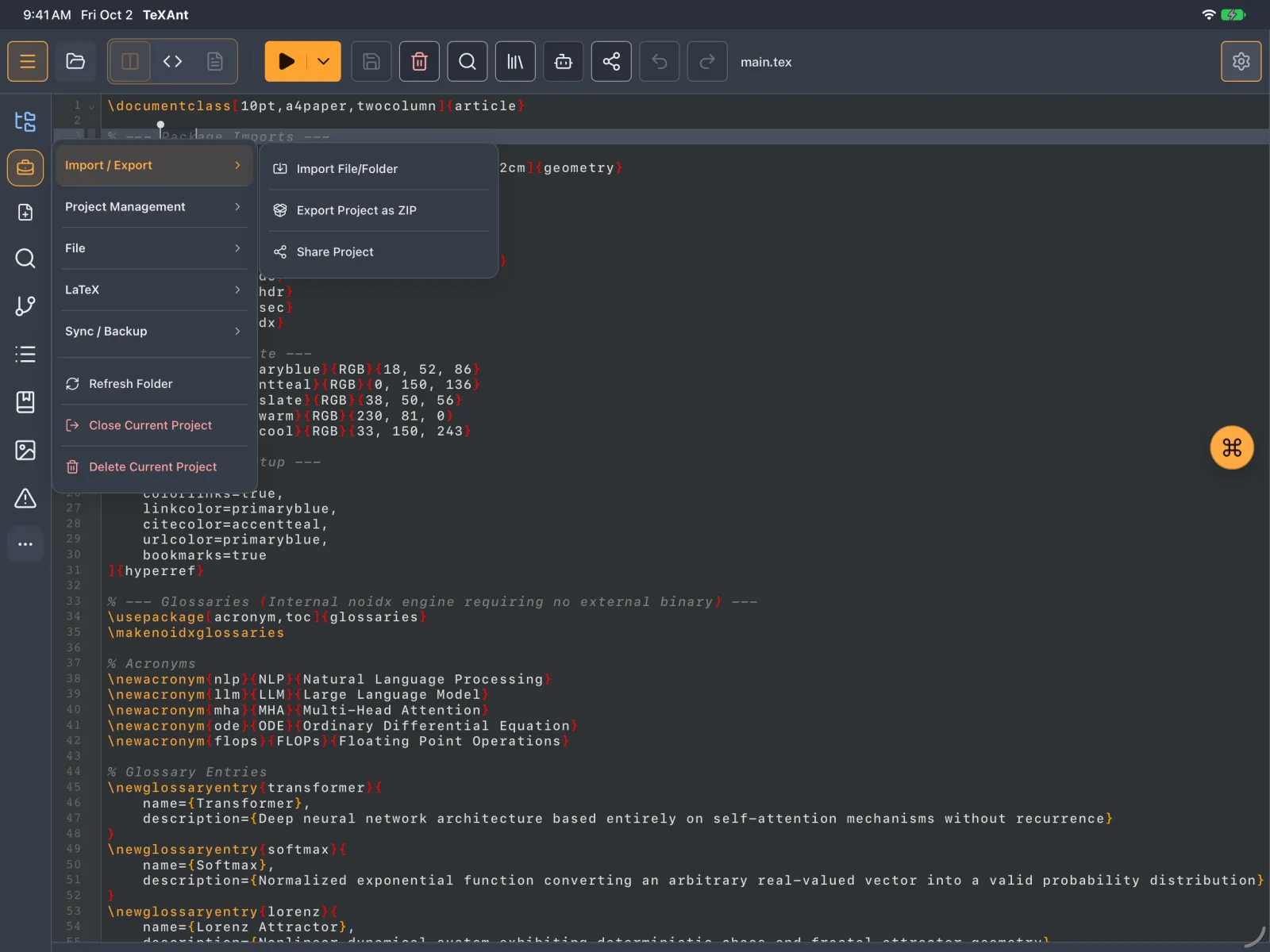
- To add files or a folder to the project you already have open, use Project actions menu → Import / Export → Import File/Folder.