GUIDE 27 OF 42 · GIT
Clone a GitHub repository, edit and push
Bring a LaTeX repository to your iPad or iPhone, work on it and send your commits back.
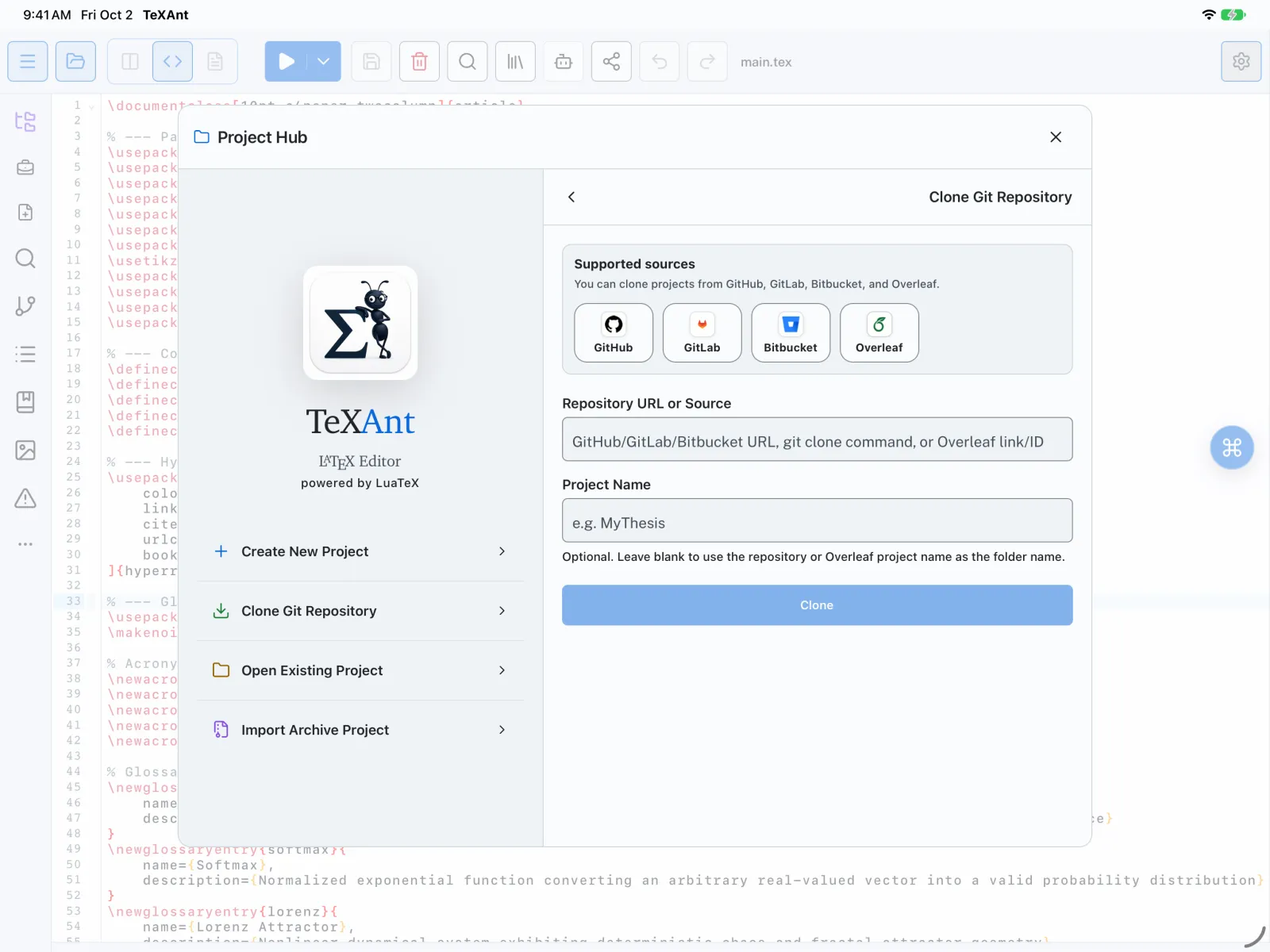
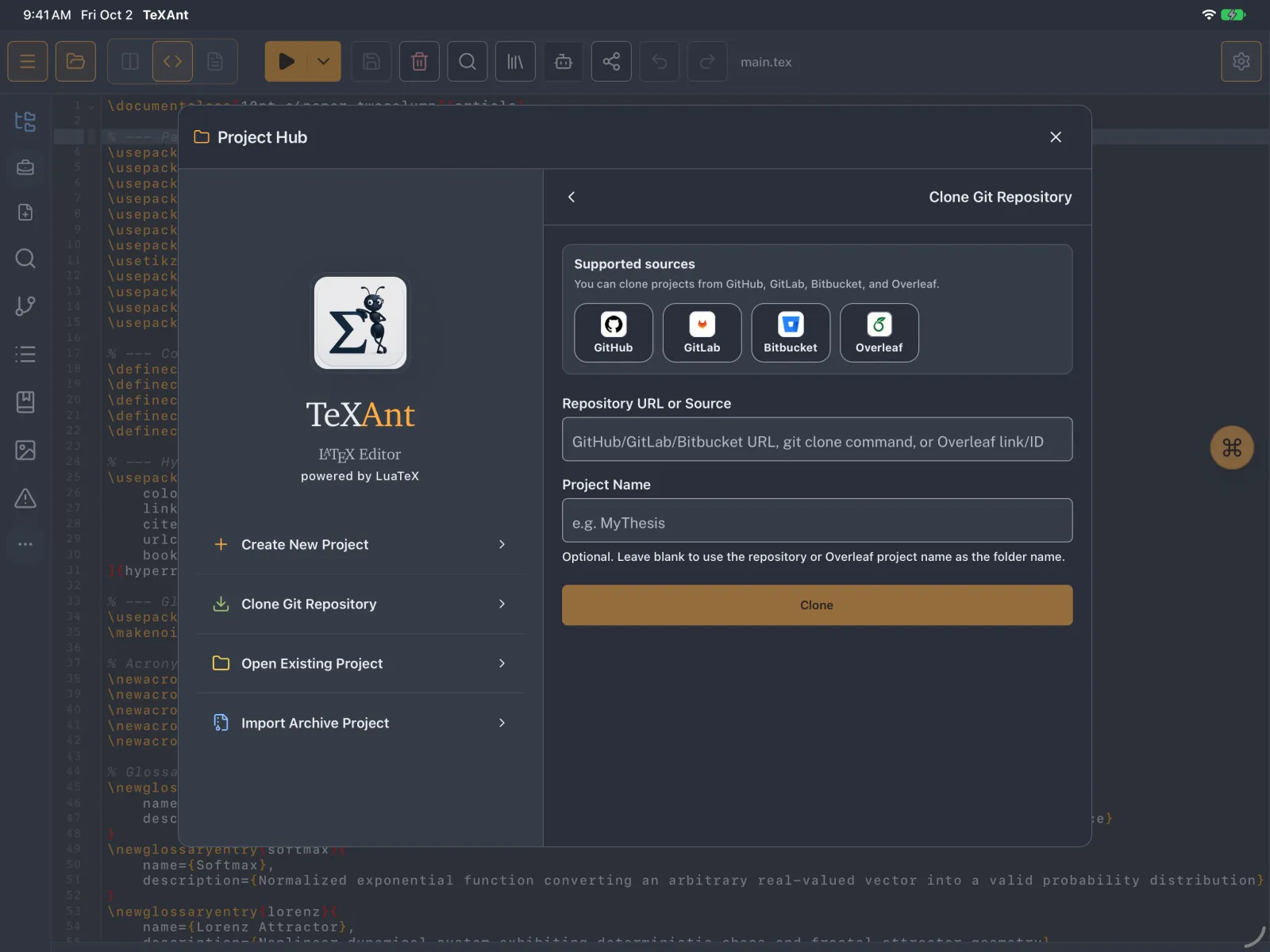
- In the Project Hub, tap Clone Git Repository.
- Paste the repository address into Repository URL or Source. A
https://github.com/…link or a wholegit clonecommand both work. Project Name is optional. - Tap Clone. For a private repository, TeXAnt uses the GitHub token from Settings (see Set up Git).
- Edit and compile as usual.
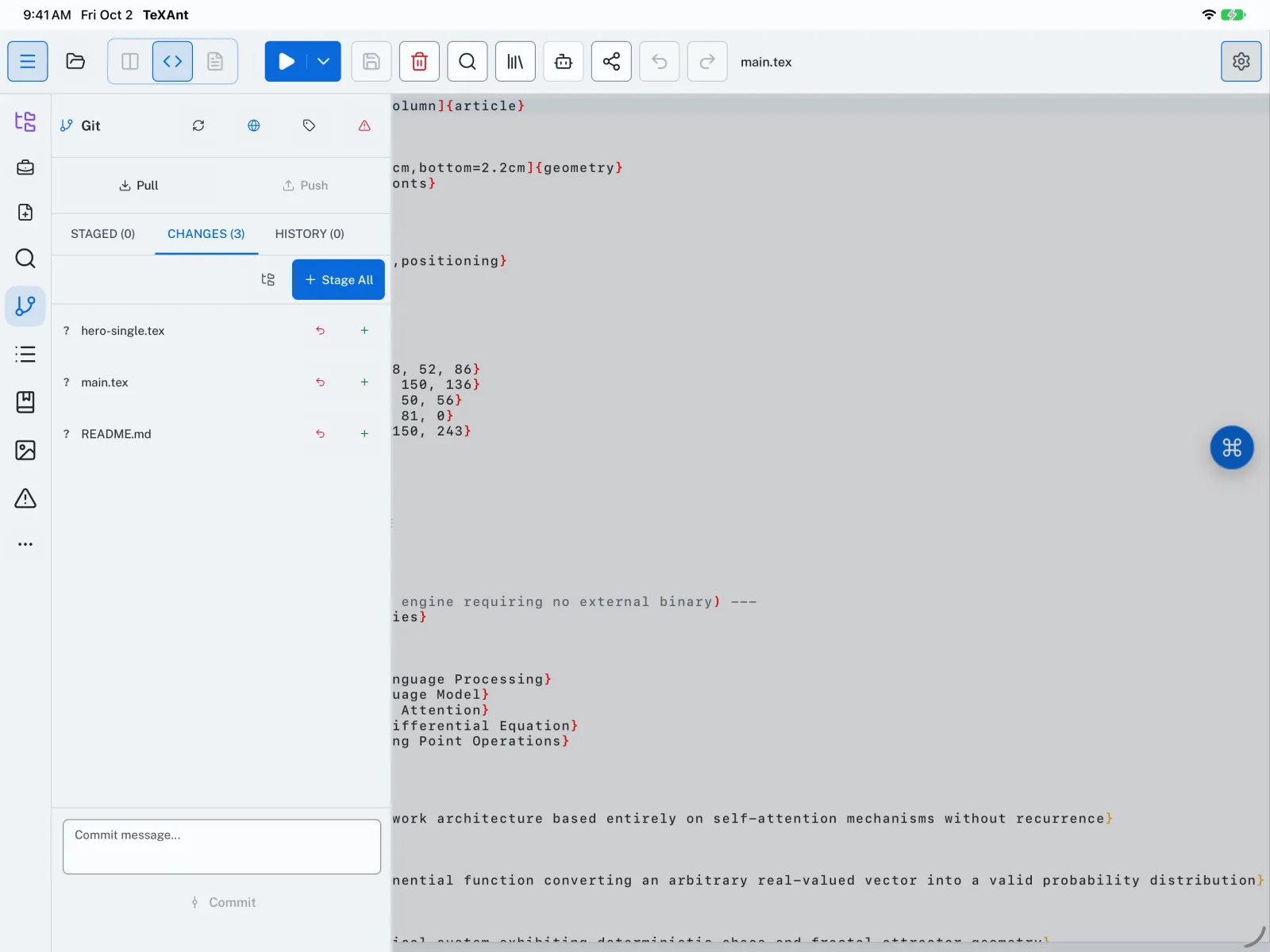
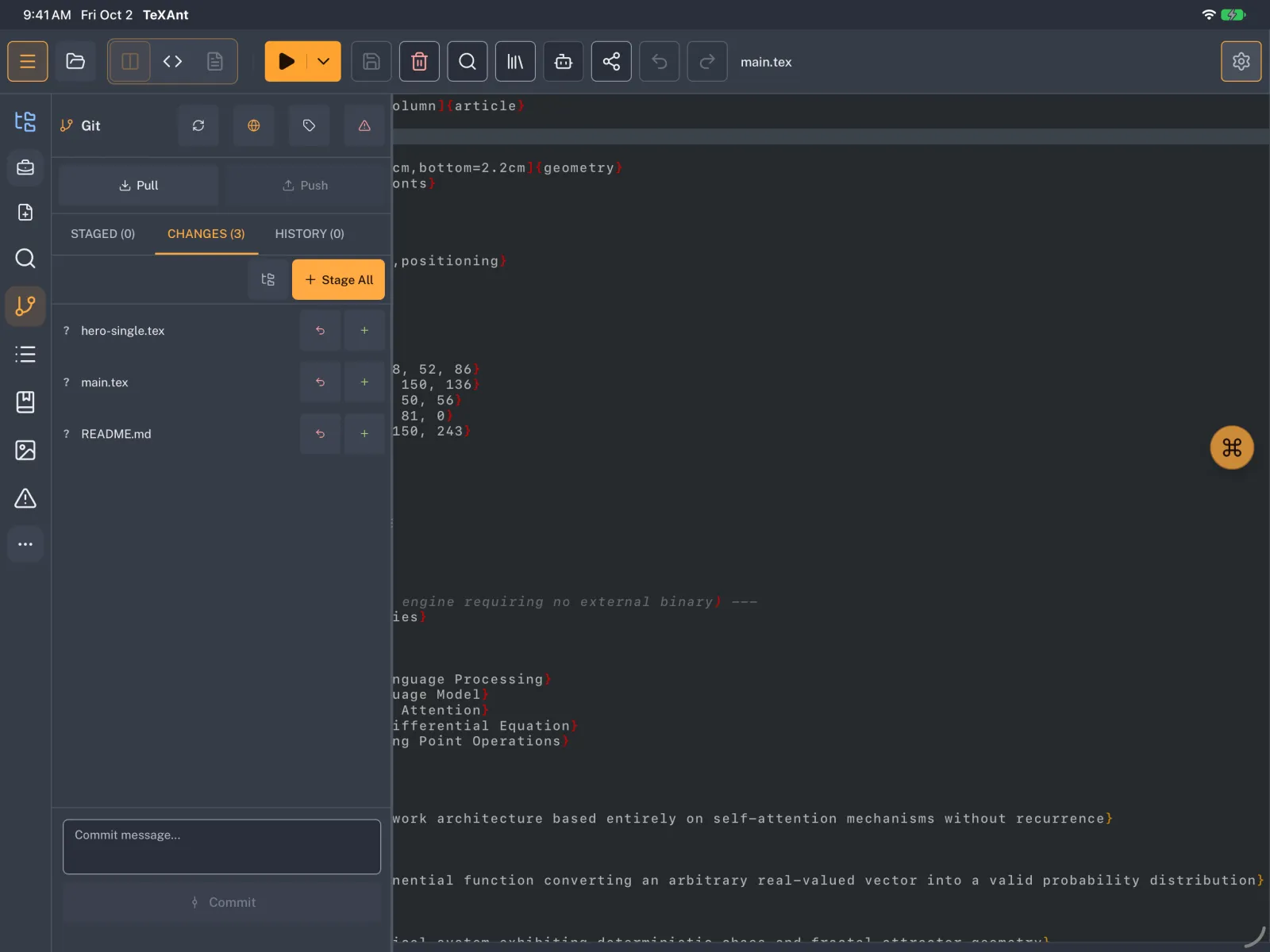
- Open Git on the left rail, or press ⇧ ⌘ 3. Your edited files are under CHANGES. Stage them one by one or tap Stage All.
- Type a message in Commit message... and tap Commit.
- Tap Push to send your commits to GitHub. If others work on the same repository, tap Pull first.
- Use an HTTPS address. SSH addresses are not supported.
- To keep clones fast, TeXAnt downloads only the latest state of the repository’s main branch.
- Each commit and its line-by-line diff is under HISTORY. Create or switch branches with Git → Branches… in the iPad menu bar.