GUIDE 36 OF 42 · REFERENCES
Cite a reference while you write
Type \cite{ and TeXAnt suggests the keys in your .bib files.
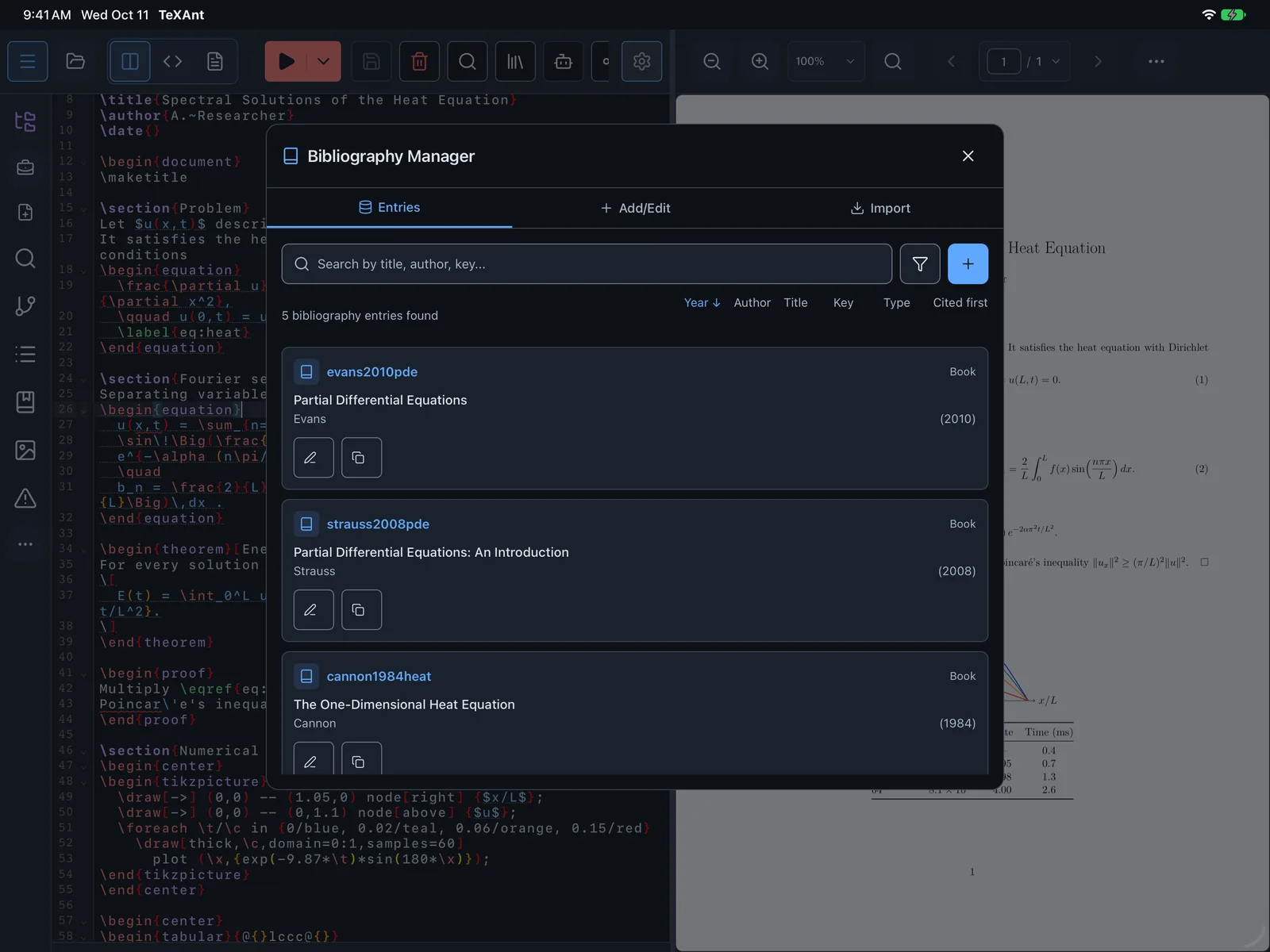
- Make sure the project has a
.bibfile with your references, imported from a reference manager or added in the Bibliography Manager. - In your document, type
\cite{. The suggestions list the citation keys from your.bibfiles. Other citation commands such as\citep{and\textcite{work the same way. - Pick a key. For several sources, type a comma and pick the next one.
- Compile. TeXAnt builds the bibliography by itself; there is nothing else to run.
- If a citation shows as
[?], open References on the left rail. It lists citations whose key is not in your.bibfile.