GUIDE 40 OF 42 · AI & MATH OCR
Add your API key and chat with the AI assistant
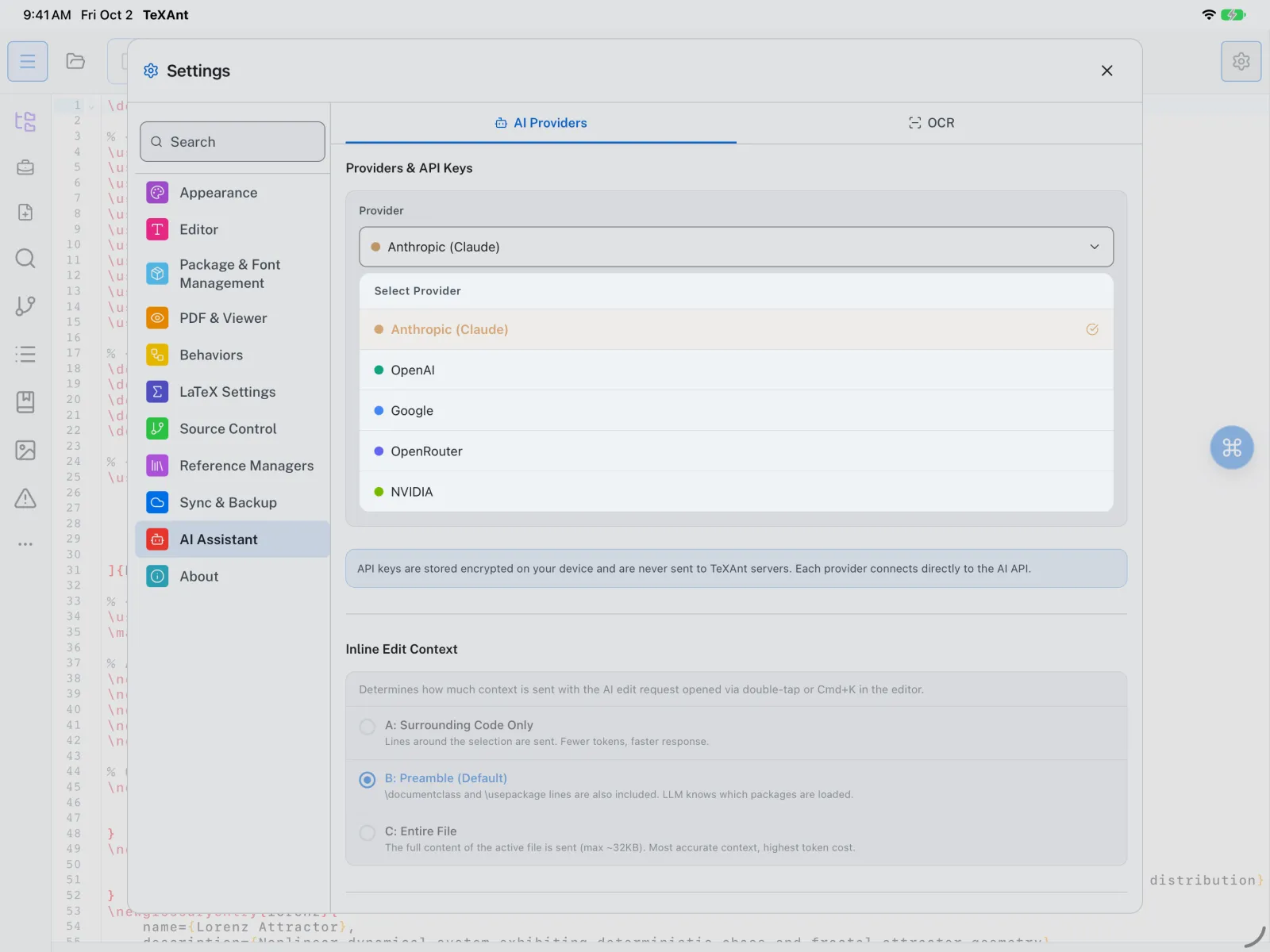
Use OpenAI, Anthropic, Google Gemini, OpenRouter or NVIDIA with your own key to ask about LaTeX and edit your document.
- Get an API key from the provider’s website: OpenAI, Anthropic, Google, OpenRouter or NVIDIA.
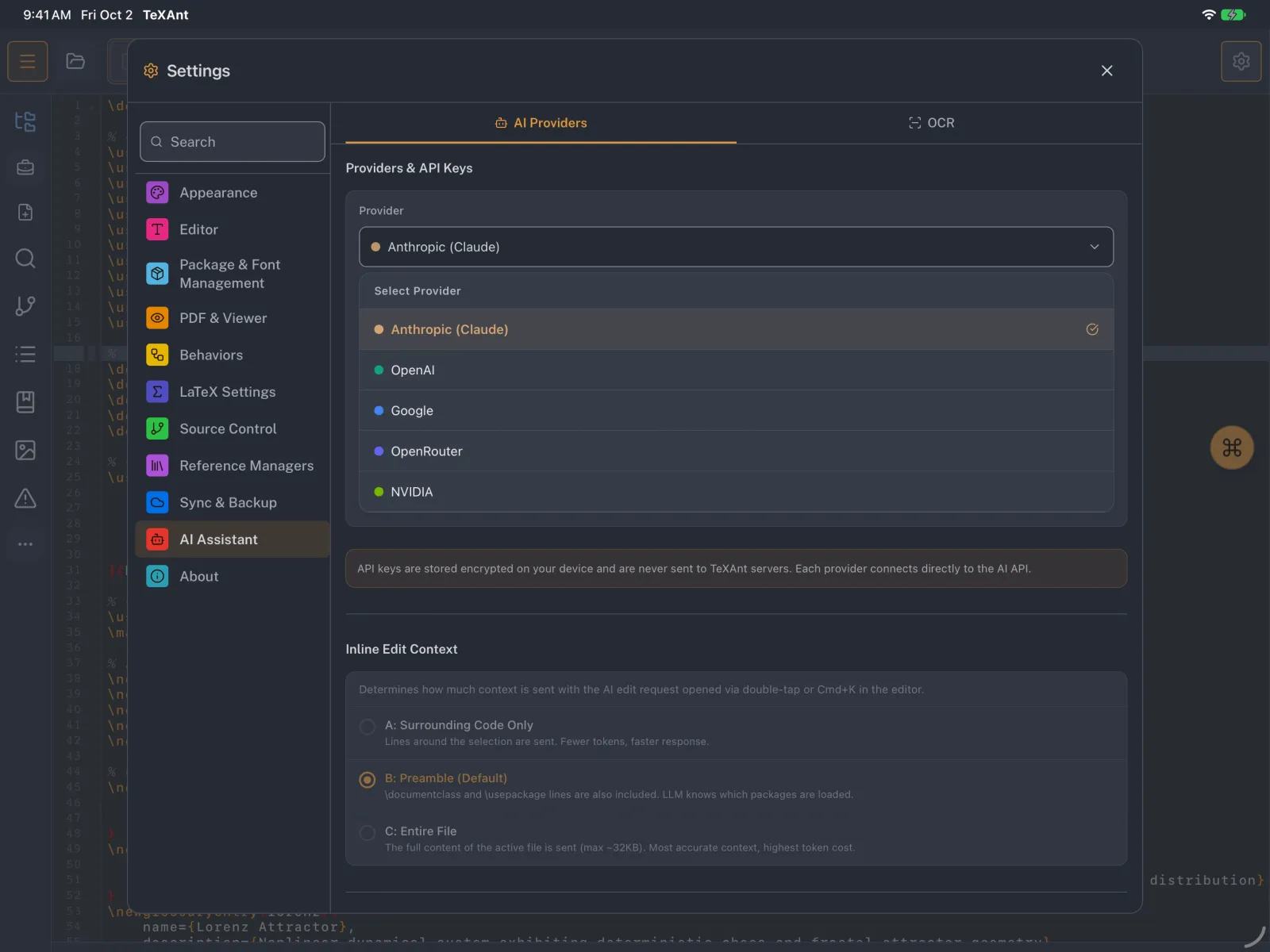
- Open Settings → AI Assistant → AI Providers. Under Providers & API Keys, pick your provider in Select Provider.
- Paste the key into API Key and choose a Model, or use Custom… to type a model ID.
- Tap Test Connection. You should see Connection successful.
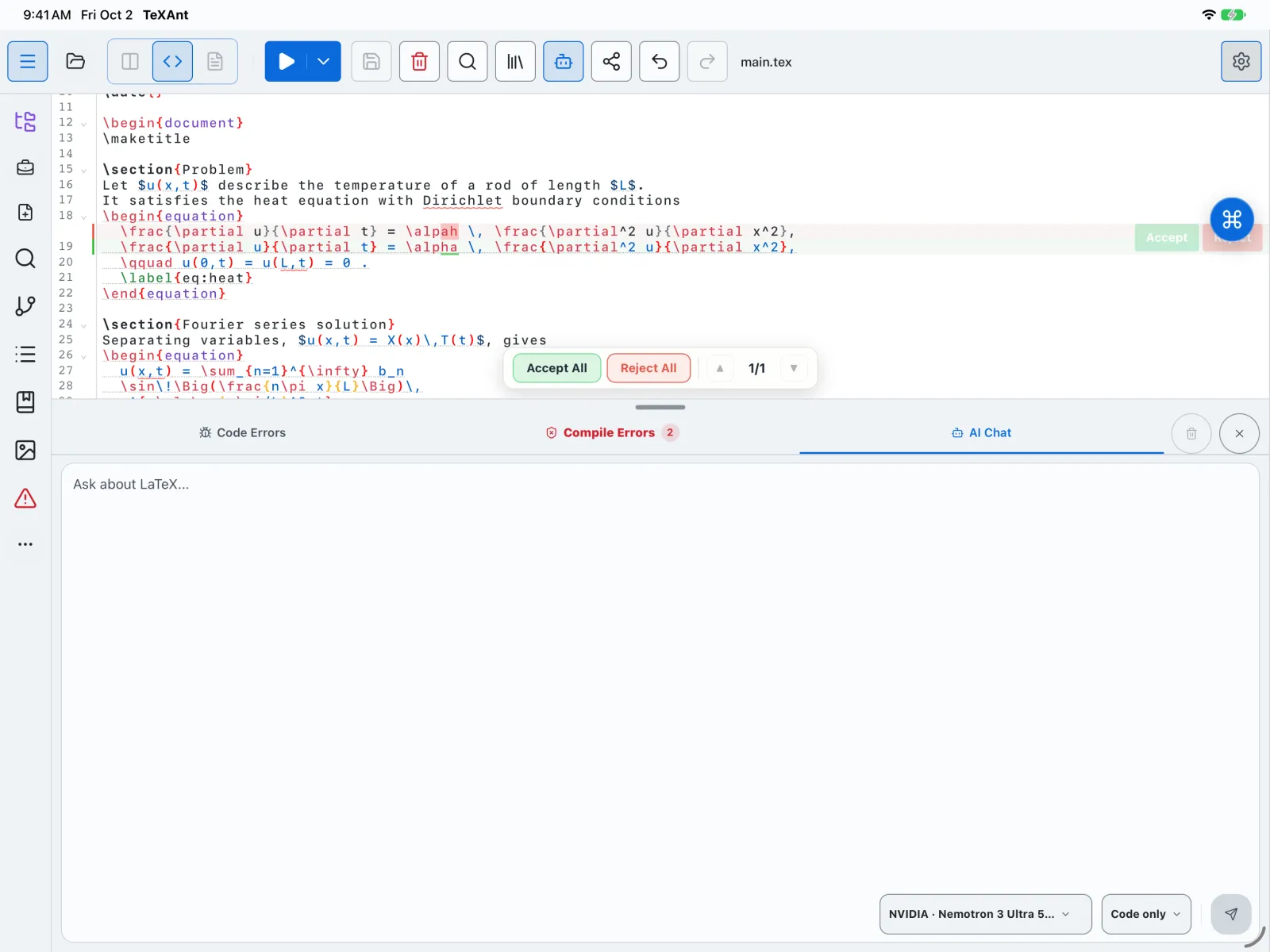
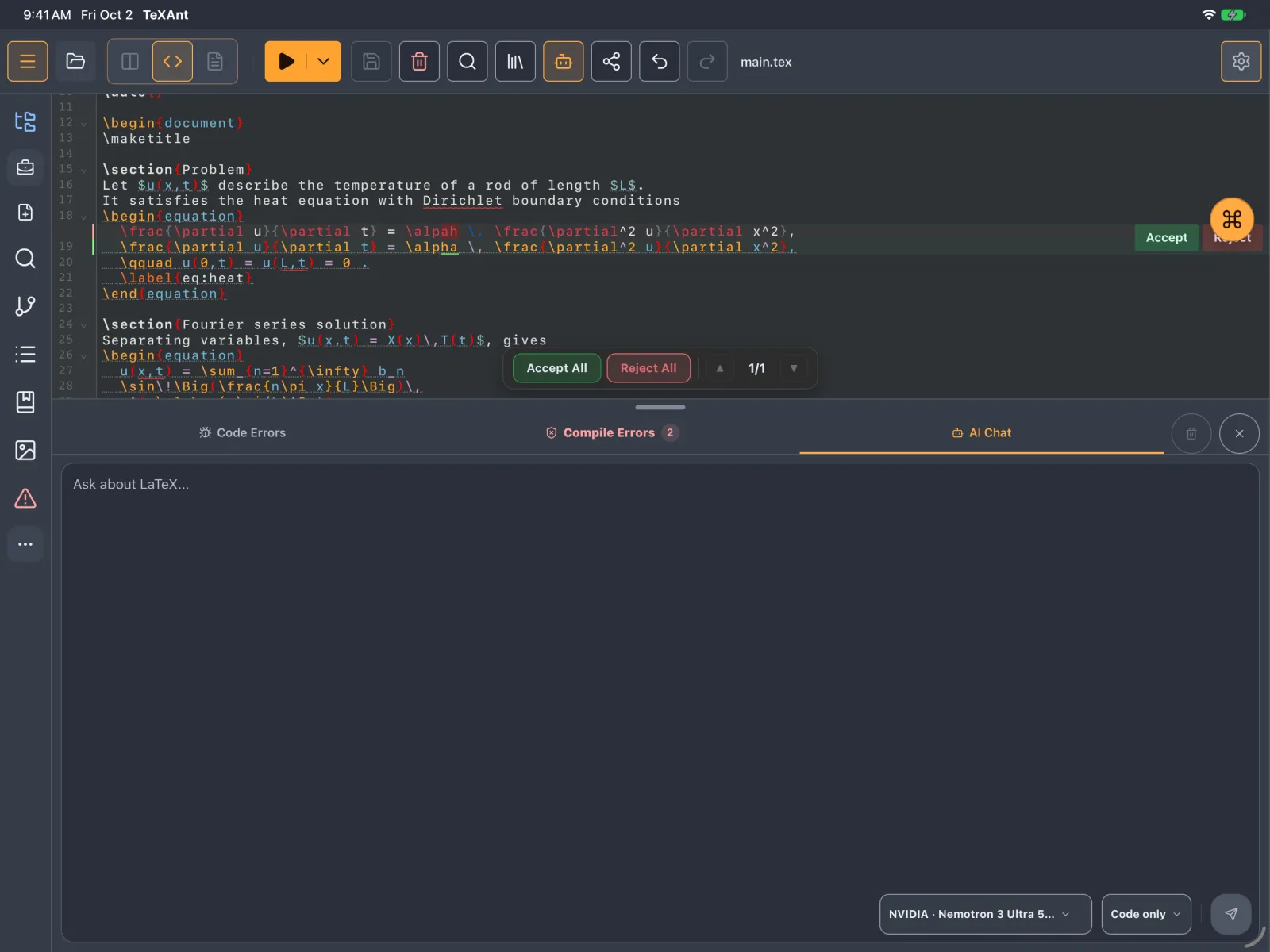
- Open the chat with the robot button on the editor’s tab bar, or press ⇧ ⌘ C. The AI Chat panel opens at the bottom.
- Choose a mode: Code only, Explained, Debug or Optimize. Type your question in Ask about LaTeX... and send it.
- When the answer changes your document, the change appears in the editor as a proposal. Tap Accept or Reject on each part, or Accept All / Reject All.
- Your key is stored on your device, and requests go straight from your device to the provider you chose.
- By default the assistant reads the whole file you are editing. You can change this under AI Request Context on the same settings page.