GUIDE 24 OF 42 · PROJECTS & FILES
Delete a project
Delete a project and all its files, or only take it off the recent projects list.
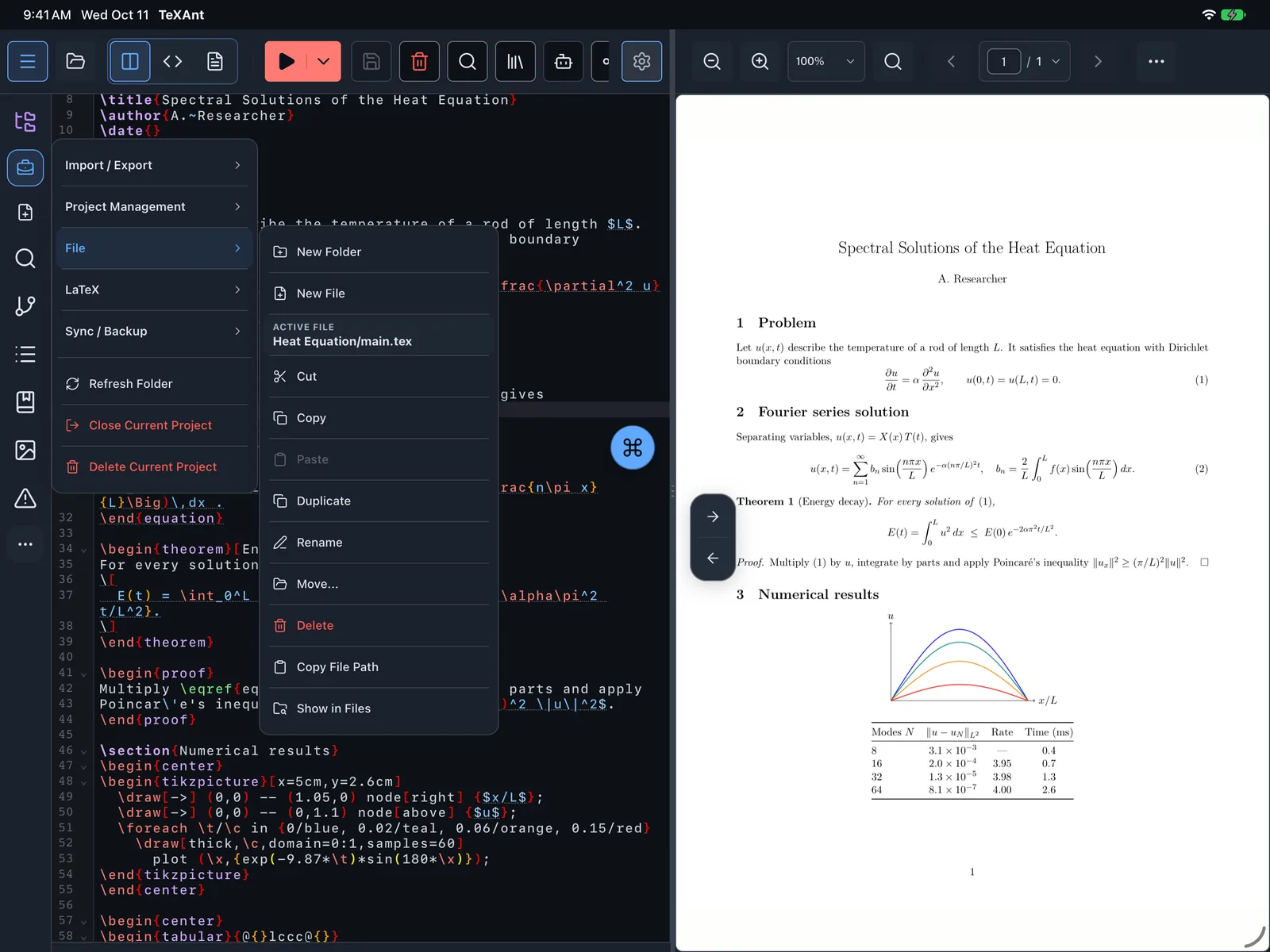
- Open the project, then tap Project actions menu on the left rail.
- Scroll to Danger and choose Delete Current Project.
- Read the warning: all files in the project folder will be deleted. Tap Delete to confirm.
- The project is closed and removed from the recent projects list.
- To hide a project without deleting it, long-press it in Recent Projects in the Project Hub and choose Remove from list. The files stay where they are.
- Close Current Project, in the same Danger section, only closes it.
- Deleting is permanent on your device. Copies you pushed with Git are not touched.