GUIDE 33 OF 42 · REFERENCES
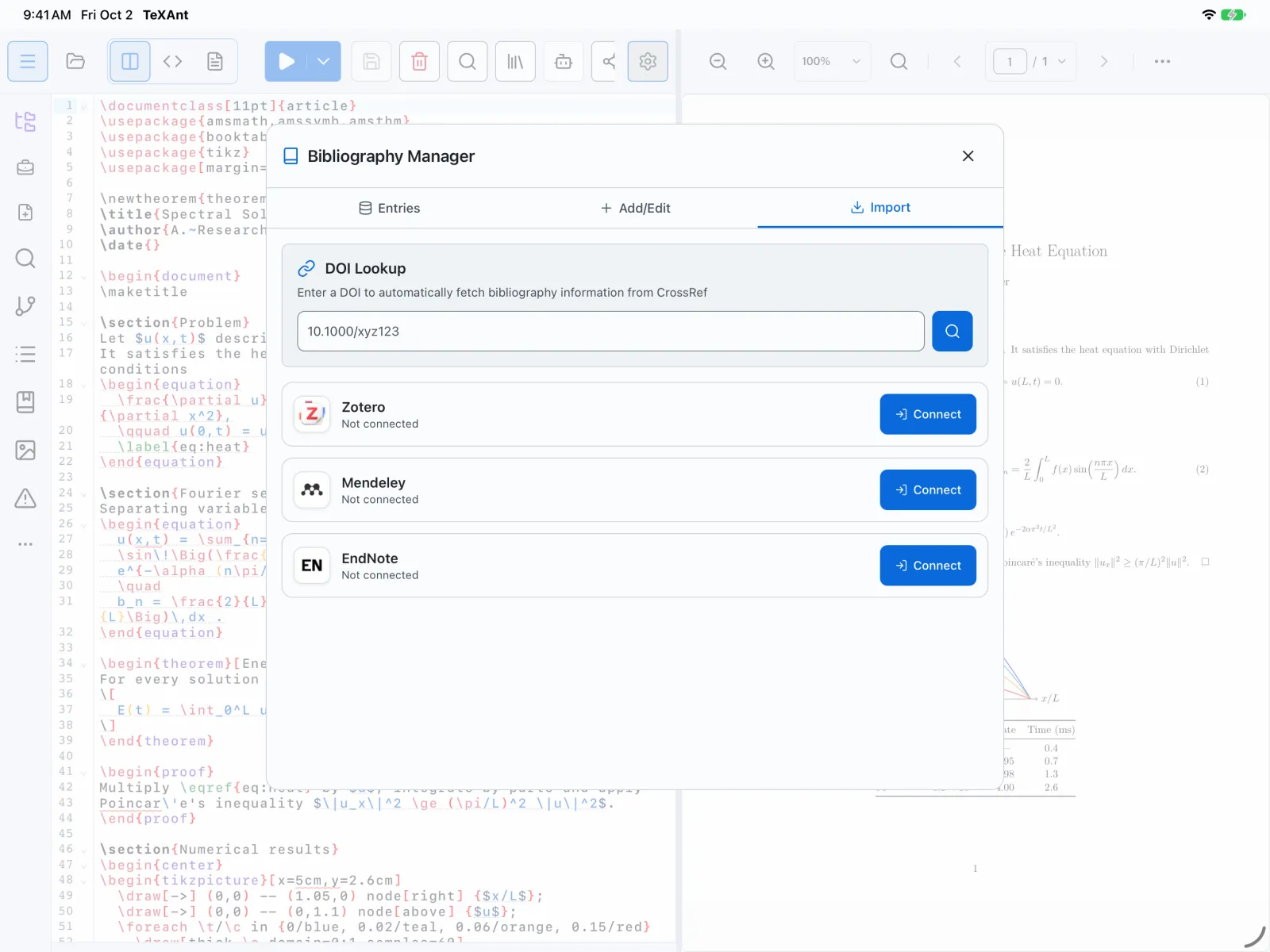
Import references from Zotero
Connect Zotero with an API key and bring collections into your project’s .bib file.
- On zotero.org, open Settings → Security (
zotero.org/settings/keys), create a new private key with read access to your library, and copy it. - In TeXAnt, open Settings → Reference Managers, tap Connect on Zotero, paste the key into API Key and tap Connect.
- Open the Bibliography Manager: the … button on the left rail, or Tools → Bibliography Manager in the iPad menu bar.
- Go to the Import tab and tap Import Library under Zotero.
- Choose one or more collections under Zotero Folders, or the whole library, and tap Import Library.
- Search or tick the references you want, or tap Select All, then Import Selected.
- References go into the
.bibfile your document loads with\bibliographyor\addbibresource. If there is none, TeXAnt uses the first.bibin the project, or createsreferences.bib. - Next: cite a reference while you write.