GUIDE 7 OF 42 · EDITOR
Show or hide line numbers
Turn the line numbers next to your code on or off.
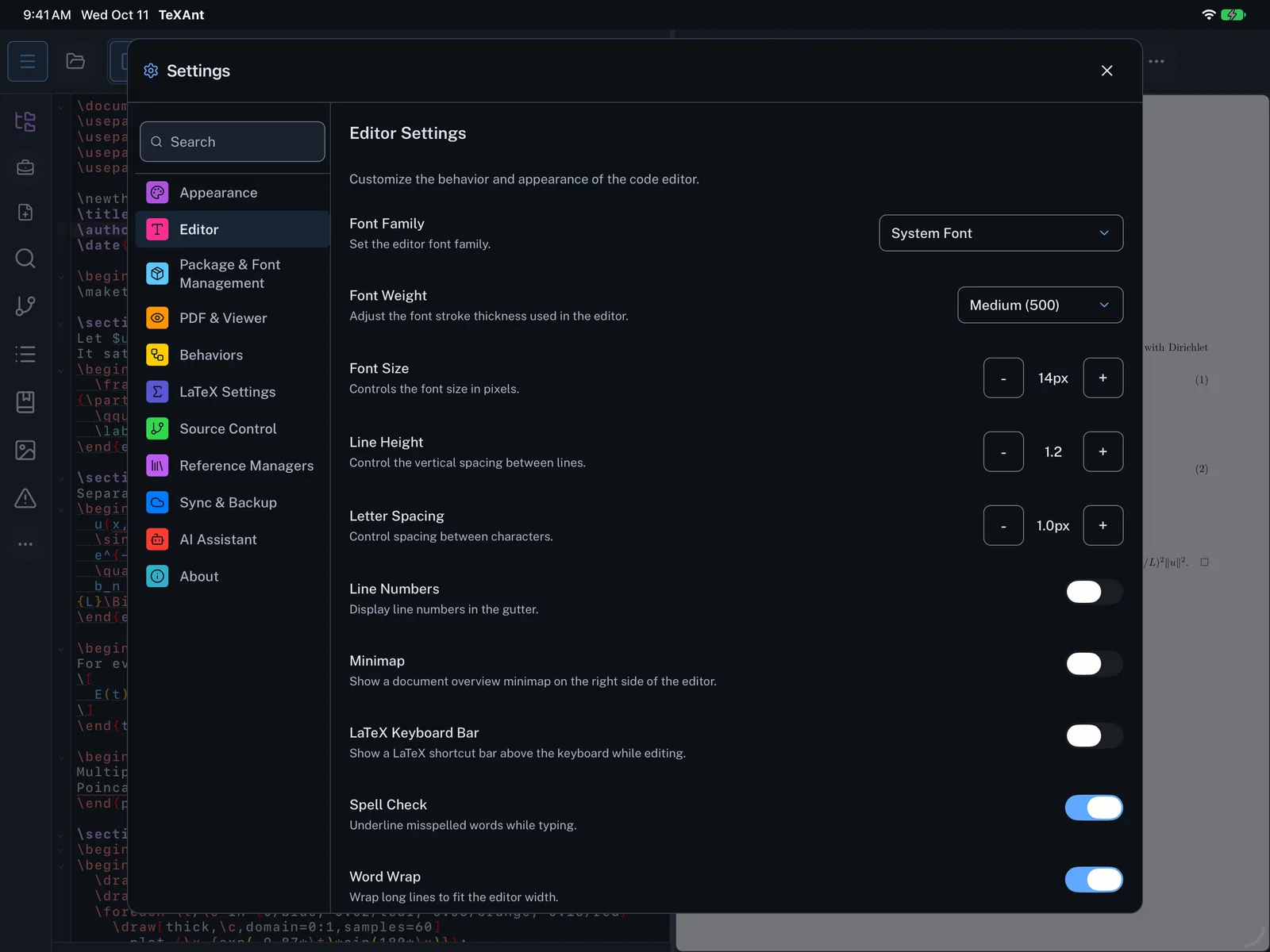
- Open Settings (the gear in the top bar, or ⌘ ,) and choose Editor.
- Switch Line Numbers on or off. It is on by default.
- The change shows in the editor as soon as you close Settings.