GUIDE 11 OF 42 · EDITOR
Move around a long document with the outline
See the sections, figures, tables, labels and TODOs of a file and jump to any of them.
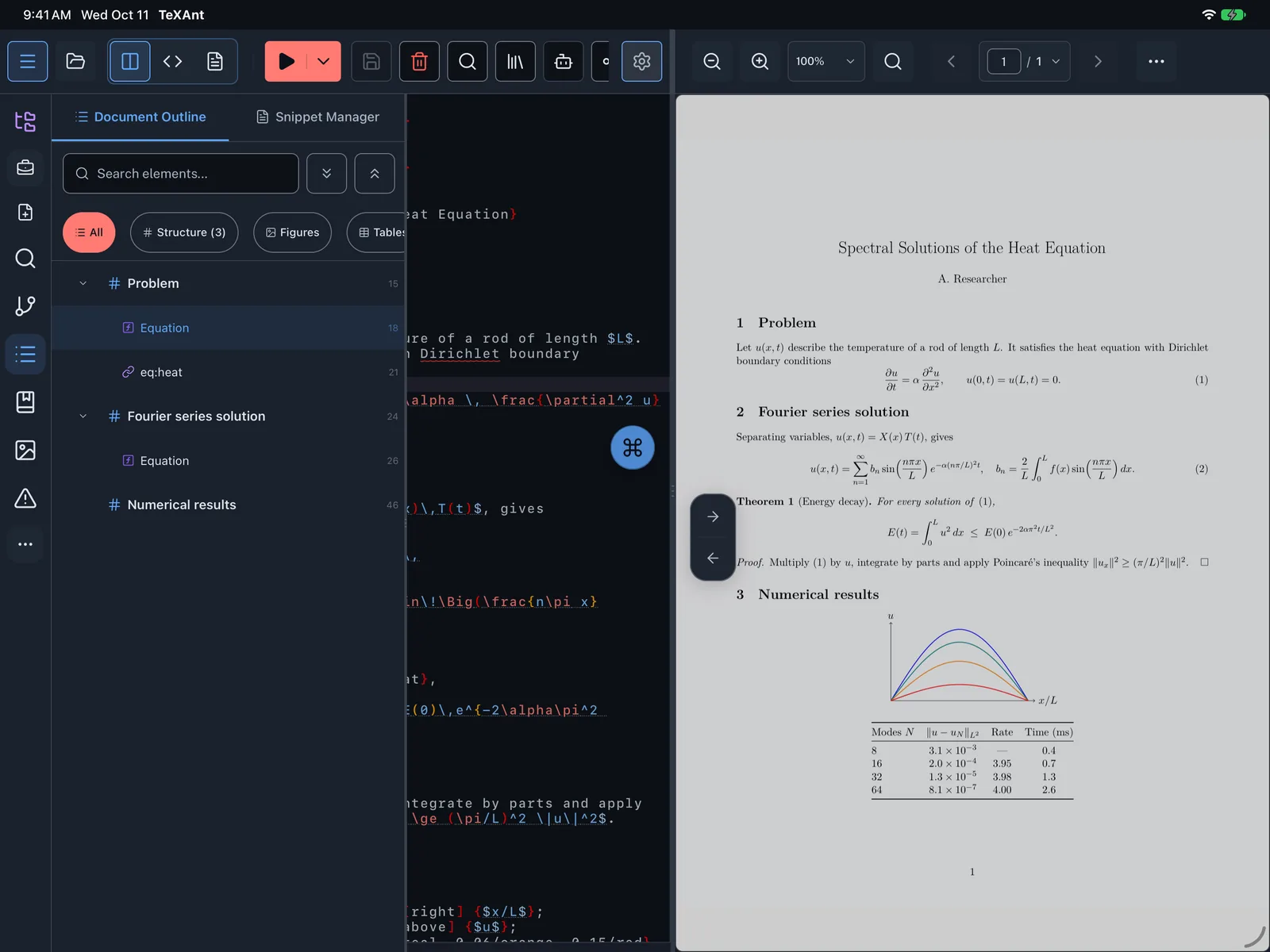
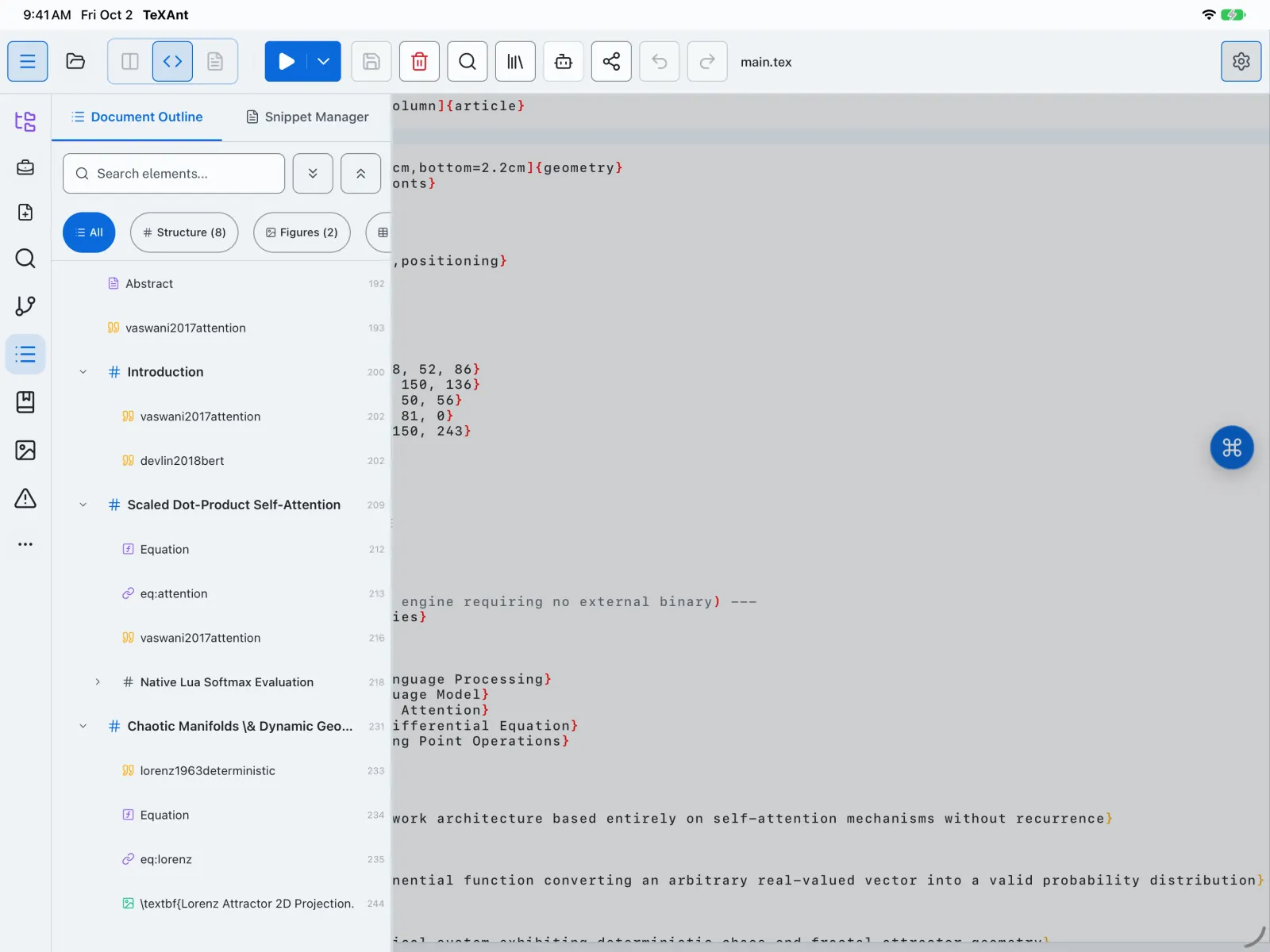
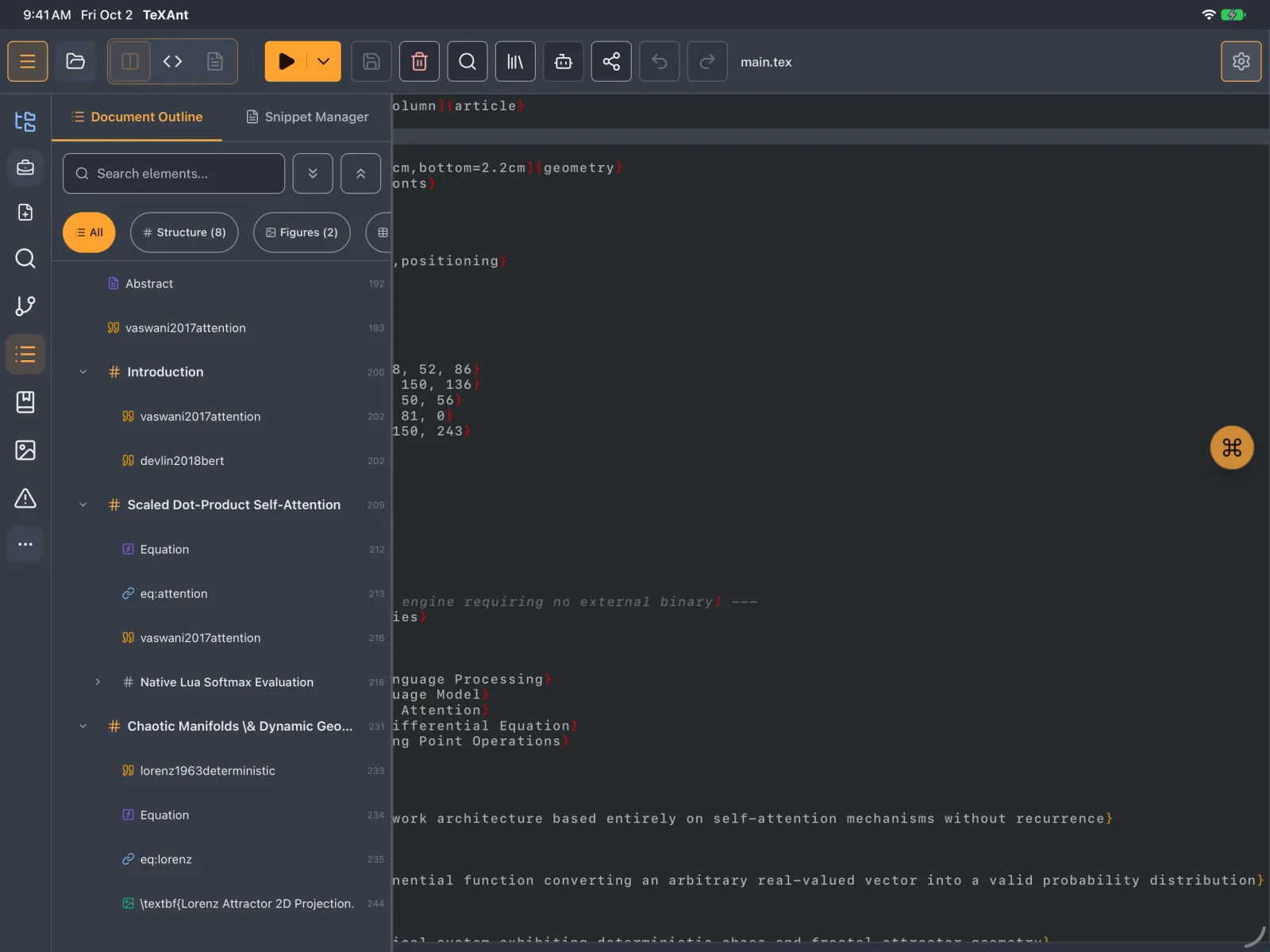
- Tap Structure on the left rail, or press ⇧ ⌘ 4. The Document Outline lists the open file.
- Use the chips to show All, Structure, Figures, Tables, References or TODOs. Each one shows how many items it has.
- Type in Search elements... to find an item by name.
- Tap any row to jump to that line.
- Figures and tables without a caption appear as Figure (no caption) or Table (no caption), so they are easy to spot.
- Comments that start with
% TODO:show up under TODOs. Write% TODO: [x]or[done]and the item is crossed out.