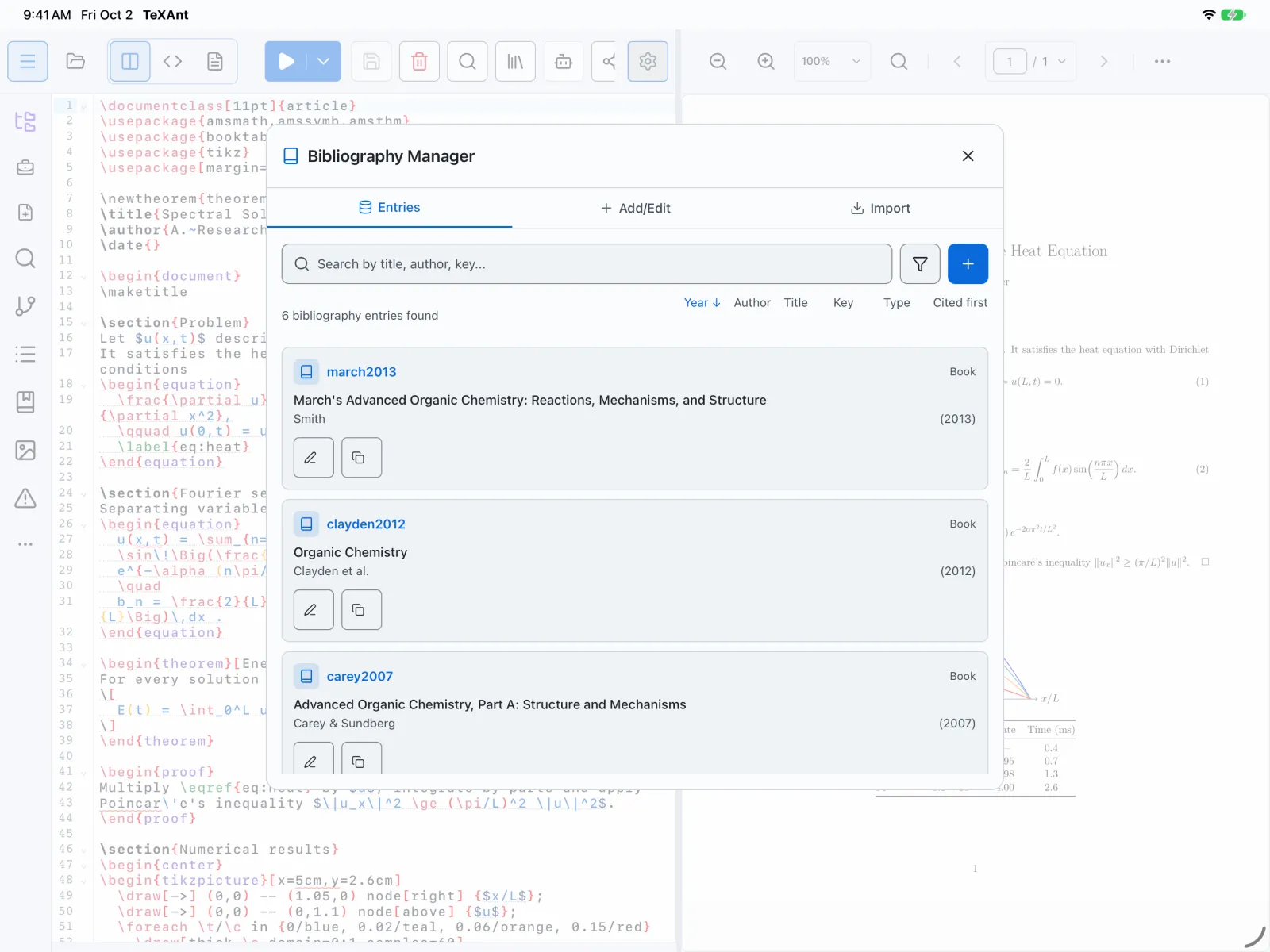
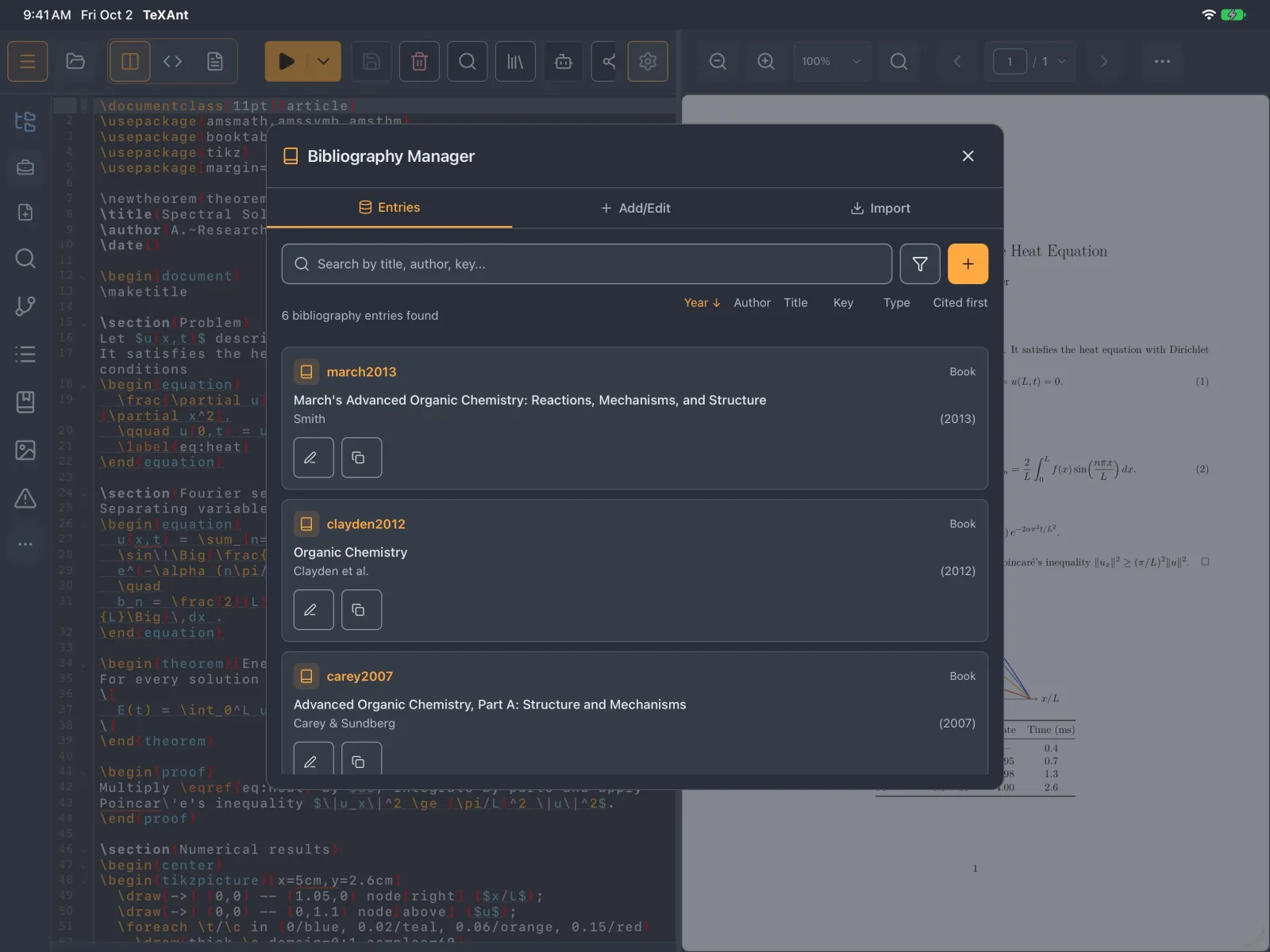
GUIDE 37 OF 42 · REFERENCES
Add a reference by DOI
Paste a DOI and TeXAnt fills in the bibliography entry for you.
- Open the Bibliography Manager from the … button on the left rail.
- Go to the Import tab and find DOI Lookup.
- Paste the DOI, for example
10.1000/xyz123, and tap the magnifier. - Check the result and the Suggested key, then tap Import.
- On the Entries tab, tap Edit Entry on the new reference and then Save. This writes it into your project’s
.bibfile.
- To type a reference yourself, use the Add/Edit tab. Leave Citation Key empty and TeXAnt makes one from the first author’s surname and the year.
- The lookup uses CrossRef, so it needs a connection.