GUIDE 8 OF 42 · EDITOR
Turn the LaTeX keyboard bar on or off
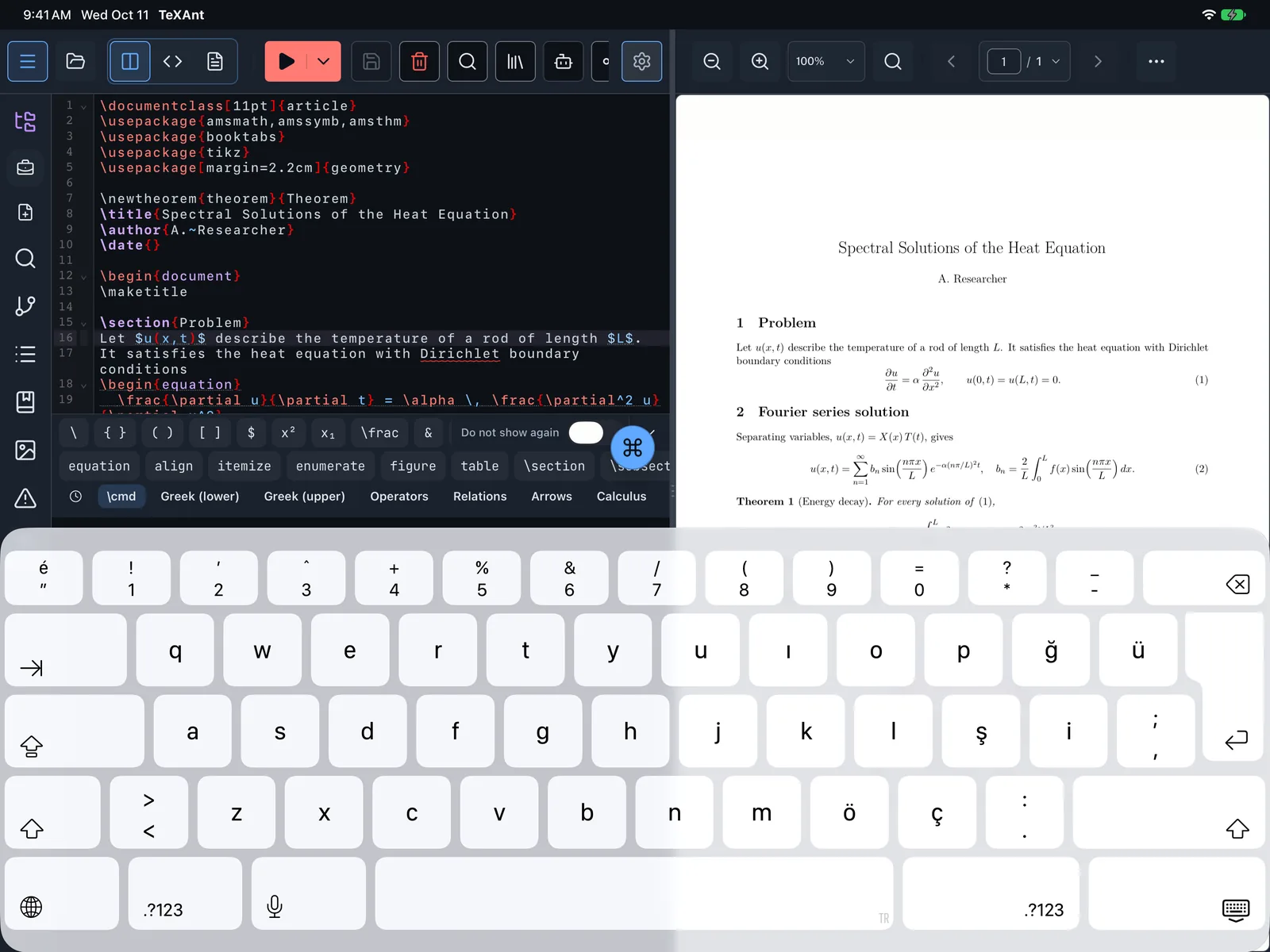
A bar above the on-screen keyboard with backslash, braces, brackets, $, ^, _ and other LaTeX characters.
- Open Settings (the gear in the top bar, or ⌘ ,) and choose Editor.
- Switch on LaTeX Keyboard Bar. It is off by default.
- Tap into your document. The bar sits above the keyboard while you edit and gives you LaTeX characters in one tap.
- To turn it off, switch LaTeX Keyboard Bar off again, or use Do not show again on the bar itself.
- The bar hides while the AI chat is open.