GUIDE 32 OF 42 · CLOUD SYNC & BACKUP
Restore a project from a backup
Bring a project back to the state of an earlier backup.
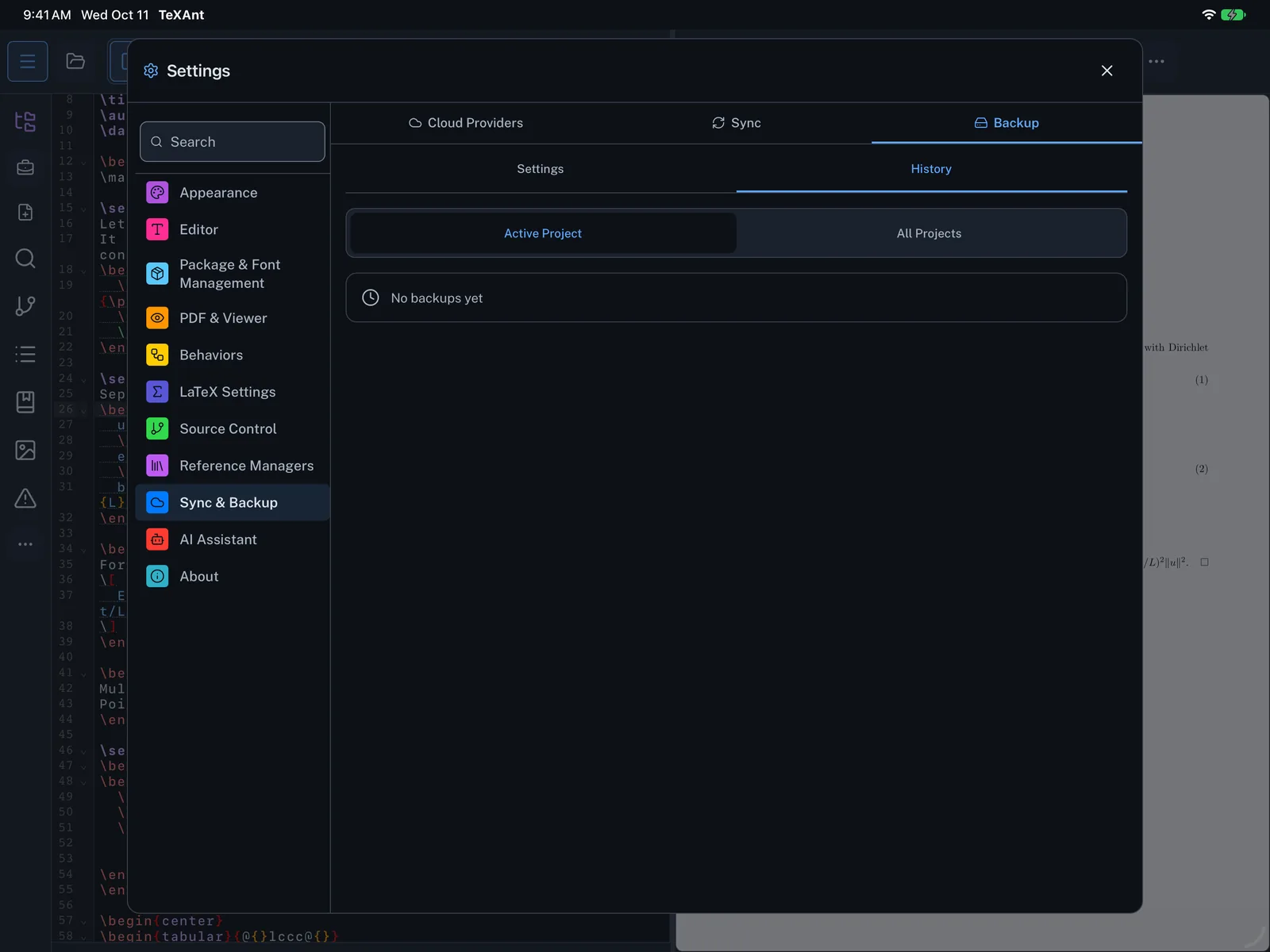
- Open Settings → Sync & Backup → Backup and switch to the History tab.
- Choose Active Project to see this project’s backups, or All Projects.
- Find the backup you want and tap Restore.
- Confirm with Restore. The project files are replaced by the ones in the backup, and you see Backup restored successfully.
- Restoring overwrites the current files and does not keep a copy of them. If you might want them later, tap Backup Now on the Settings tab first.