GUIDE 16 OF 42 · WRITING TOOLS
Build a formula with the equation editor
Type or tap a formula in a visual editor and insert the LaTeX it produces.
- Put the cursor where the formula should go.
- Tap the … button on the left rail and choose Math Equation Editor.
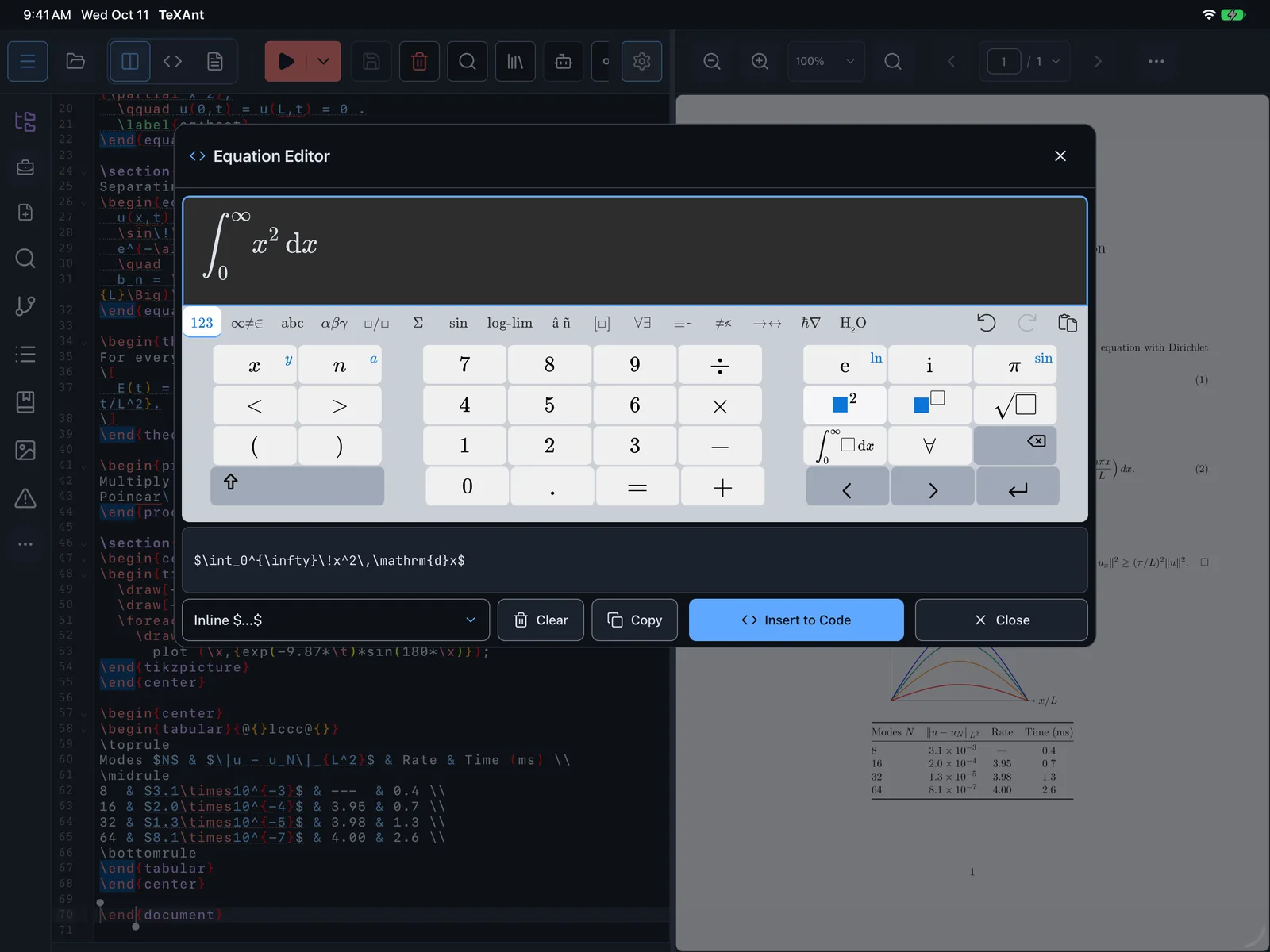
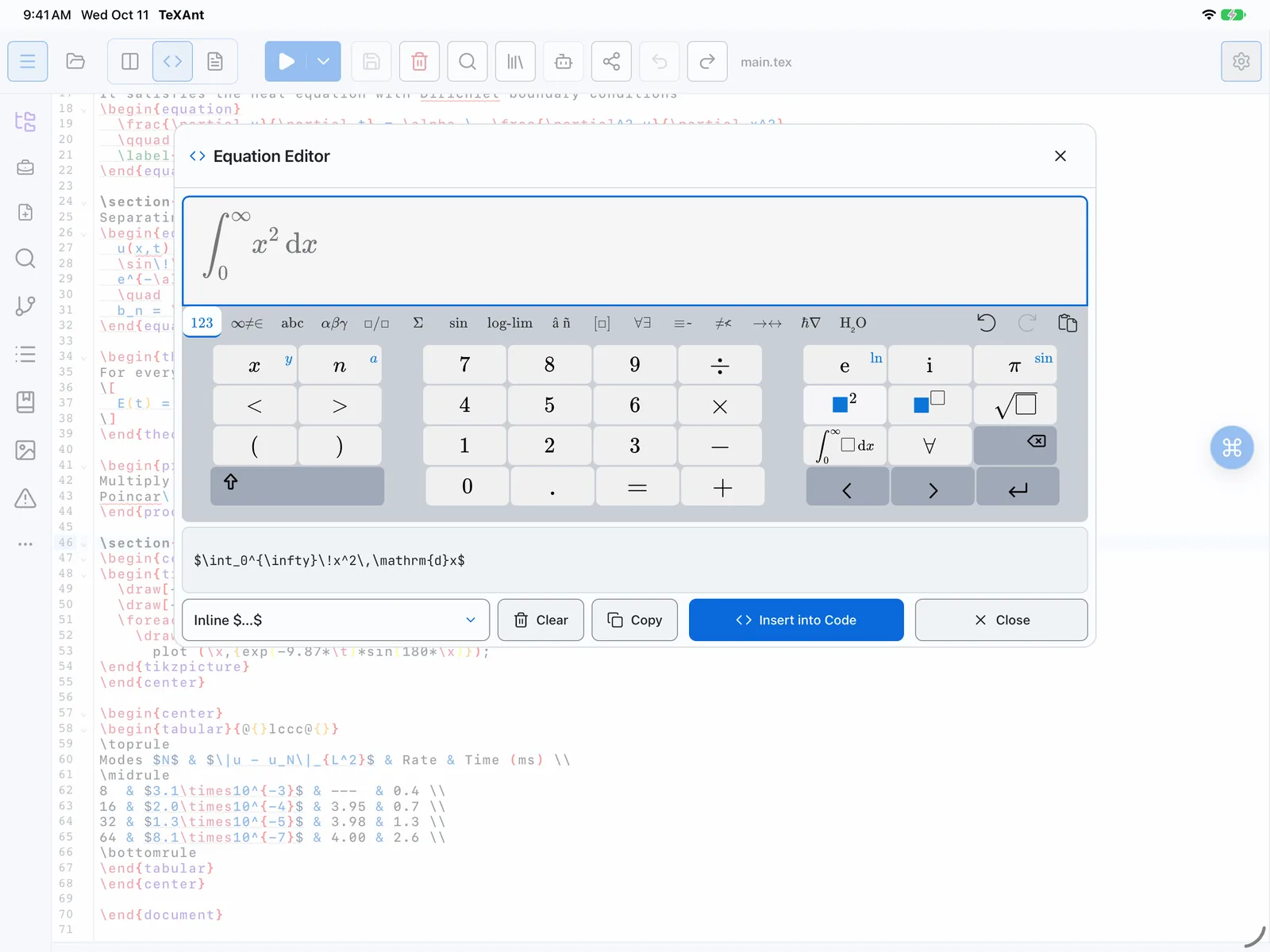
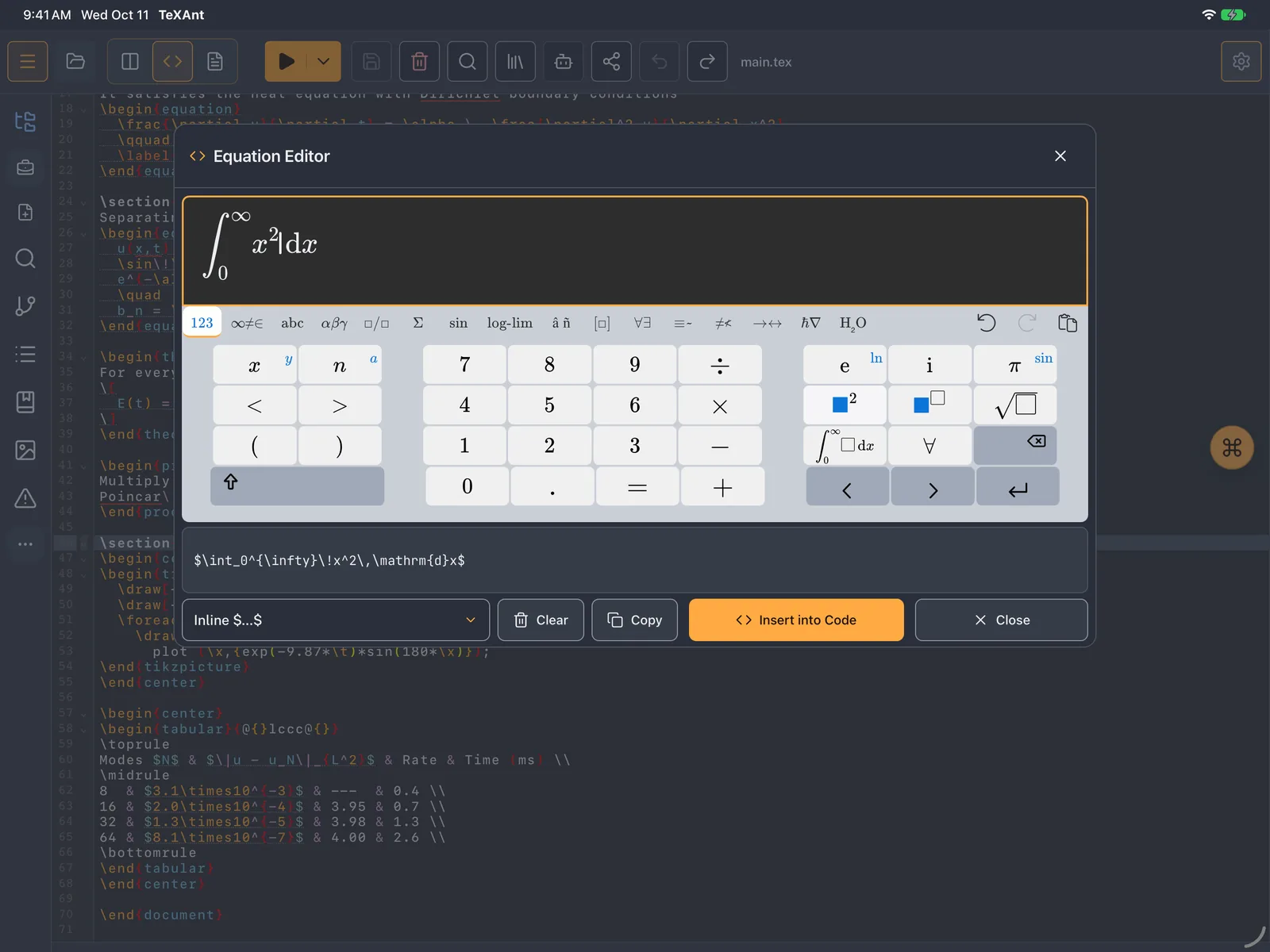
- Build the formula in the Equation Editor. You see it as it will look, and the LaTeX is generated for you.
- Choose the Math format: Inline $...$ inside a sentence, or Block Equation \[...\] on its own line.
- Tap Insert into Code, or Copy to paste it somewhere else.
- For a single symbol, tap the floating ⌘ button and choose Symbols: Greek letters, operators, arrows and more, with search and recent symbols.