GUIDE 38 OF 42 · REFERENCES
Find undefined references and unused labels
Check the whole project for references that point nowhere, labels you never use and missing citations.
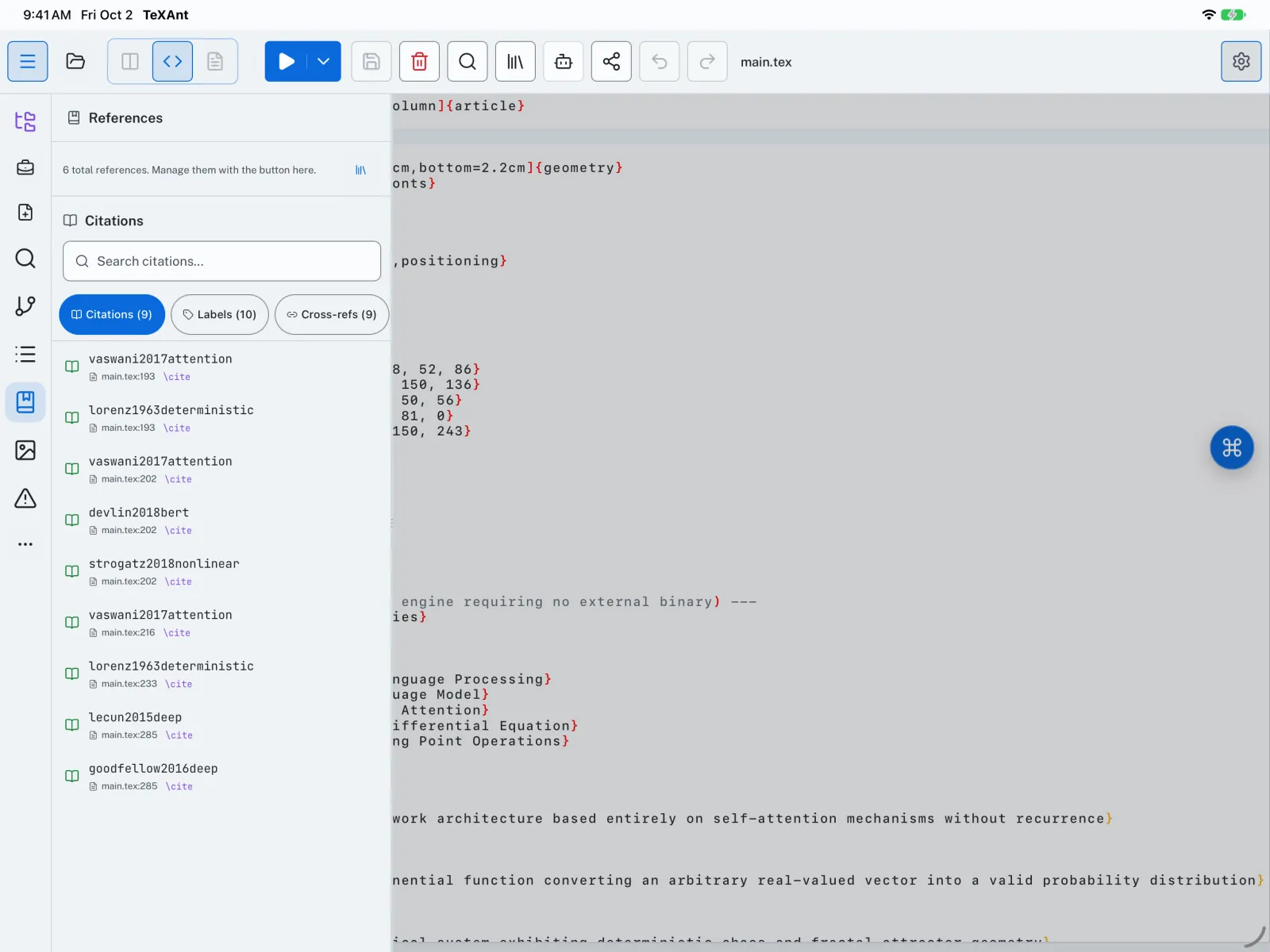
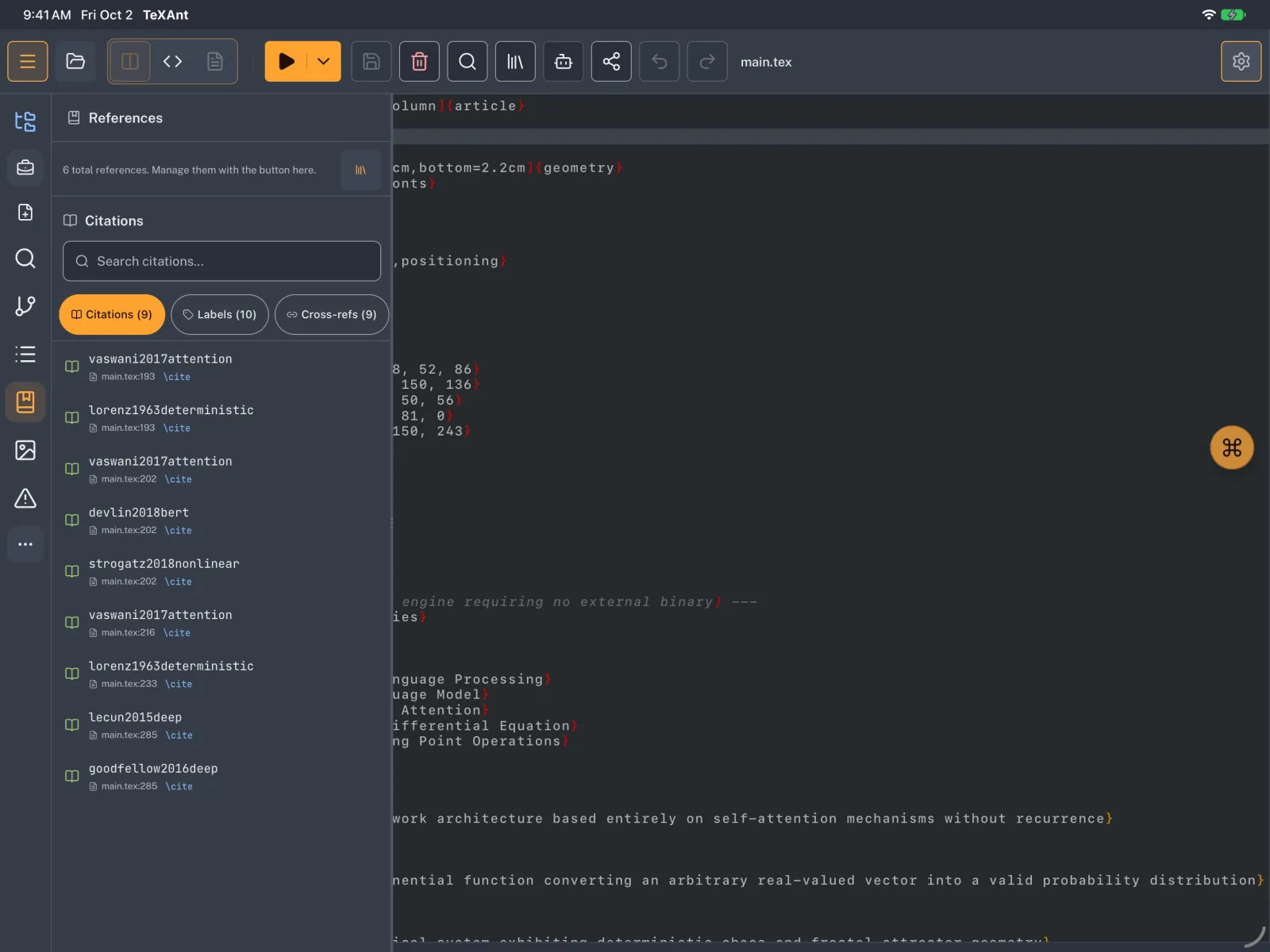
- Tap References on the left rail, or press ⇧ ⌘ 6.
- Open the Issues tab. It checks the whole project.
- Read the list: undefined references, unused labels, duplicate labels, undefined citations, unused bibliography entries and missing
.bibfiles. - Tap an issue to jump to its line. For an issue in another file, open that file first.
- When everything is fixed you see No issues found. All references are resolved.
- The Citations, Labels and Cross-refs tabs list every item with its file and line.