GUIDE 39 OF 42 · AI & MATH OCR
Turn a photo of a formula into LaTeX
Math OCR reads a formula from a photo or a picture and gives you LaTeX you can edit. It runs on the device.
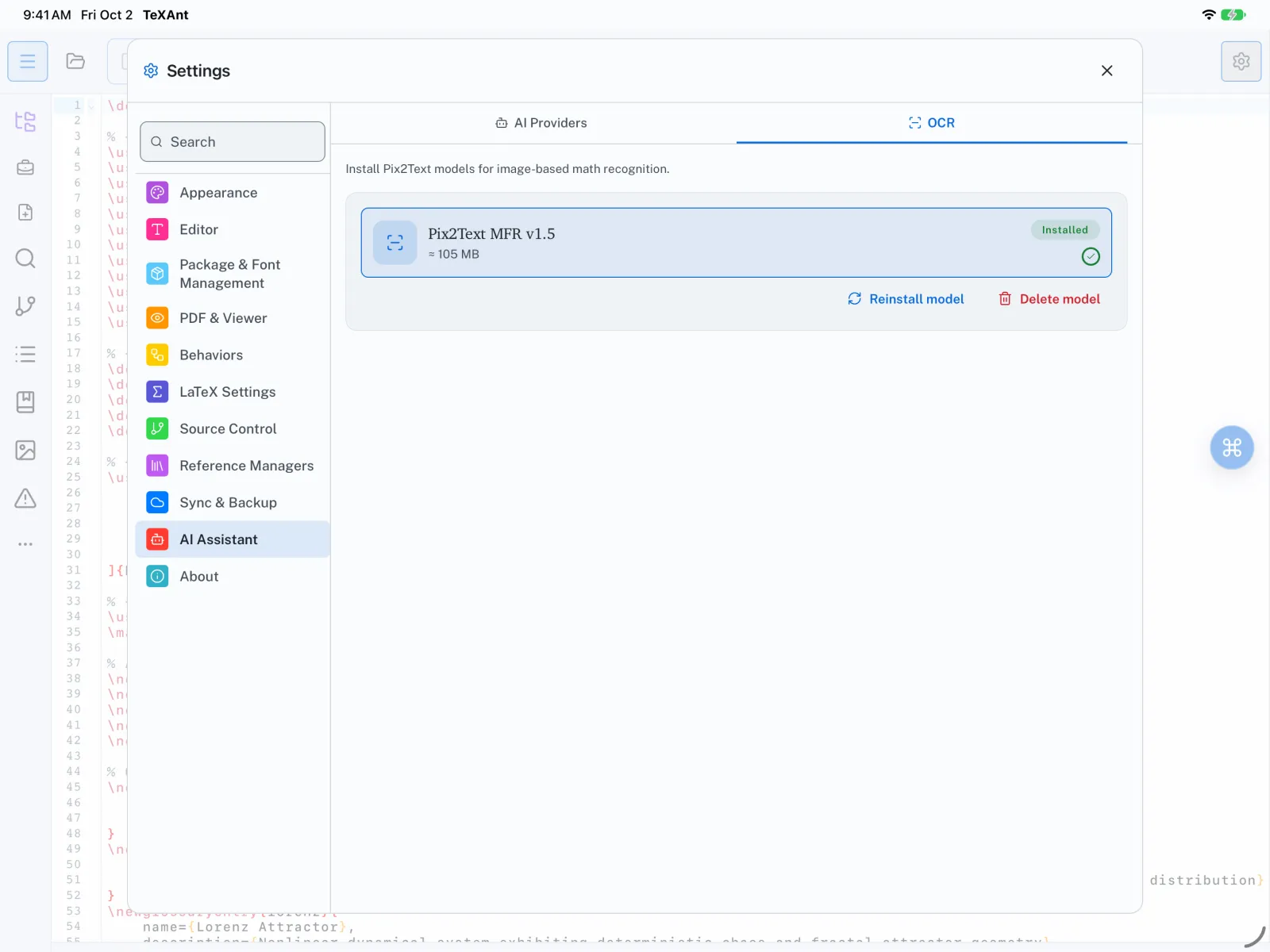
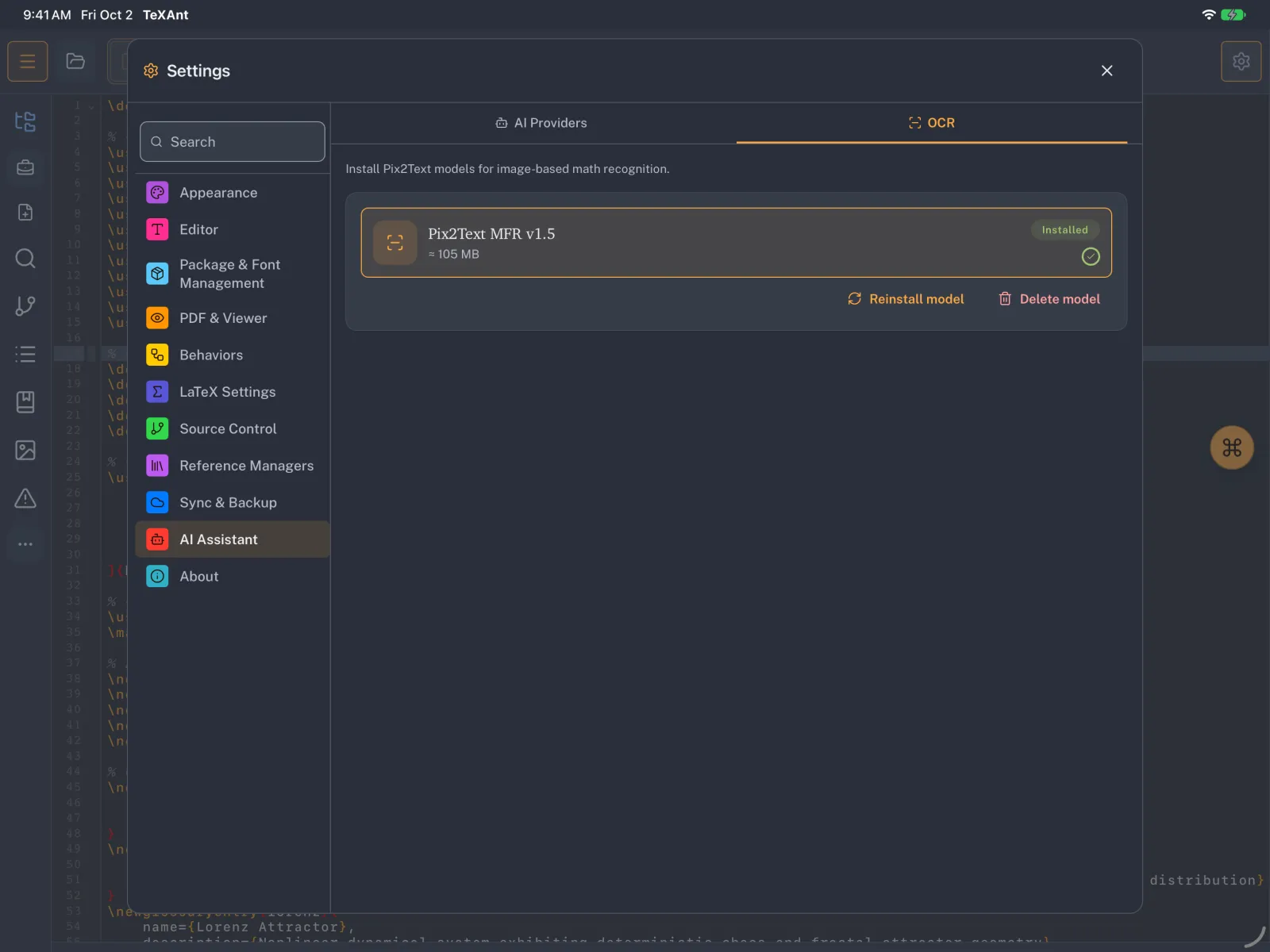
- The first time, download the recognition model: Settings → AI Assistant → OCR → Download OCR (about 105 MB). This happens once.
- Open Math OCR from the … button on the left rail, or Tools → Math OCR in the iPad menu bar.
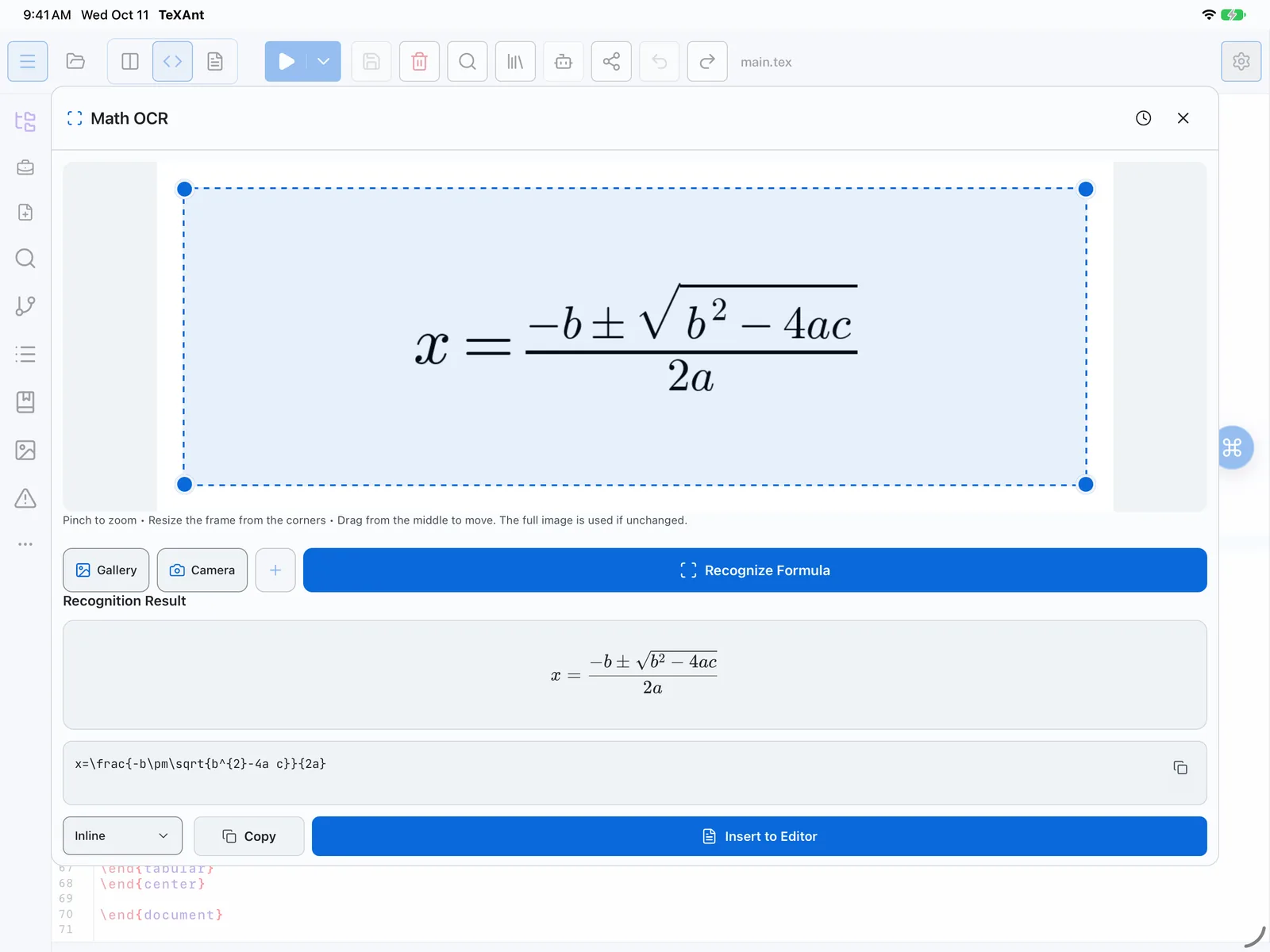
- Choose Camera to take a photo, or Gallery to pick a picture you already have.
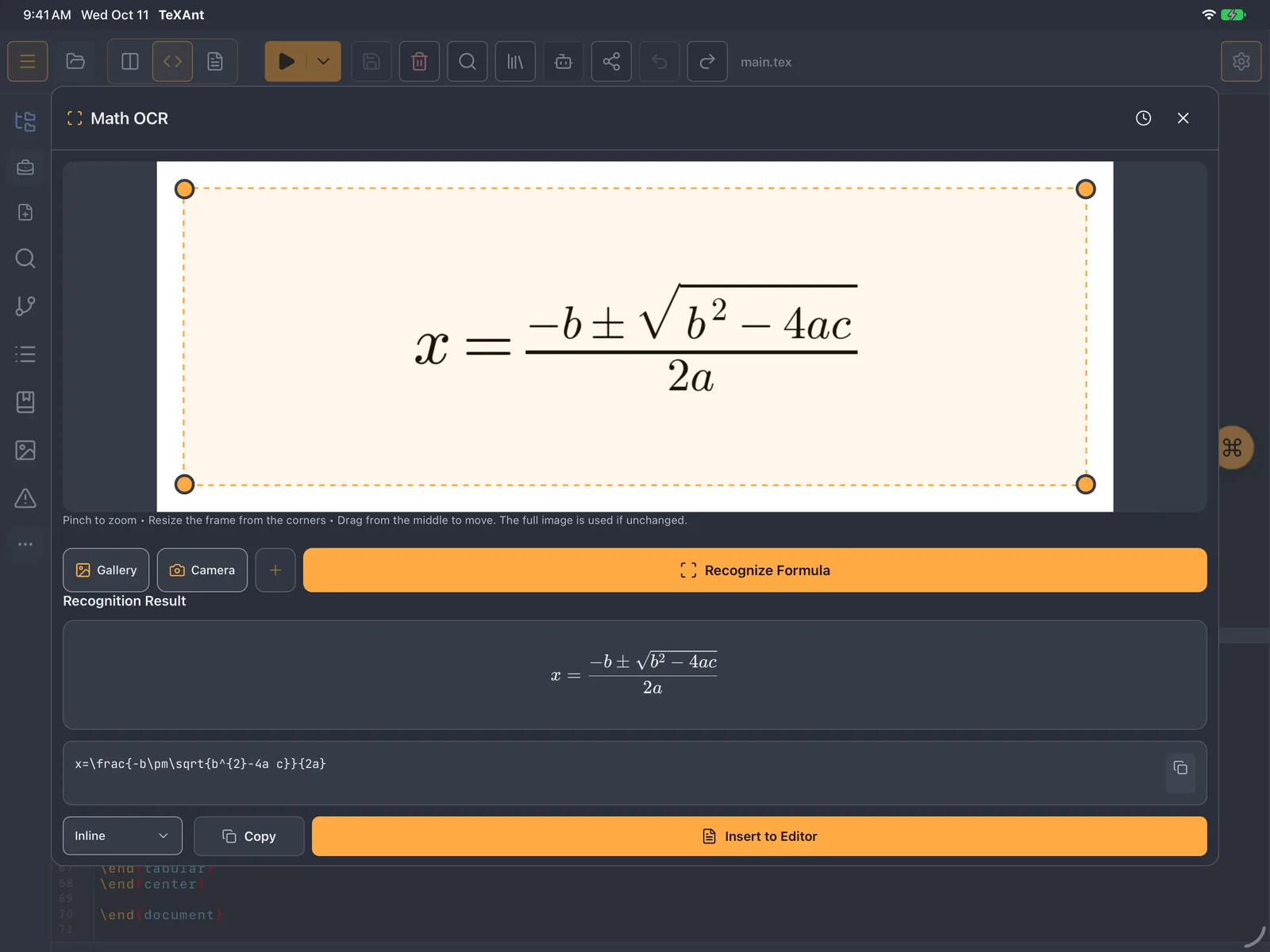
- Frame the formula: pinch to zoom, drag the corners to resize, drag the middle to move. Only the framed part is read. Add region lets you frame several formulas.
- Tap Recognize Formula.
- Check the Recognition Result. Correct the LaTeX if you need to, and choose Inline or Block Equation.
- Tap Insert to Editor, or Copy to paste it somewhere else.
- Your photo is never uploaded: recognition runs on your iPad or iPhone, and works offline once the model is downloaded.