TEMPLATES

Start from a template

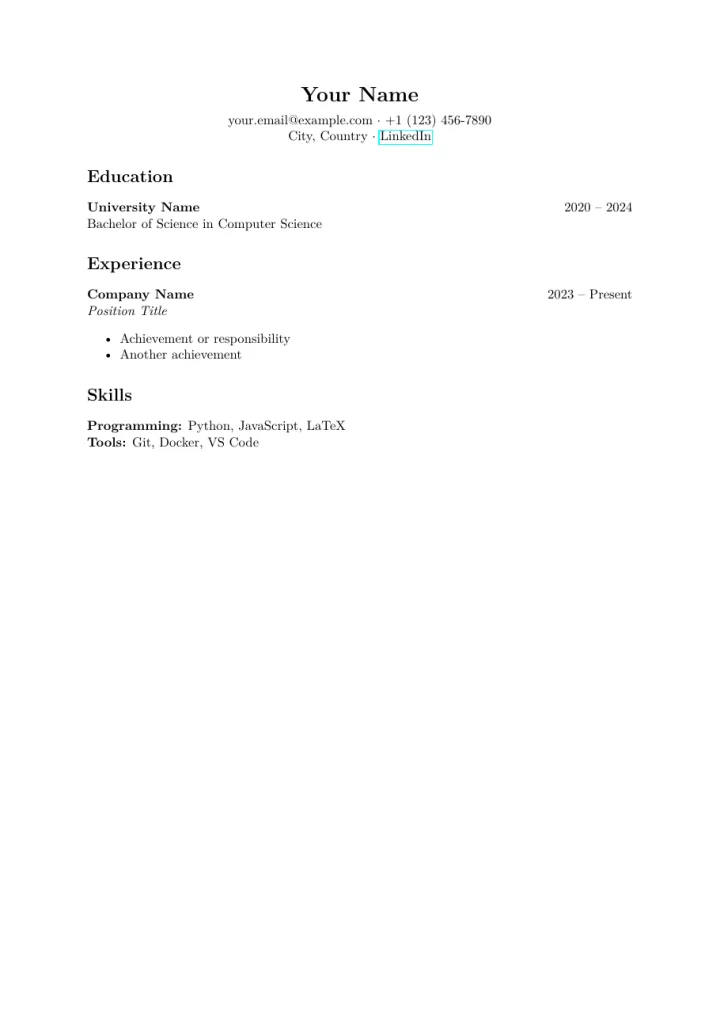
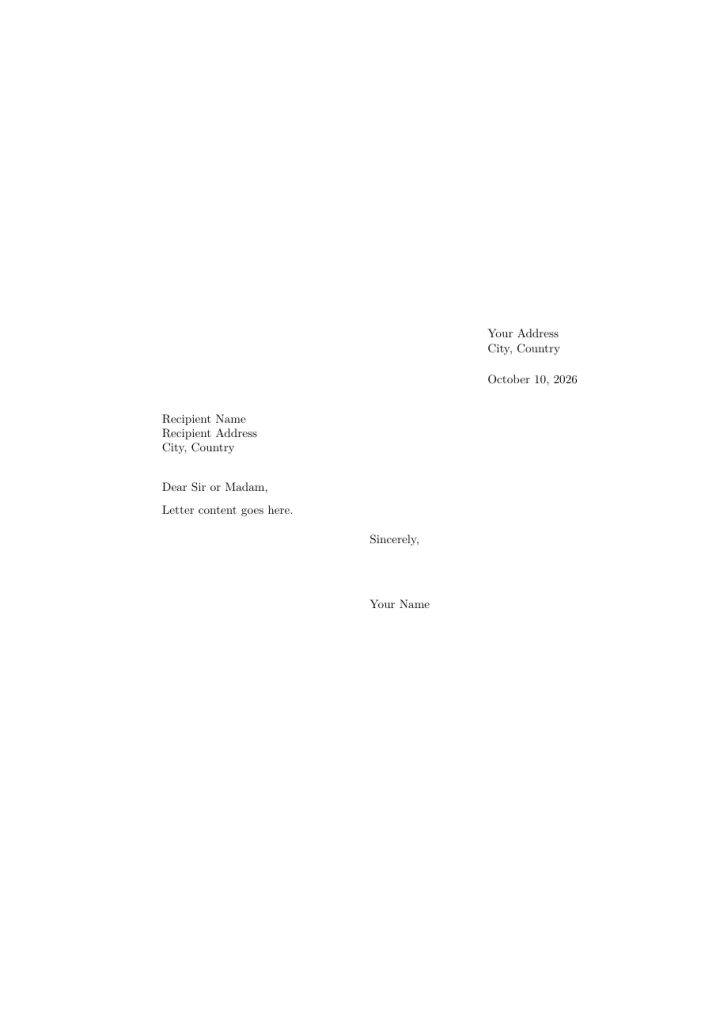
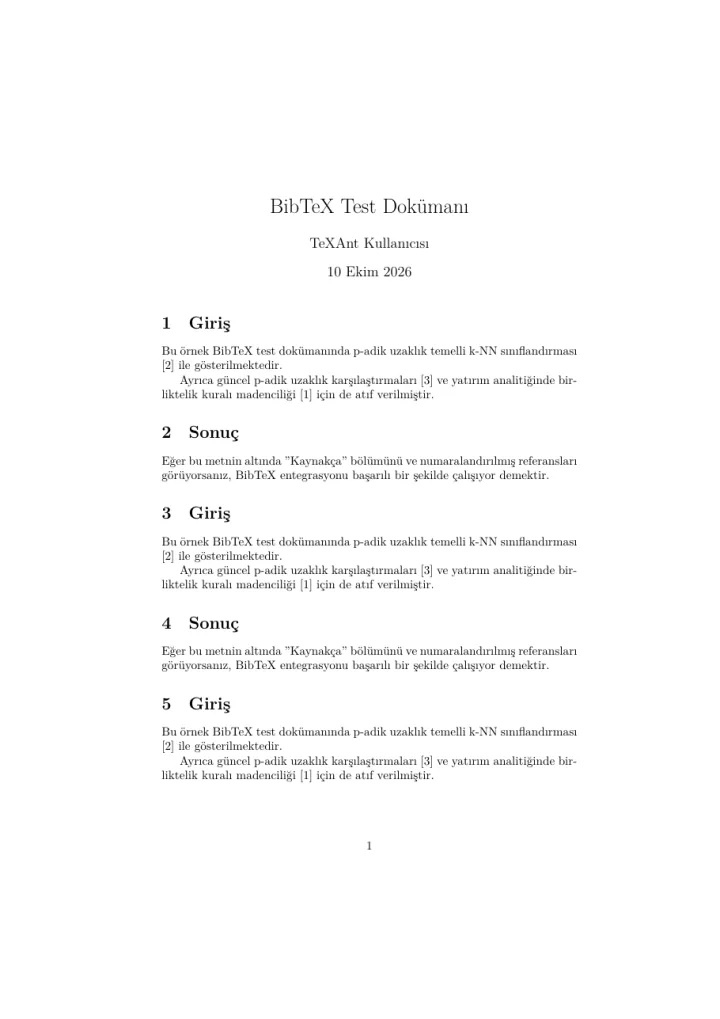
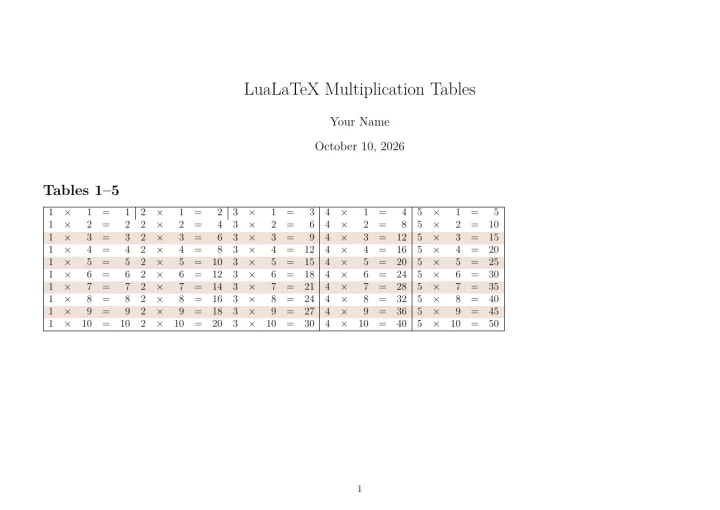
TeXAnt comes with 16 project templates. Each picture below is a page of the template exactly as it compiles, before you change anything.
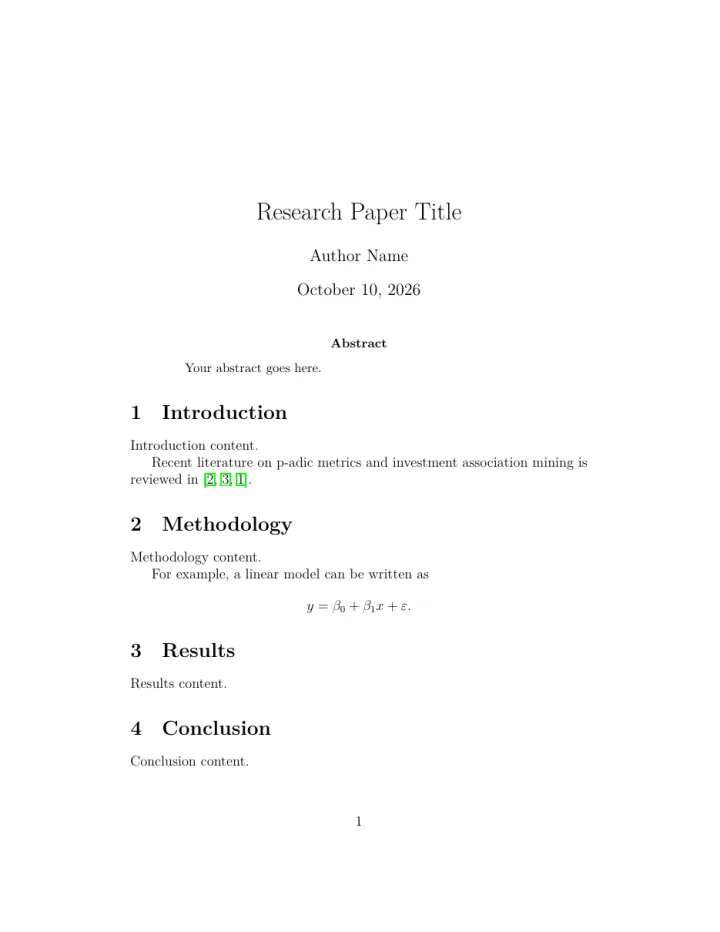
A page of the Research Paper template
Research PaperAcademic paper with bibliography and figures.
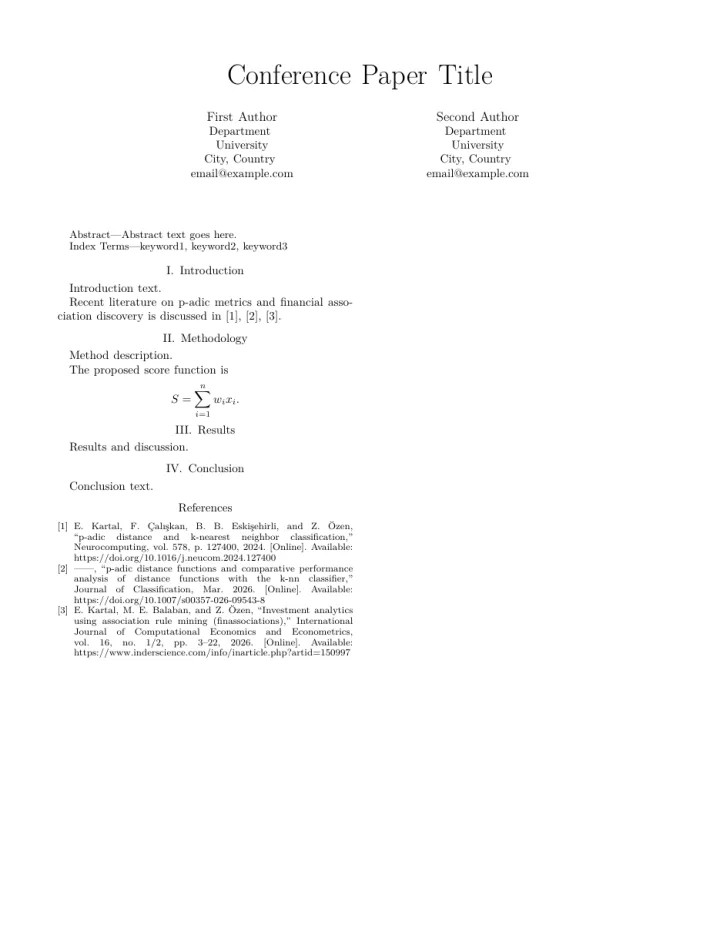
A page of the Conference Paper template
Conference PaperIEEE-style conference paper with references.
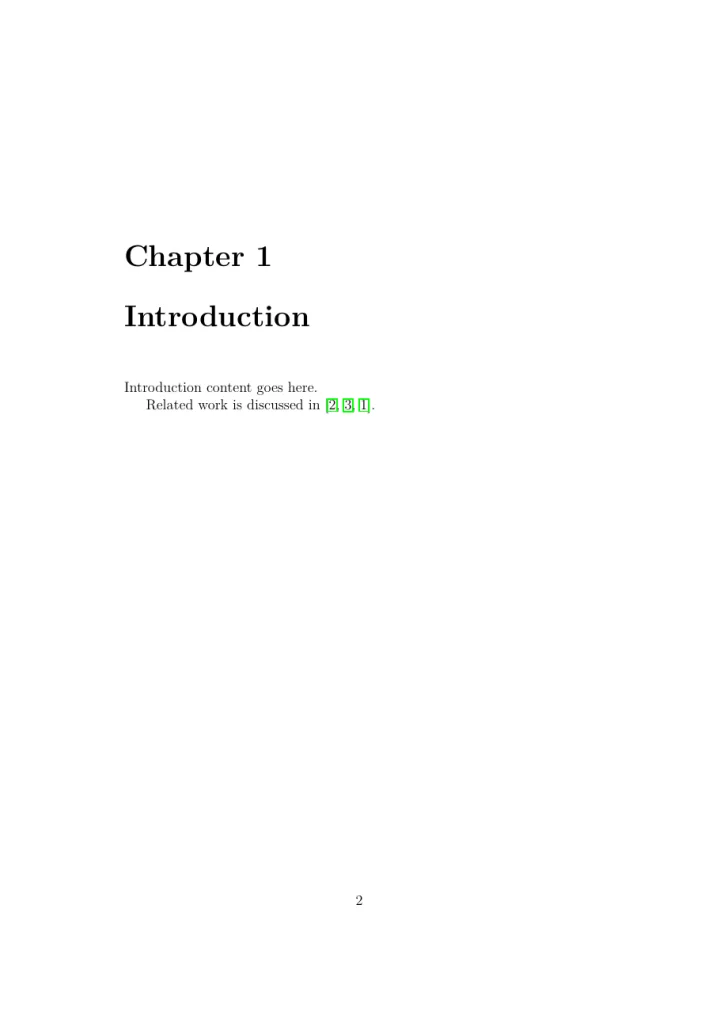
A page of the Thesis template
ThesisMulti-chapter thesis with appendices.
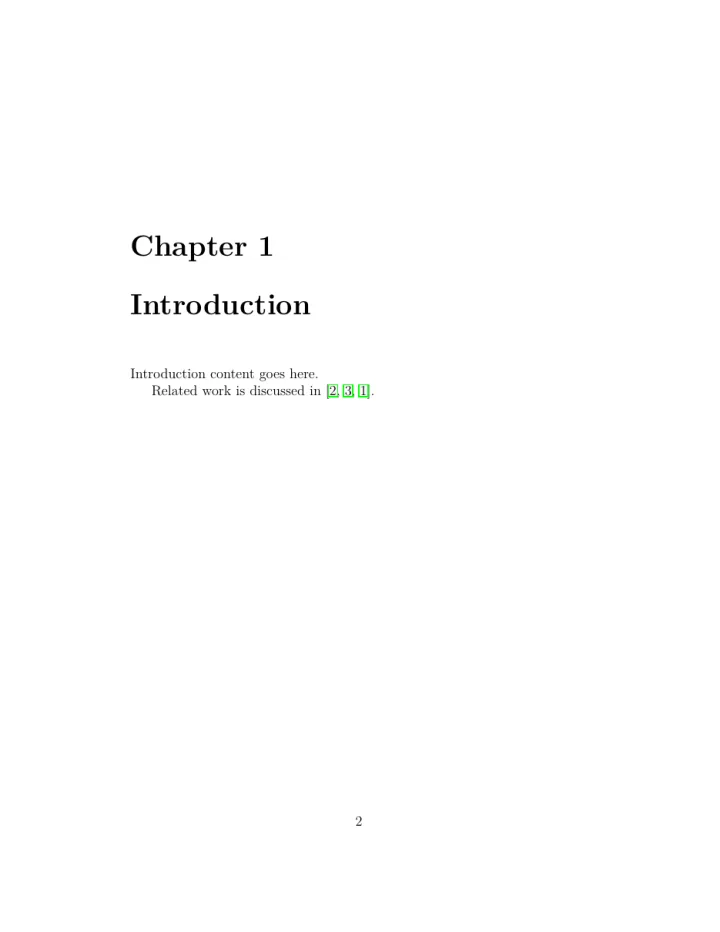
A page of the Report template
ReportStructured report with chapters and references.
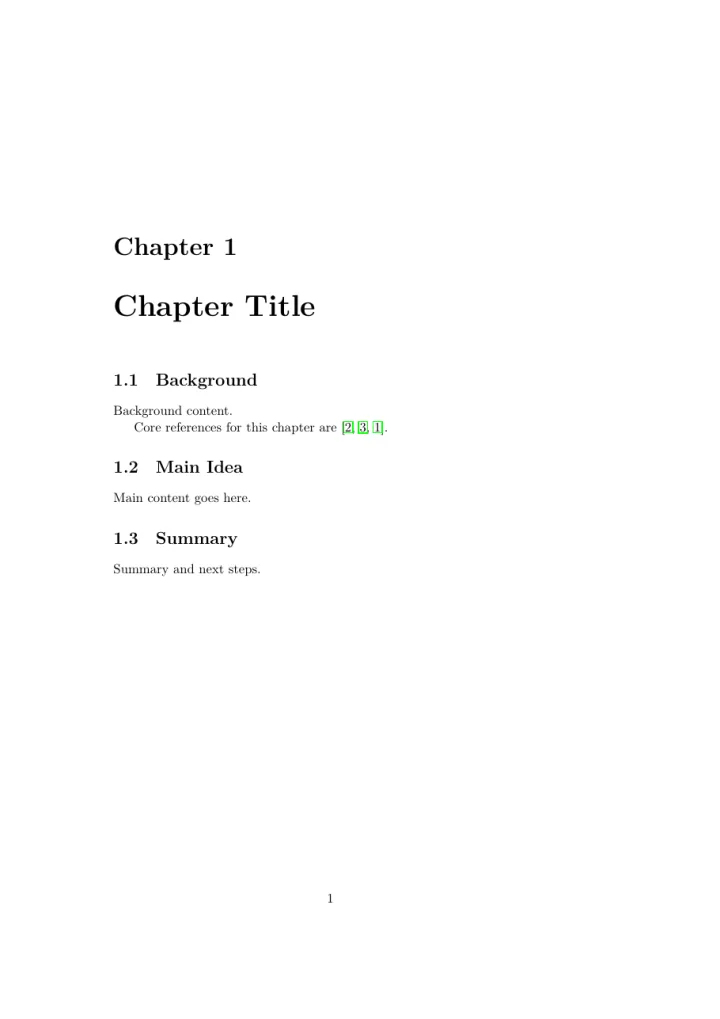
A page of the Book Chapter template
Book ChapterSingle chapter with sections and references.
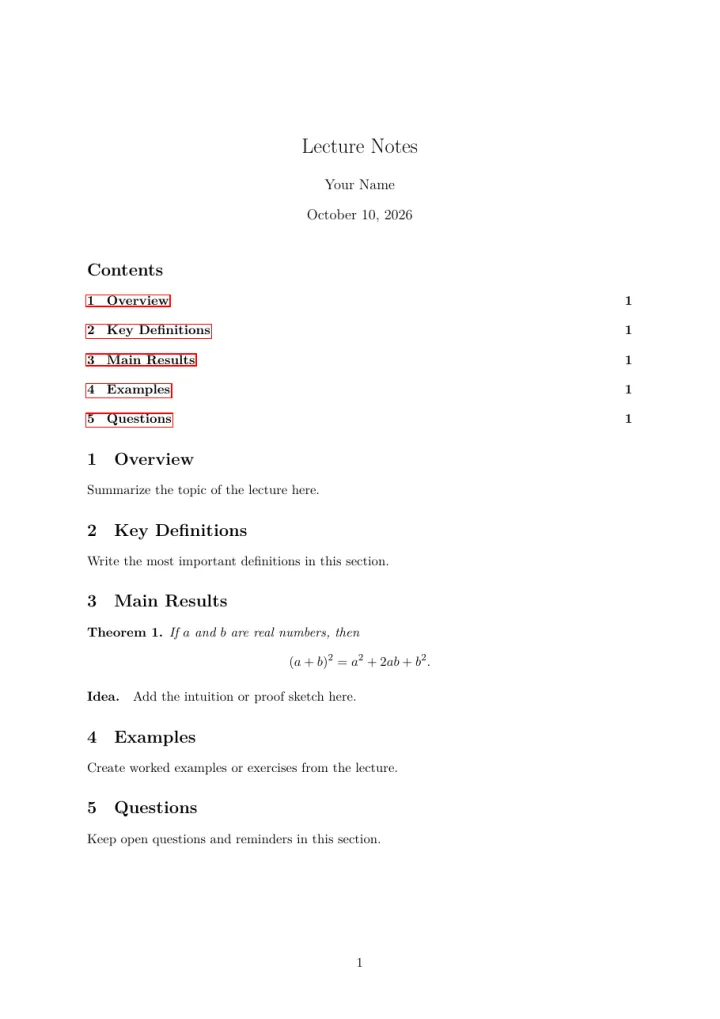
A page of the Lecture Notes template
Lecture NotesOrganized notes with sections and theorem-style blocks.
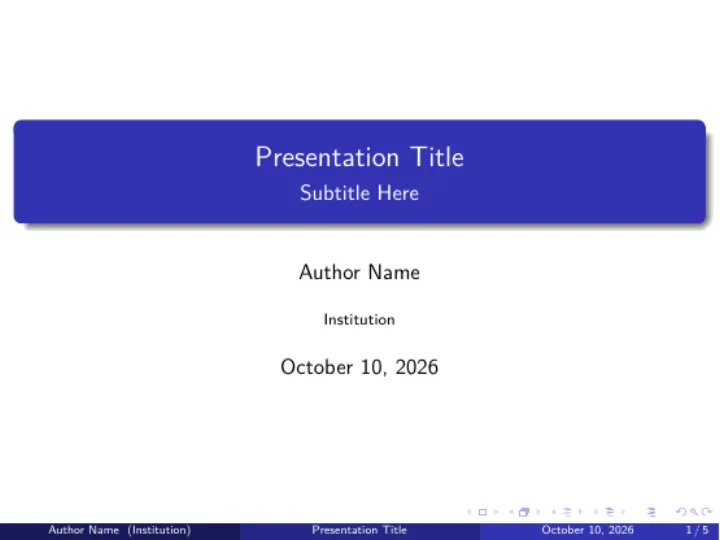
A page of the Beamer Presentation template
Beamer PresentationSlides made with Beamer.
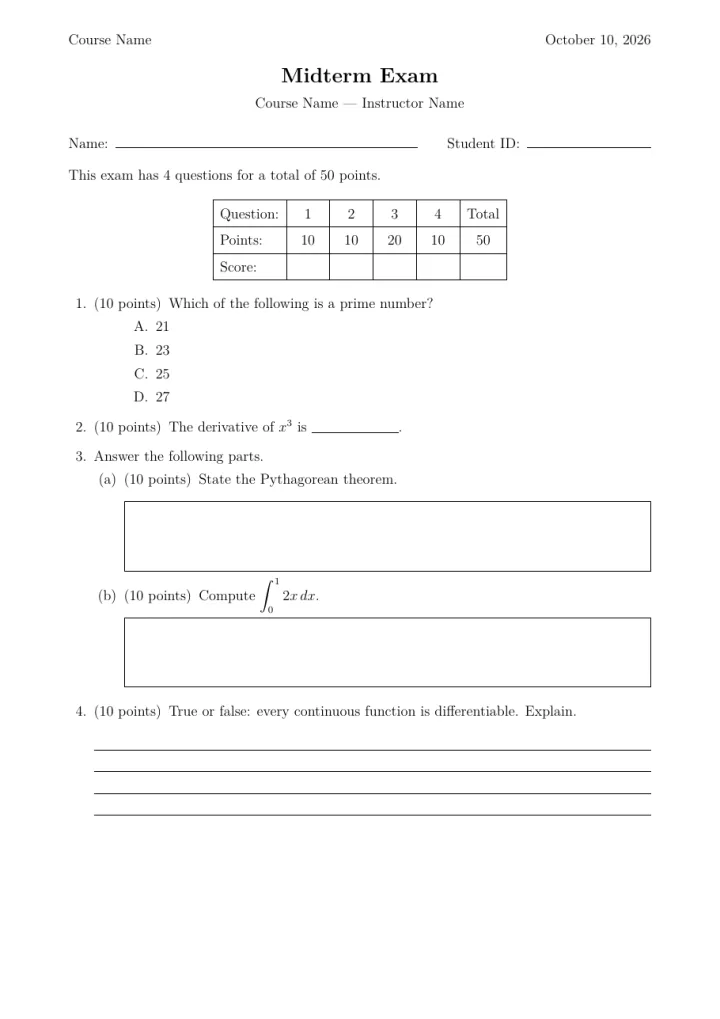
A page of the Exam template
ExamGraded exam with points, choices and an answer key.
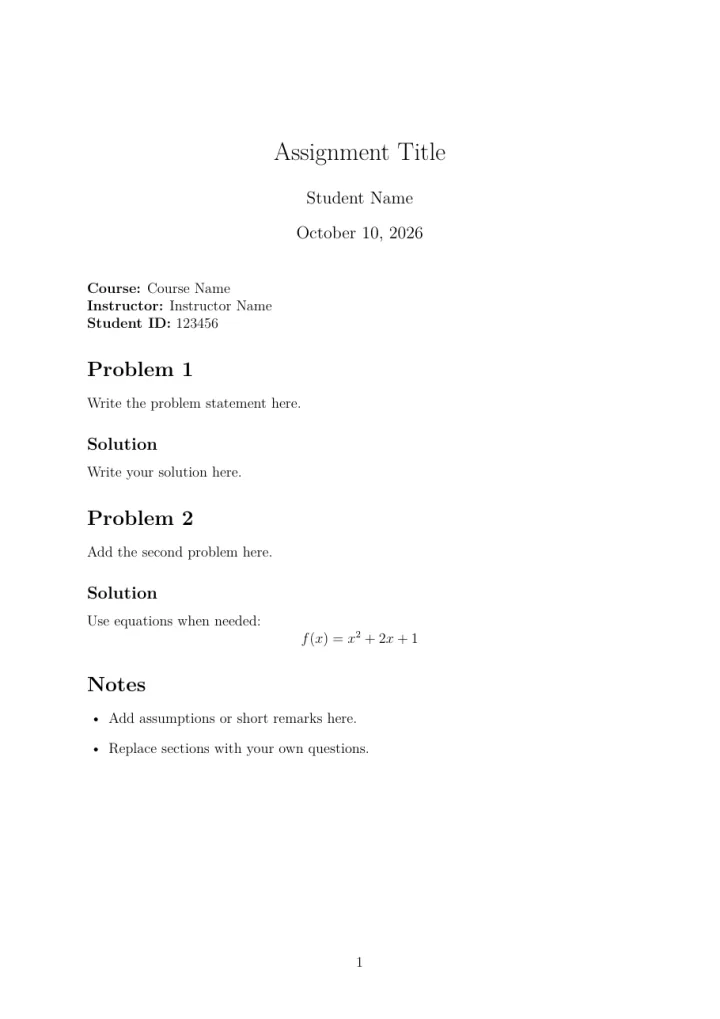
A page of the Assignment template
AssignmentHomework with question and solution sections.
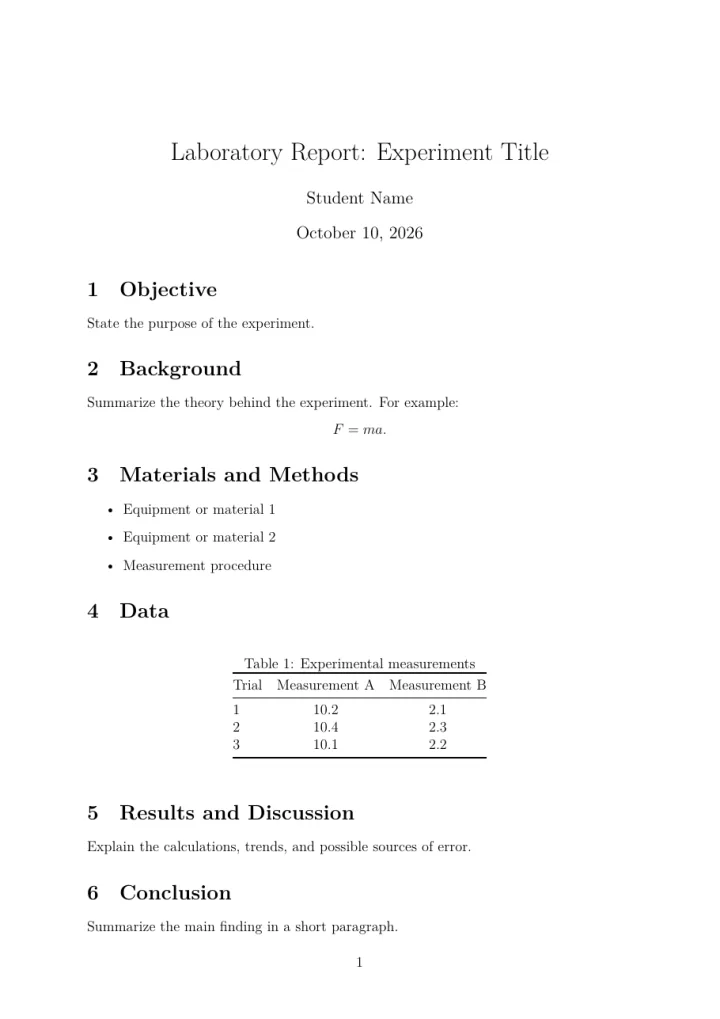
A page of the Lab Report template
Lab ReportObjective, methods, data and conclusion.
A page of the CV / Resume template
CV / ResumeProfessional curriculum vitae.
A page of the Formal Letter template
Formal LetterBusiness or academic letter.
A page of the BibTeX Example template
BibTeX ExampleShows how a BibTeX bibliography works.
A page of the LuaTeX Example template
LuaTeX ExampleMultiplication tables generated with Lua code.
A page of the Empty Project template
Empty ProjectA single main.tex to start from.

Languages

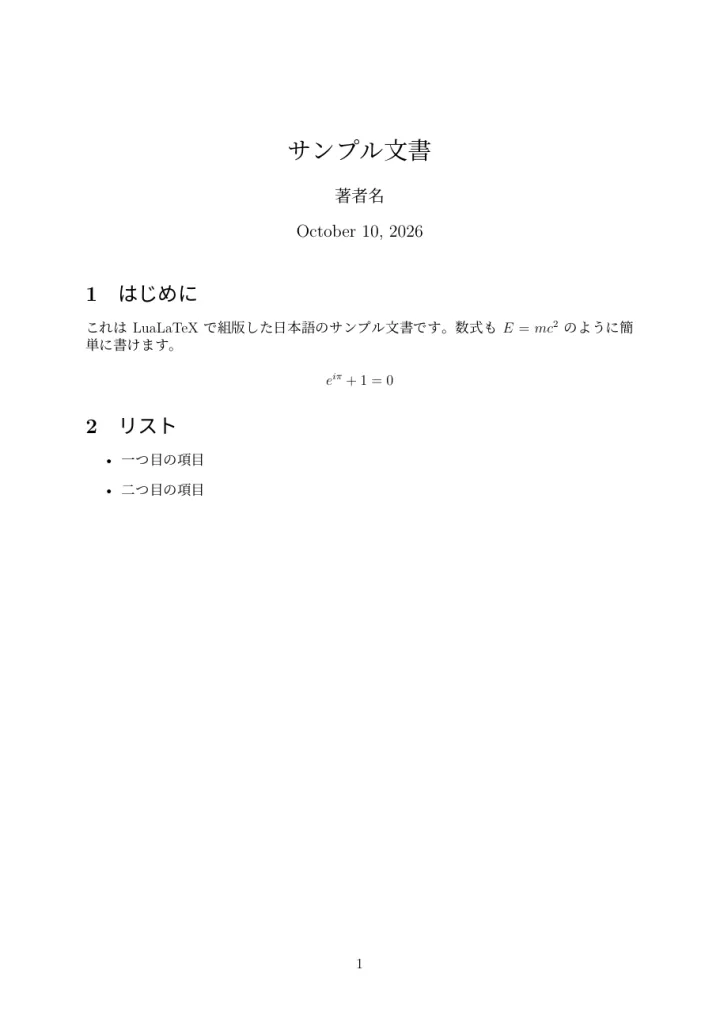
The sixteenth template is a starter for languages that need their own fonts: Arabic, Persian, Urdu, Chinese, Japanese, Korean, Russian, Vietnamese, Hindi, Marathi and Thai. Pick the language when you create the project and the right setup is written for you. If a font is not installed yet, TeXAnt offers to install it.
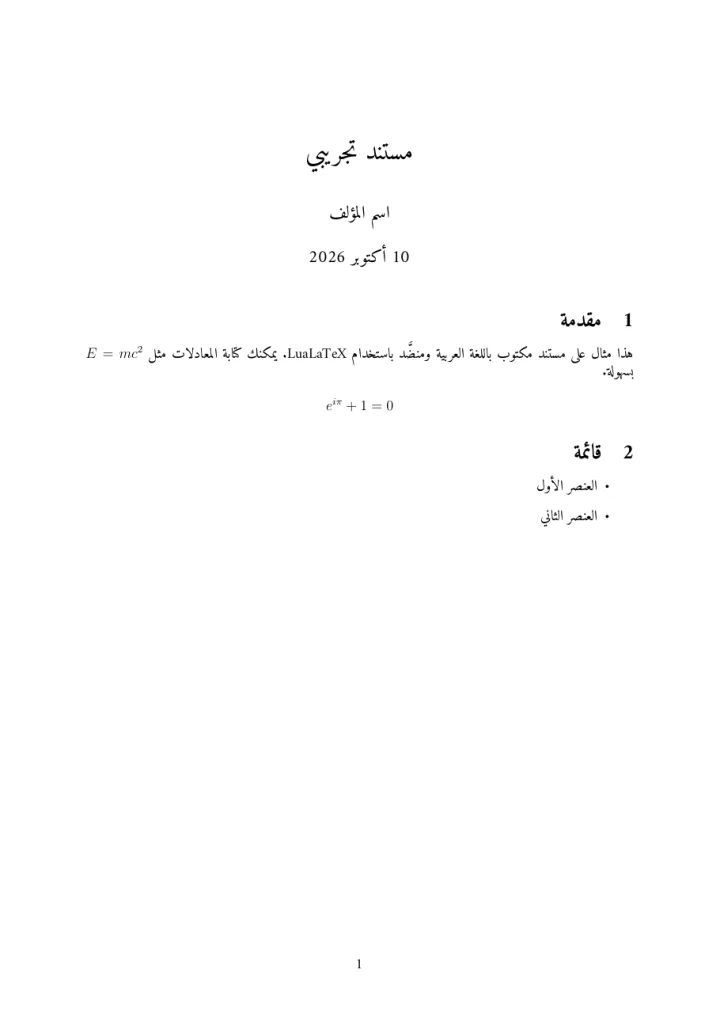
First page of the language starter in Arabic
Arabic
First page of the language starter in Japanese
Japanese
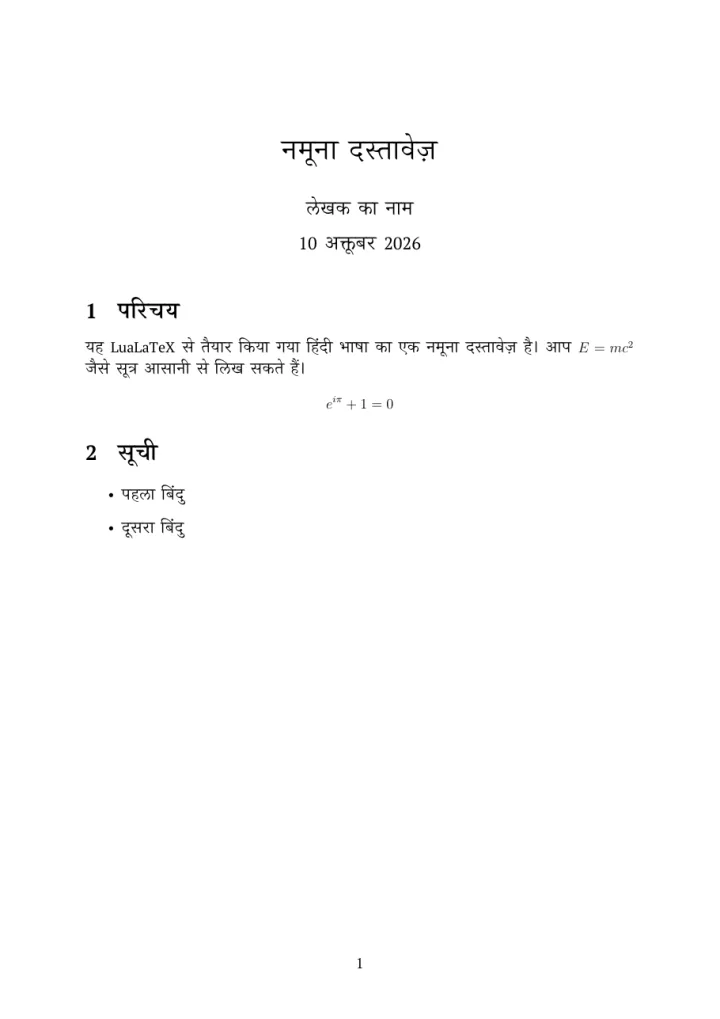
First page of the language starter in Hindi
Hindi

How to use one

In the Project Hub, tap Create New Project → Template, choose a template and give the project a name. The files are ordinary LaTeX, so you can change anything. New to TeXAnt? Start with Getting started.