GUIDE 13 OF 42 · EDITOR
Change the app language
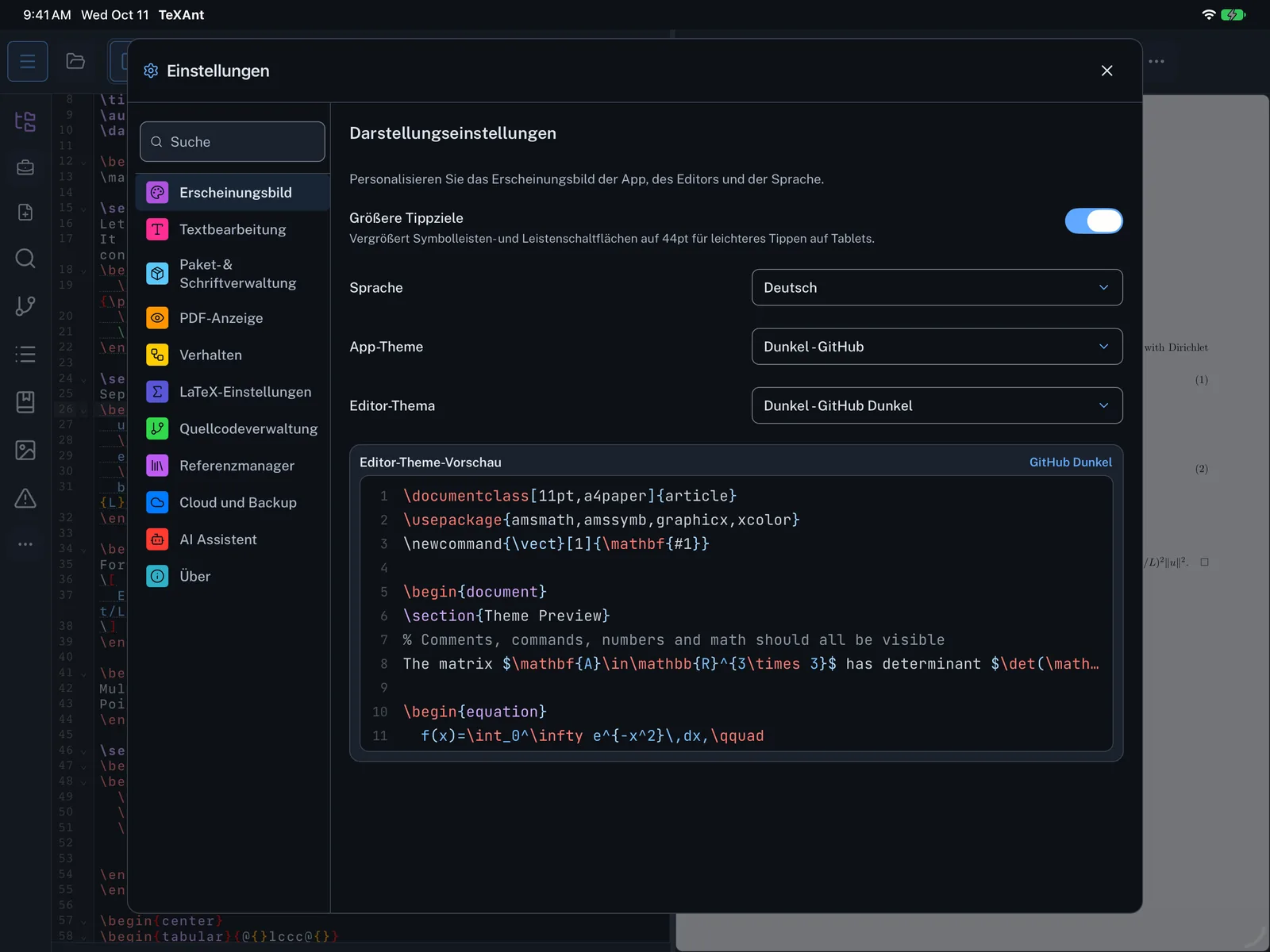
Use TeXAnt in any of 25 languages. Arabic, Persian and Urdu also turn the layout right to left.
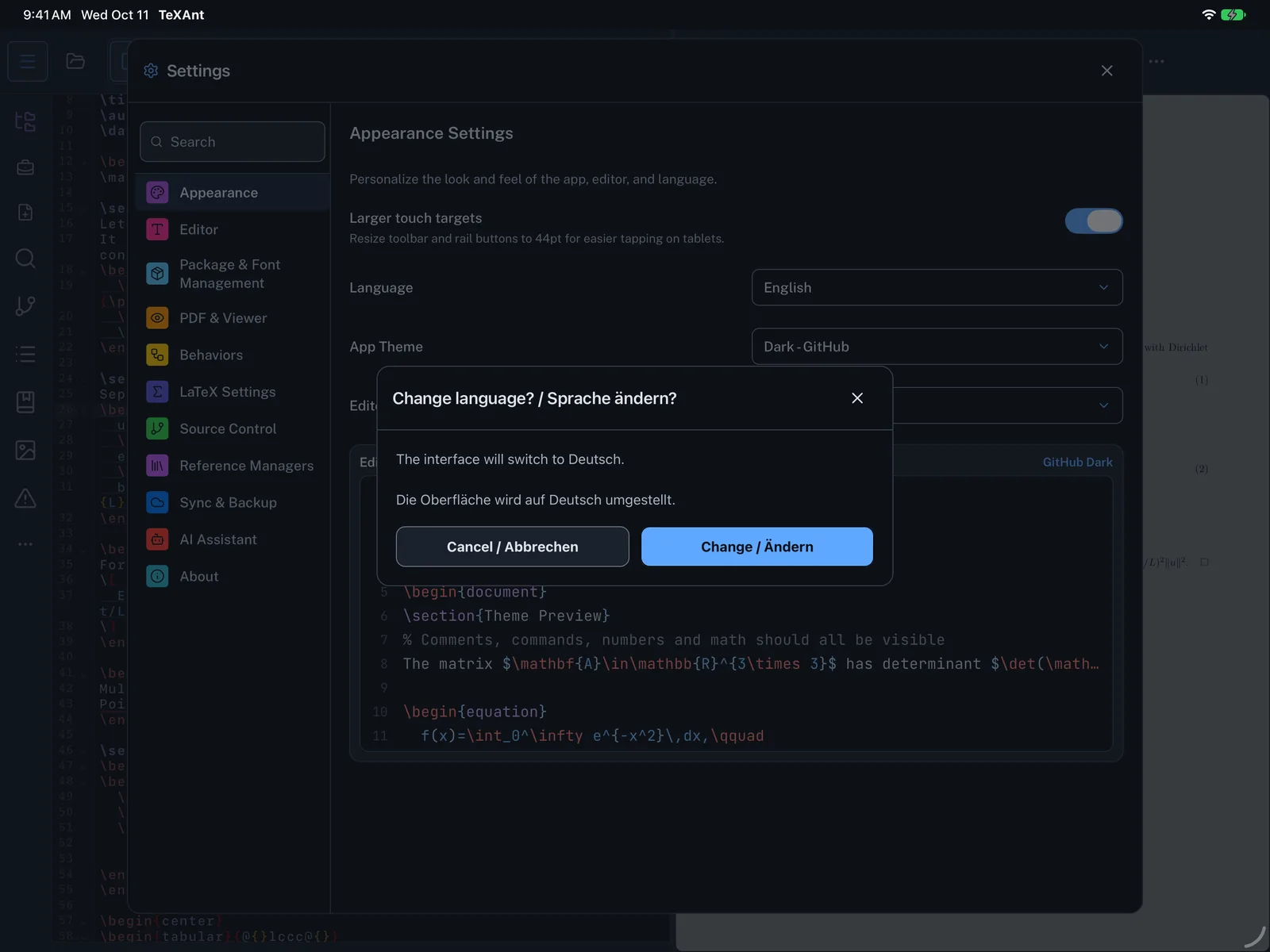
- Open Settings (the gear, or ⌘ ,) and choose Appearance.
- Tap Language and pick a language. Each one is listed in its own script.
- Confirm with Change.
- For Arabic, Persian or Urdu, or when you switch back from one of them, the layout direction changes after a restart. Choose Change and restart, or Change, restart later and use Restart Now under the Language row when you are ready.